🌟 AnyLabeling 🌟
Effortless data labeling with AI support from YOLO and Segment Anything!
AnyLabeling = LabelImg + Labelme + Improved UI + Auto-labeling



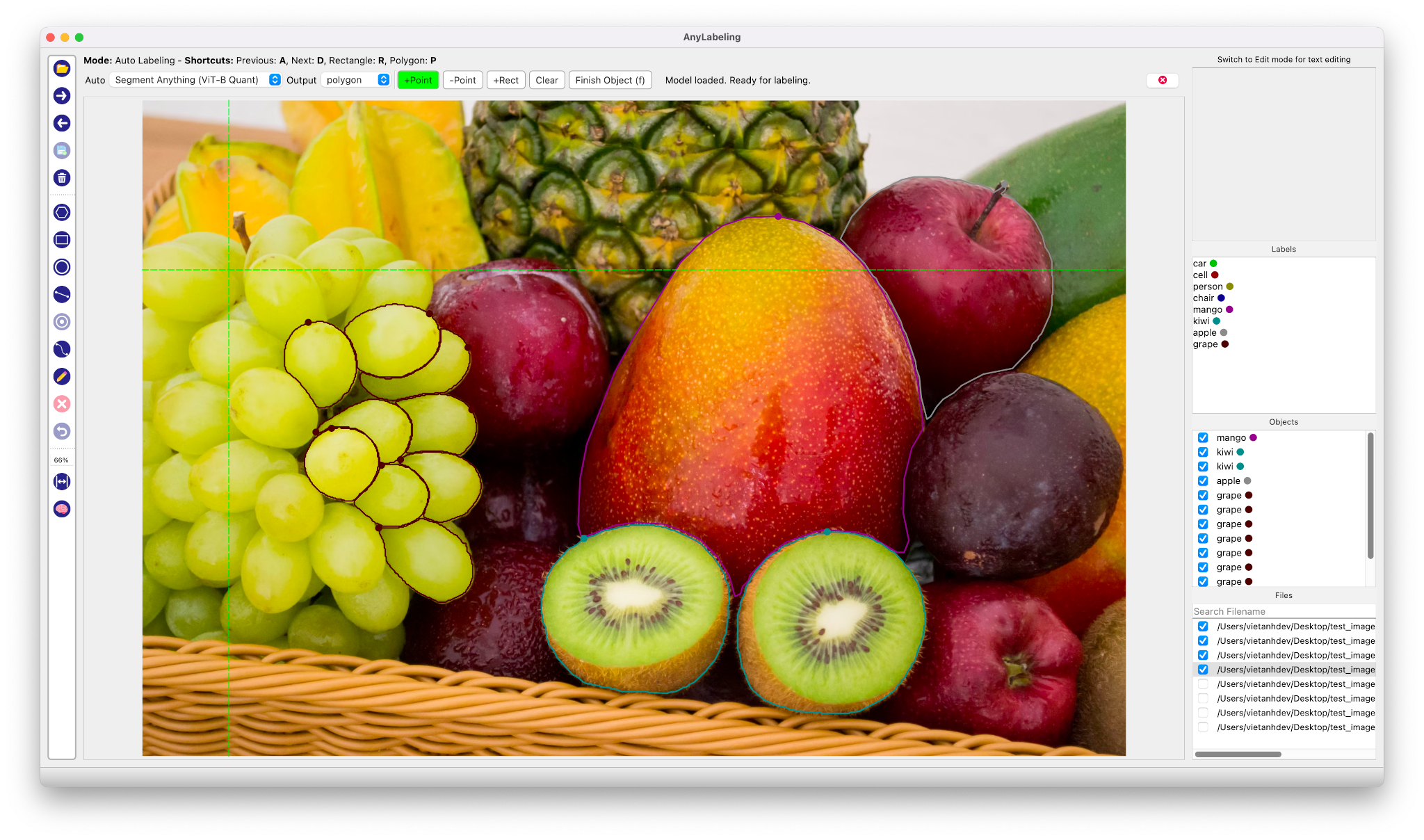
Auto Labeling with Segment Anything
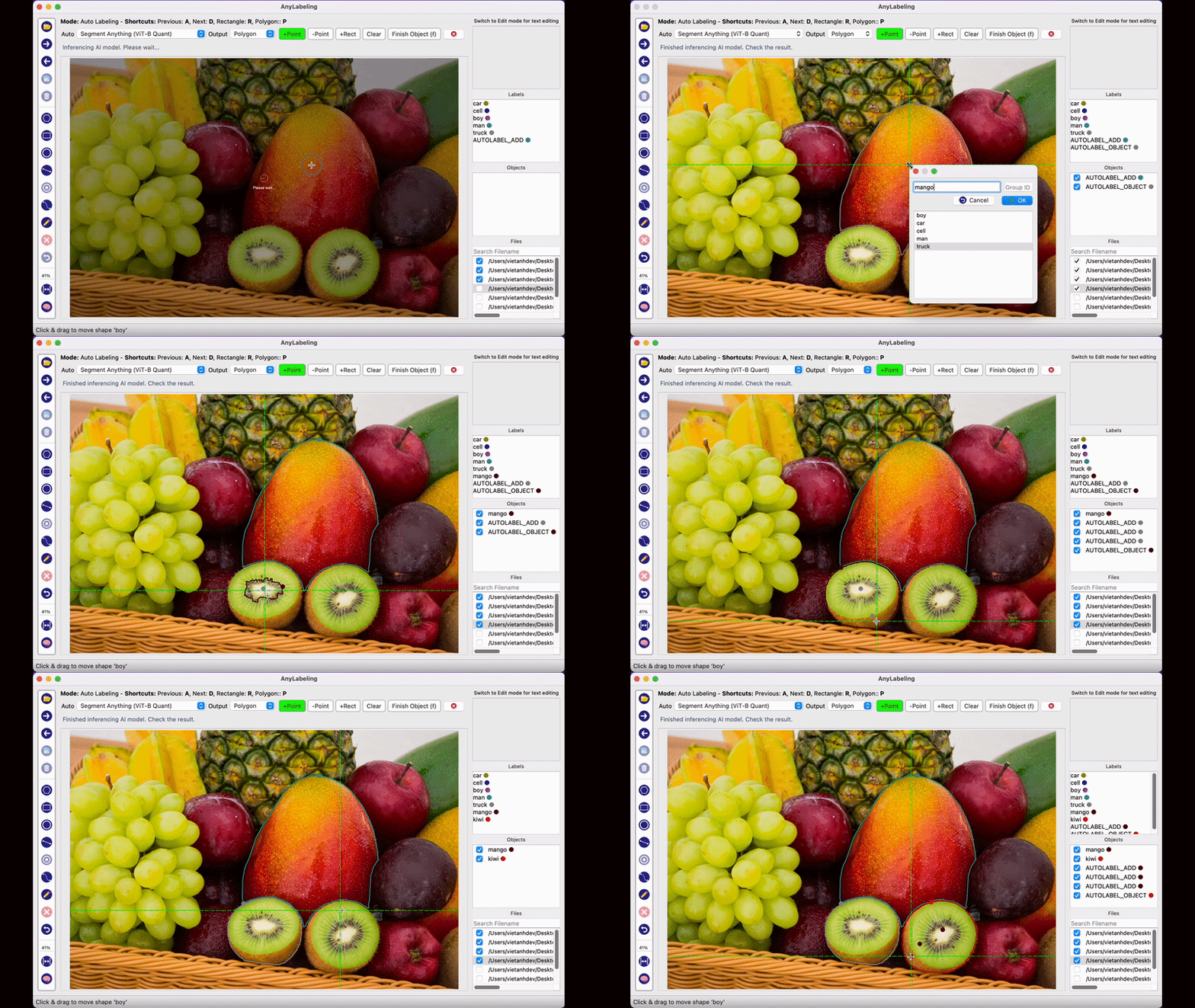
- Youtube Demo: https://www.youtube.com/watch?v=5qVJiYNX5Kk
- Documentation: https://anylabeling.nrl.ai
- Download: https://anylabeling.nrl.ai/download
Features
- [x] Image annotation for polygon, rectangle, circle, line and point.
- [x] Auto-labeling with YOLOv8 (object detection).
- [x] Auto-labeling with Segment Anything family:
- SAM (ViT-B / ViT-L / ViT-H) and MobileSAM
- SAM 2 and SAM 2.1 (Hiera-Tiny / Small / Base+ / Large)
- SAM 3 (ViT-H) — open-vocabulary segmentation with text prompts
- [x] Text detection, recognition and KIE (Key Information Extraction) labeling.
- [x] Hardware acceleration with CUDA, CoreML, DirectML, OpenVINO, and vendor NPU providers.
- [x] Multiple languages available: English, Vietnamese, Chinese.
Supported Models
| Model | Prompt Types | Notes |
|---|---|---|
| SAM ViT-B / ViT-L / ViT-H | Point, Rectangle | Original Segment Anything |
| MobileSAM | Point, Rectangle | Lightweight SAM |
| SAM 2 Hiera-Tiny / Small / Base+ / Large | Point, Rectangle | Meta SAM 2 |
| SAM 2.1 Hiera-Tiny / Small / Base+ / Large | Point, Rectangle | Improved SAM 2 |
| SAM 3 ViT-H | Text, Point, Rectangle | Open-vocabulary; text drives detection |
| YOLOv8n / s / m / l / x | — | Object detection & auto-labeling |
Required model weights are downloaded automatically on first use.
Latest Release
AnyLabeling v0.4.43 is the current stable release. It fixes recovery after model download/load failures, skips invalid images during SAM preload, persists grouped shapes with undo support, and closes label files reliably after saving and loading.
The release workflow tests Python 3.11–3.13 on Linux, Windows, and macOS, then builds and launch-smoke-tests all six CPU and accelerated artifacts on their native runners.
Use the Download page for direct platform links, or see all GitHub releases.
Install and Run
1. Download and run executable
- Download the latest build from the Download page or GitHub Releases.
| Platform | CPU | Accelerated |
|---|---|---|
| Linux x64 | AnyLabeling-Linux-CPU-x64 |
AnyLabeling-Linux-GPU-x64 (NVIDIA CUDA) |
| Windows x64 | AnyLabeling-Windows-CPU-x64.exe |
AnyLabeling-Windows-GPU-x64.exe (NVIDIA CUDA) |
| Apple Silicon macOS | AnyLabeling-macOS-CPU.zip |
AnyLabeling-macOS-GPU.zip (CoreML) |
For macOS, preserve the archive's symlinks while extracting it. See the macOS folder mode instructions.
2. Install from PyPI
-
Requirements: Python 3.11+. Recommended: Python 3.12.
-
Recommended: Miniconda/Anaconda.
-
Create environment:
conda create -n anylabeling python=3.12
conda activate anylabeling
- (For macOS only) Install PyQt6 using Conda:
conda install -c conda-forge pyqt=6
- Install anylabeling:
pip install anylabeling
For NVIDIA CUDA inference on Linux or Windows, use the GPU distribution in a fresh environment:
pip install anylabeling-gpu
Apple Silicon users can enable both ONNX Runtime CoreML and native CoreML SAM2 models with:
pip install "anylabeling[macos]"
export ANYLABELING_DEVICE=COREML
AnyLabeling automatically selects CUDA for Linux/Windows GPU builds and CoreML
for the macOS GPU build, with CPU fallback for unsupported model operations.
Advanced ONNX Runtime packages can be selected with ANYLABELING_DEVICE;
supported values include
CUDA, COREML, DIRECTML, ROCM, MIGRAPHX, OPENVINO, TENSORRT,
CANN, QNN, VITISAI, and WEBGPU. NPU aliases include NPU,
INTEL_NPU, QUALCOMM_NPU, AMD_NPU, and ASCEND_NPU. On Windows
PowerShell, set the override with $env:ANYLABELING_DEVICE = "DIRECTML".
The GPU distribution includes pip-managed CUDA 12 and cuDNN runtime libraries, so a compatible NVIDIA driver is sufficient; a system CUDA toolkit is not required.
NPU execution requires the matching vendor ONNX Runtime package in a fresh,
dedicated environment. For example, Intel Core Ultra systems use
onnxruntime-openvino with ANYLABELING_DEVICE=INTEL_NPU; Qualcomm Snapdragon
Windows ARM64 systems use onnxruntime-qnn with
ANYLABELING_DEVICE=QUALCOMM_NPU. Replace the default onnxruntime package,
because ONNX Runtime requires only one variant in an environment. Qualcomm HTP
models generally need QDQ quantization, and support still depends on the
operator coverage of the selected model.
See the Hardware Acceleration guide for isolated DirectML, OpenVINO, CUDA, CoreML, and NPU environment setup.
- Start labeling:
anylabeling
Documentation
Website: https://anylabeling.nrl.ai/
Applications
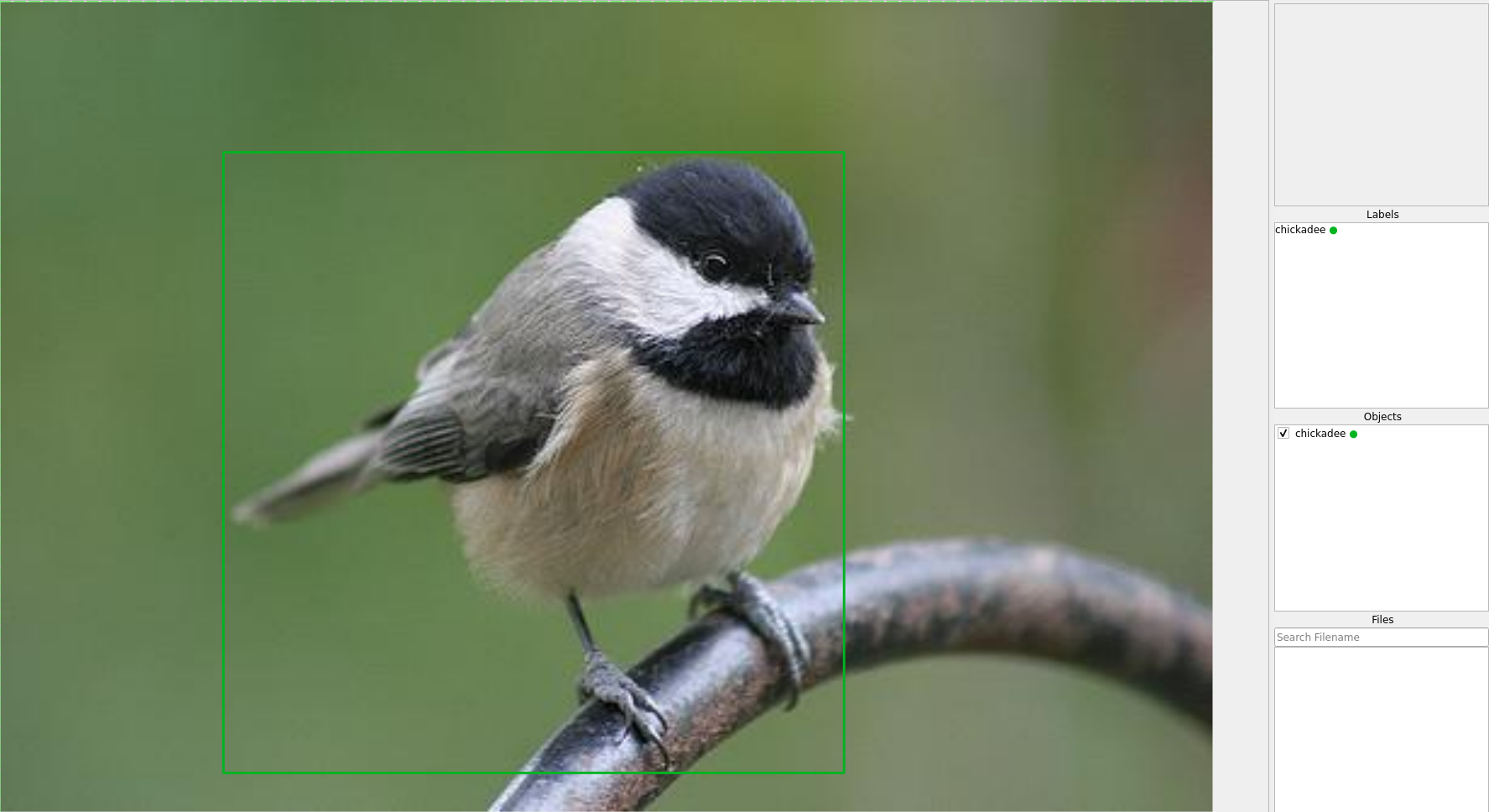
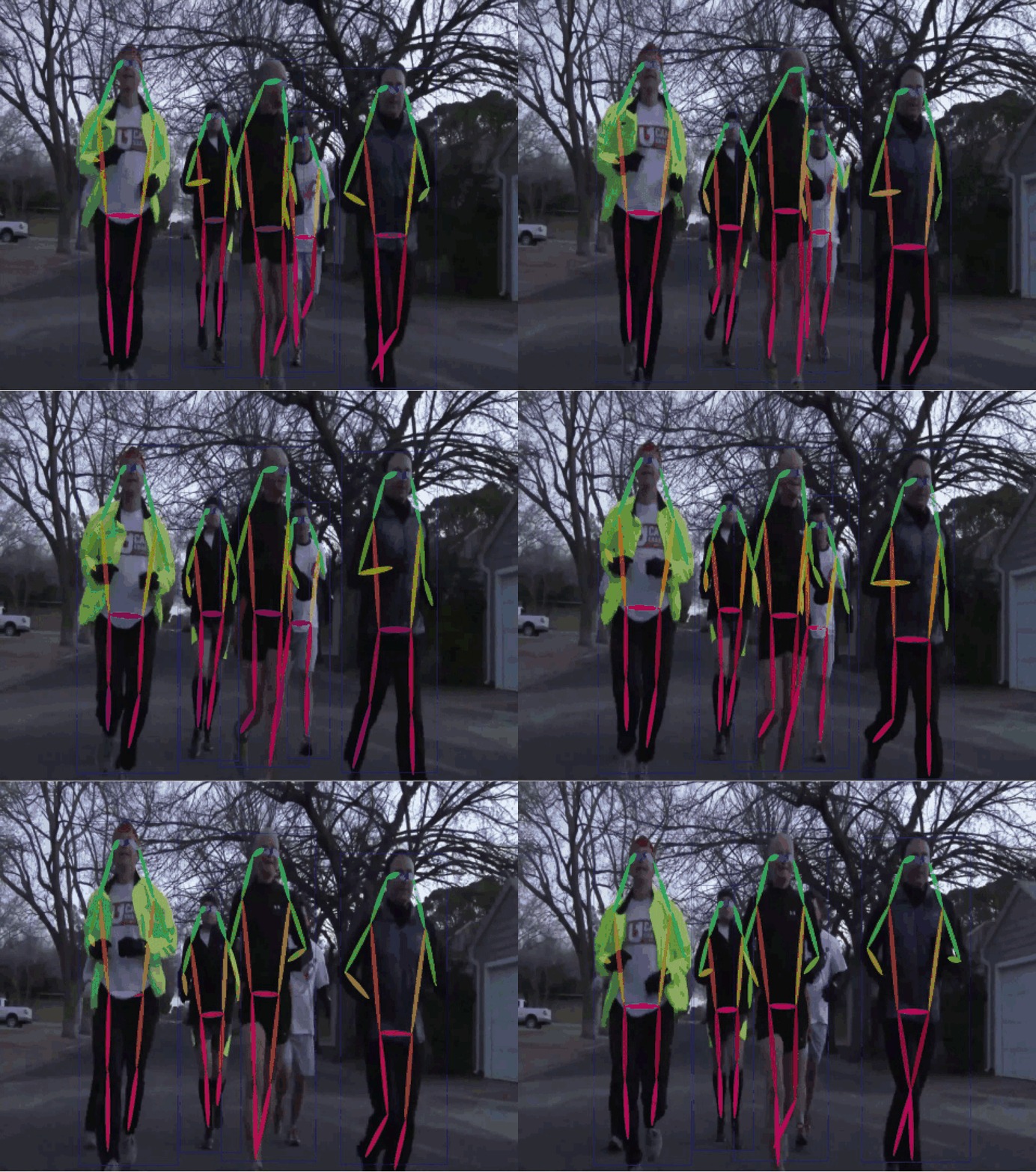
| Object Detection | Recognition | Facial Landmark Detection | 2D Pose Estimation |
|---|---|---|---|
 |
 |
 |
 |
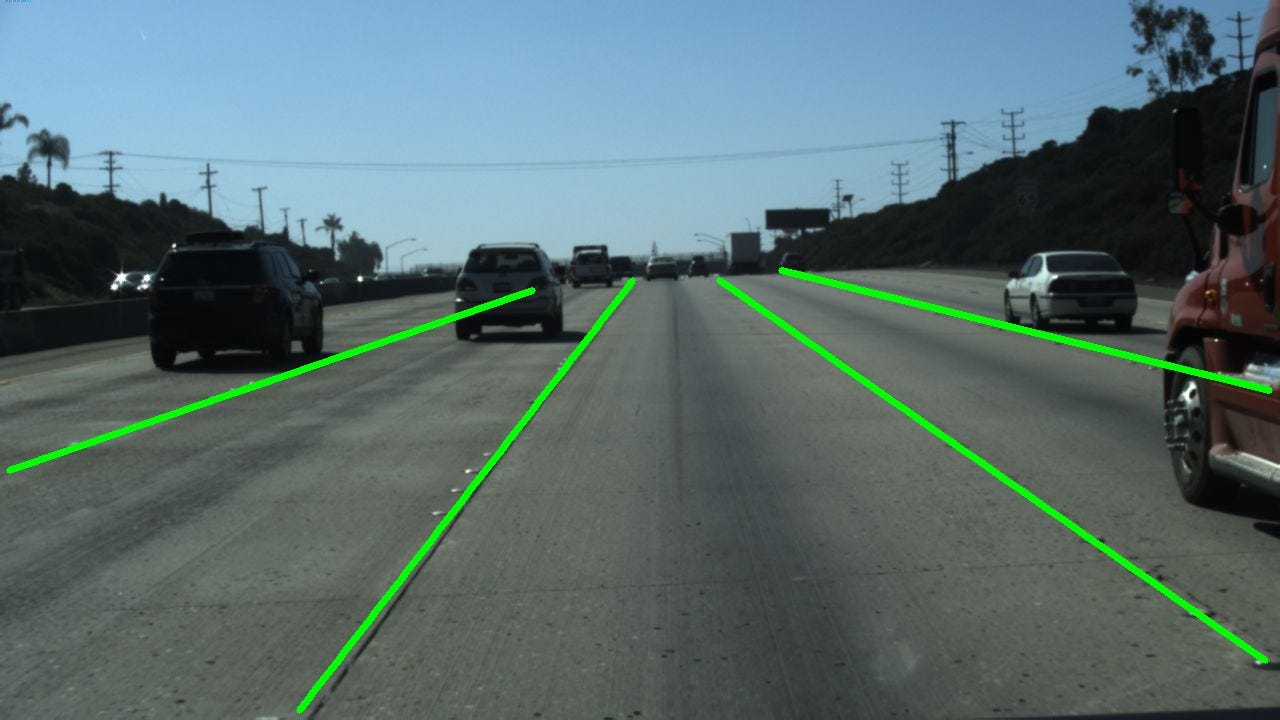
| 2D Lane Detection | OCR | Medical Imaging | Instance Segmentation |
 |
 |
 |
 |
| Image Tagging | Rotation | And more! | |
 |
 |
Your applications here! |
Development
- Install the project and development tools in a dedicated environment:
python -m pip install -e ".[dev]"
- Recompile translations and Qt resources when they change:
python scripts/compile_languages.py
- Run app:
python anylabeling/app.py
Build executable
- Install PyInstaller:
python -m pip install -e ".[dev]"
python -m pip install pyinstaller
- Build:
bash scripts/build_executable.sh
- Check the outputs in:
dist/.
Contribution
If you want to contribute to AnyLabeling, please read Contribution Guidelines.
Star history

References
- Labeling UI built with ideas and components from LabelImg, LabelMe.
- Auto-labeling with Segment Anything (SAM, SAM 2, SAM 2.1, SAM 3), MobileSAM.
- Auto-labeling with YOLOv8.
- Icons from FlatIcon: DinosoftLabs, Freepik, Vectoricons, HideMaru.