Persona Engine 
An AI-driven voice, animation, and personality stack for your Live2D character.
[](https://github.com/fagenorn/handcrafted-persona-engine/releases/latest)
[](https://github.com/fagenorn/handcrafted-persona-engine/releases/latest)
[](https://discord.gg/p3CXEyFtrA)
[](https://x.com/fagenorn)




At a glance
| What it is | What you need | How long to first pixel |
|---|---|---|
| Voice-driven Live2D character with LLM brain, real-time TTS, and streaming-ready output. | Windows x64, NVIDIA GPU with CUDA, ~16 GB free disk. | Download → double-click → pick a profile. |
Table of contents
- Overview
- See it in action
- Getting started
- Install profiles
- Screenshots
- Features
- How it works
- Use cases
- Deeper docs
- Community
- Contributing
- Support
Overview
Persona Engine listens through your microphone, thinks with an LLM guided by a personality file, speaks back with real-time TTS (optionally voice-cloned), and drives a Live2D avatar in sync. You can watch the character inside the built-in transparent overlay, or pipe it into OBS over Spout for streaming.
The included Aria model is rigged for the engine's lip-sync and expression pipeline out of the box. You can bring your own model too — see the Live2D Integration Guide.
[!IMPORTANT] Persona Engine feels most natural with a fine-tuned LLM trained on the engine's communication format. Standard OpenAI-compatible models (Groq, OpenAI, Ollama, …) work too, but you'll want to put care into
personality.txt. A template (personality_example.txt) ships in the repo, and the fine-tuned model is available in Discord.
See it in action
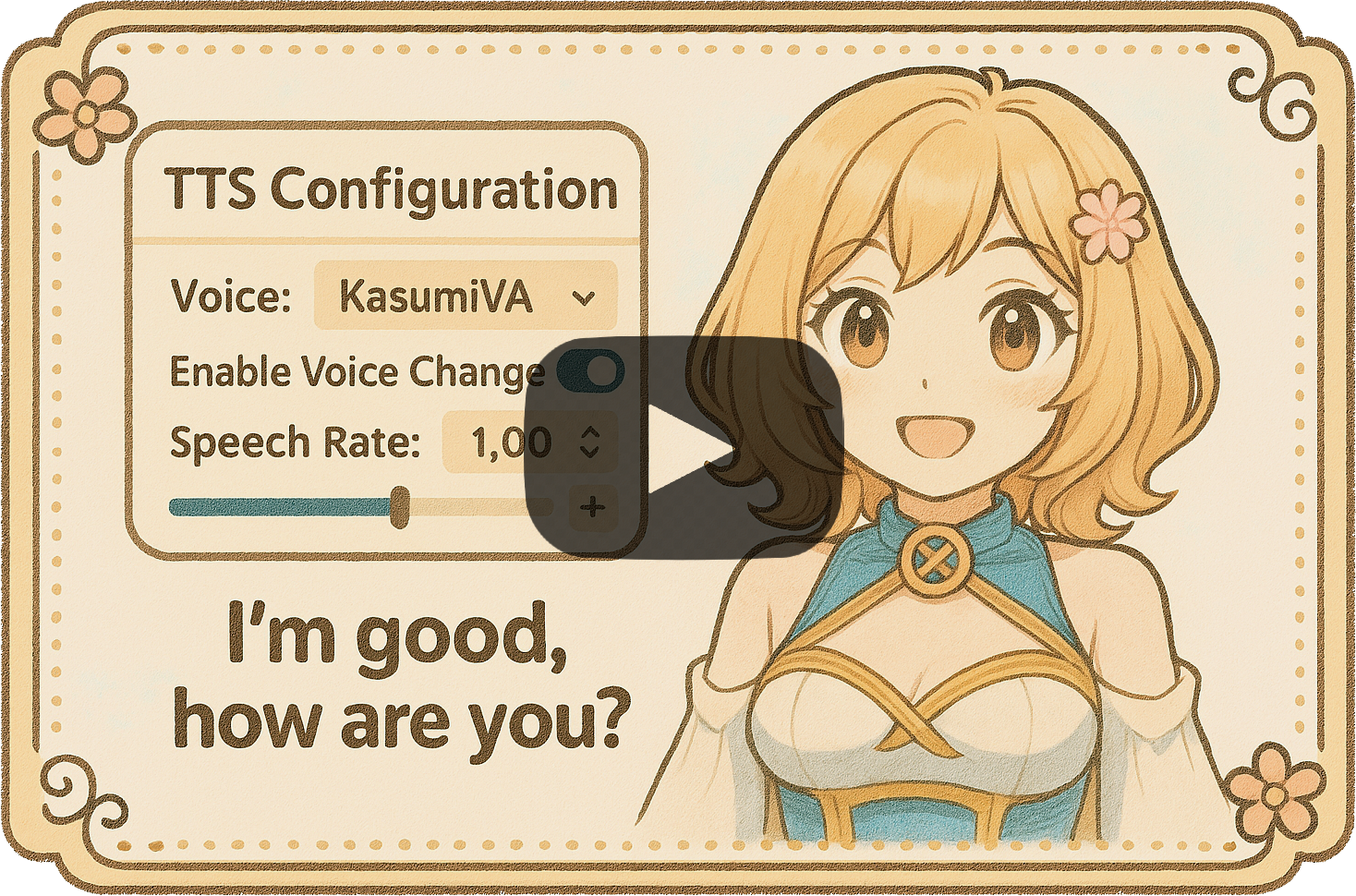
Click to watch the demo on YouTube.
Getting started
[!IMPORTANT] Requires NVIDIA GPU with CUDA (Windows x64). ASR, TTS, and RVC all run on CUDA via ONNX Runtime — CPU/AMD/Intel are not supported.
- Download
PersonaEngine--win-x64.zipfrom Releases. - Extract somewhere with ≥ 16 GB free. Models land in a
Resources/folder next to the exe. - Double-click
PersonaEngine.exeand pick an install profile when prompted. Models and the NVIDIA runtime are downloaded, hash-verified, and installed automatically.
Re-run the picker
PersonaEngine.exe --reinstall
Other CLI flags
| Flag | Purpose |
|---|---|
--profile=try|stream|build |
Skip the picker and use the named profile |
--repair |
Re-download anything that fails hash verification |
--verify |
Re-hash installed assets and report mismatches (no downloads) |
--offline |
Refuse to touch the network — fail fast if assets are missing |
--non-interactive |
Treat any prompt as fatal (pair with --profile=…) |
--skip-gpu-check |
Bypass the GPU capability gate (not recommended) |
Upgrading from a pre-installer build
The asset directory layout changed when the in-app installer landed. Existing Resources/Models/ and Resources/Live2D/Avatars/ trees from older builds are ignored — the installer re-downloads into the new locations on first launch. Free up ~16 GB before starting; delete the old folders once the bootstrapper finishes.
Install profiles
| Try it out | Stream with it | Build with it | |
|---|---|---|---|
| Best for | First look, small downloads | Everyday streaming | Production, highest quality |
| Listening (Whisper) | Tiny | Small | Large-v3 Turbo |
| Voice (TTS) | Kokoro | Kokoro | Kokoro + Qwen3 expressive |
| Lip-sync | VBridger | VBridger | VBridger + Audio2Face |
| Approx. download | Smallest | Mid | Largest (≈ 16 GB) |
[!TIP] Picked Build-with-it? You still have to flip the switches. The profile downloads the bigger models, but the UI defaults keep the light ones active until you toggle them:
- Voice panel → set mode to Expressive (Qwen3)
- Listening panel → pick the Accurate Whisper template
- Avatar panel → enable Audio2Face lip-sync
Full walkthrough in INSTALLATION.md.
Screenshots

Dashboard — presence strip, LLM probe, quick toggles.

Voice — Clear / Expressive modes, RVC, audition.

Listening — Whisper template chips, VAD tuning.

Avatar — VBridger / Audio2Face lip-sync, emotions.

Overlay — transparent, always-on-top, drag to reposition.
Features

Live2D avatar
Real-time rendering with emotion-driven motions and VBridger lip-sync. Includes the rigged Aria model; custom models supported.
LLM conversation
Any OpenAI-compatible endpoint (local or cloud). Personality driven by personality.txt, with a built-in connection probe.
Voice in (ASR)
Dual-Whisper pipeline via Silero VAD: a fast model for barge-in detection, a large model for accurate transcription.
Voice out (TTS)
Two engines: Kokoro (clear, fast) and Qwen3 (expressive). Optional real-time RVC voice cloning on top.
Lip-sync
VBridger by default, or the higher-fidelity Audio2Face solver for Build-with-it setups.
Built-in overlay
Transparent, always-on-top window that mirrors the avatar. No OBS needed for desktop use.
OBS-ready output
Dedicated Spout streams for avatar, subtitles, and roulette — no window capture required.
Control panel
Dashboard, per-subsystem panels, live metrics (LLM / TTS / audio latency), conversation viewer, theming.
In-app installer
Profile picker, SHA-256 verification, repair and verify modes. Ships CUDA 12.4 + cuDNN 9.1.1 + CUDA 13 redists.
Extras
Subtitle rendering, interactive roulette wheel, experimental screen awareness, keyword + ML profanity filtering.
How it works
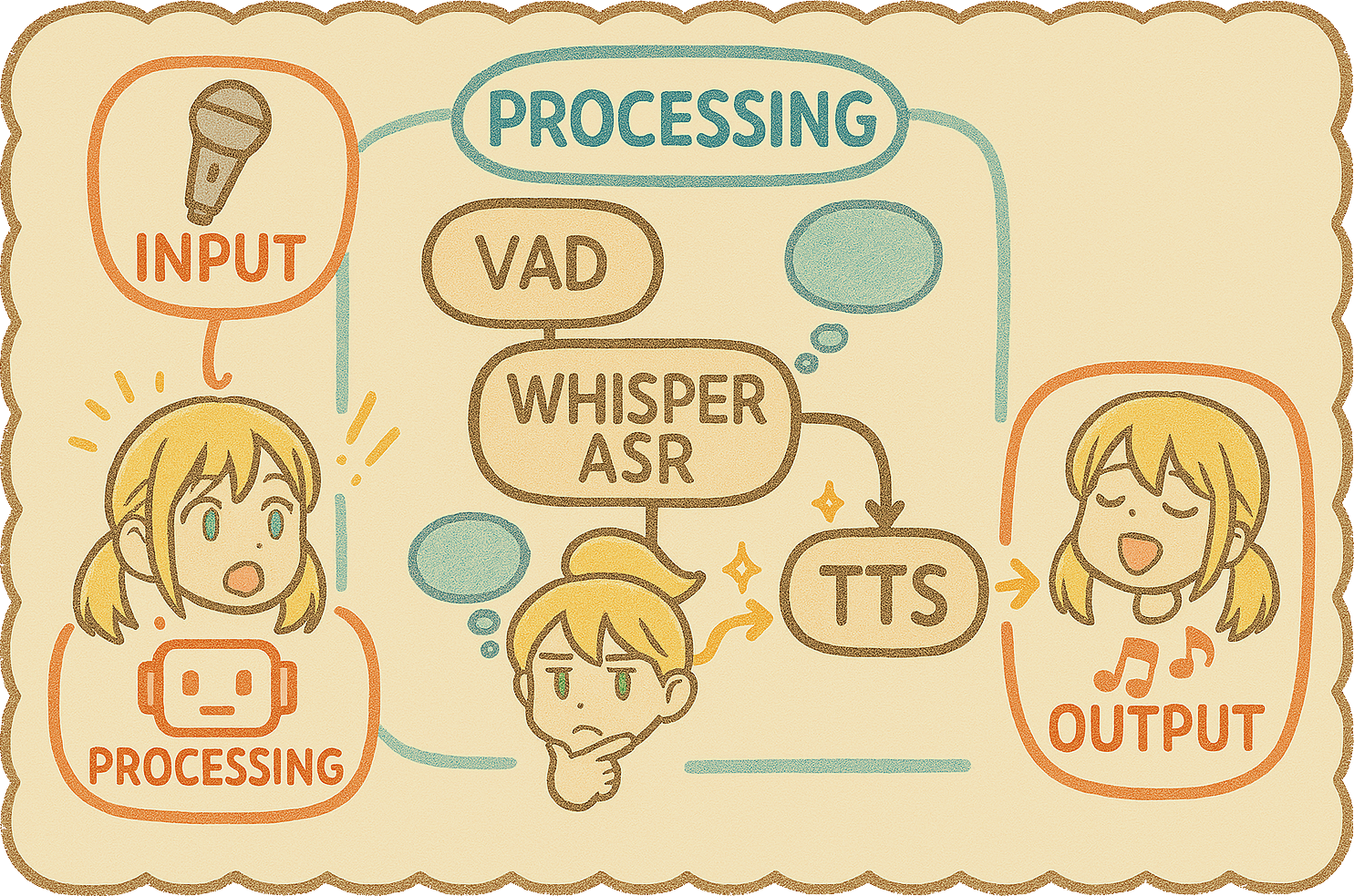
A single turn flows through these stages:
- Listen — microphone audio, Silero VAD picks out speech.
- Understand — fast Whisper watches for barge-in; accurate Whisper transcribes the final utterance.
- Contextualize (optional) — Vision module reads text from a chosen window.
- Think — transcription + history + context +
personality.txtgo to the LLM. - Respond — LLM streams text, optionally tagged with emotions like
[EMOTION:😊]. - Filter (optional) — keyword + ML profanity pass.
- Speak — TTS (Kokoro or Qwen3) synthesizes the response; espeak-ng fills phoneme gaps.
- Clone (optional) — RVC retargets the voice in real time.
- Animate — phonemes drive lip-sync, emotion tags trigger Live2D expressions, idle animations run between turns.
- Display — subtitles, avatar, and roulette render to the built-in overlay and/or Spout outputs for OBS; audio plays through the selected device.
- Loop — back to listening.
Use cases

- VTubing & streaming — AI co-host, chat-reactive character, fully AI-driven persona.
- Virtual assistant — animated desktop companion that actually talks back.
- Interactive kiosks — guides for museums, trade shows, retail.
- Education — language practice partner, historical-figure Q&A, tutor.
- Games — more conversational NPCs and companions.
- Character chatbots — immersive chats with fictional characters.
Deeper docs
- INSTALLATION.md — profile picker, CLI flags, LLM + personality setup, overlay vs Spout, building from source, upgrading, bootstrapper troubleshooting.
- CONFIGURATION.md — every
appsettings.jsonfield, annotated. - Live2D.md — rigging requirements and the VBridger parameter spec for custom avatars.
Community
Need help getting started? Want to try the fine-tuned LLM, trade rigging tips, or just chat with the engine live? Come say hi.

Bugs and feature requests live on GitHub Issues.
Contributing
PRs are welcome. The short version:
- For anything non-trivial, open an Issue first to align on direction.
- Fork, branch (
feature/your-thing), code, commit, push. - Open a PR against
mainwith a clear description of the change.
Formatting is enforced in CI via CSharpier (dotnet csharpier check . from src/PersonaEngine/).
Support
- Community & demos: Discord.
- Bugs & feature requests: GitHub Issues.
- Direct contact: @fagenorn on X.
[!TIP] Custom avatars → Live2D.md. Every config knob → CONFIGURATION.md. Full setup walkthrough → INSTALLATION.md.