Shape As Points (SAP)
Paper | Project Page | Short Video (6 min) | Long Video (12 min)
This repository contains the implementation of the paper:
Shape As Points: A Differentiable Poisson Solver
Songyou Peng, Chiyu "Max" Jiang, Yiyi Liao, Michael Niemeyer, Marc Pollefeys and Andreas Geiger
NeurIPS 2021 (Oral)
If you find our code or paper useful, please consider citing
@inproceedings{Peng2021SAP,
 author    = {Peng, Songyou and Jiang, Chiyu "Max" and Liao, Yiyi and Niemeyer, Michael and Pollefeys, Marc and Geiger, Andreas},
 title     = {Shape As Points: A Differentiable Poisson Solver},
 booktitle = {Advances in Neural Information Processing Systems (NeurIPS)},
 year      = {2021}}
Installation
First you have to make sure that you have all dependencies in place. The simplest way to do so, is to use anaconda.
You can create an anaconda environment called sap using
conda env create -f environment.yaml
conda activate sap
Next, you should install PyTorch3D (>=0.5) yourself from the official instruction.
And install PyTorch Scatter:
conda install pytorch-scatter -c pyg
Demo - Quick Start
First, run the script to get the demo data:
bash scripts/download_demo_data.sh
Optimization-based 3D Surface Reconstruction
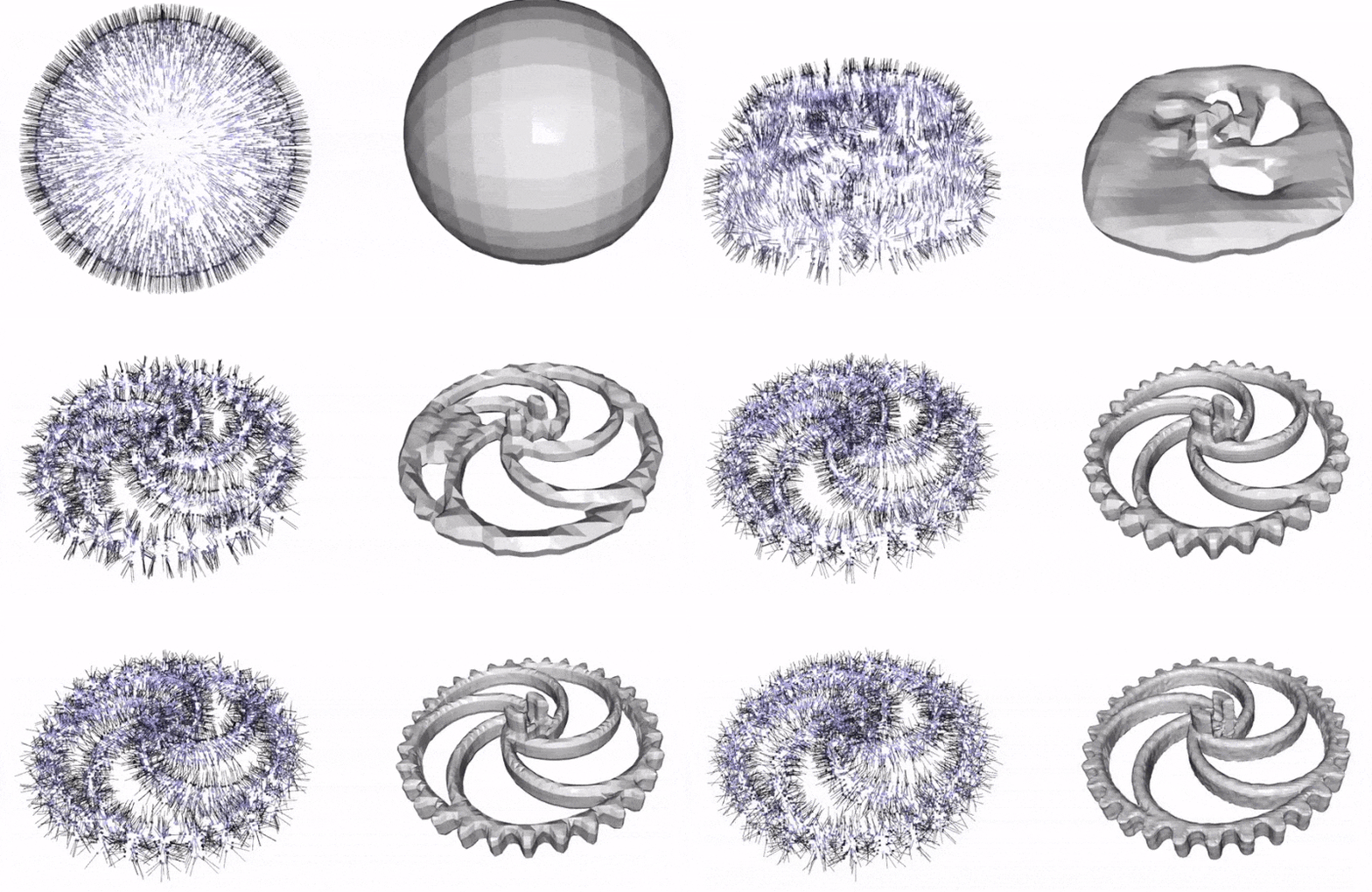
You can now quickly test our code on the data shown in the teaser. To this end, simply run:
python optim_hierarchy.py configs/optim_based/teaser.yaml
This script should create a folder out/demo_optim where the output meshes and the optimized oriented point clouds under different grid resolution are stored.
To visualize the optimization process on the fly, you can set o3d_show: Frue in configs/optim_based/teaser.yaml.
Learning-based 3D Surface Reconstruction
You can also test SAP on another application where we can reconstruct from unoriented point clouds with either large noises or outliers with a learned network.
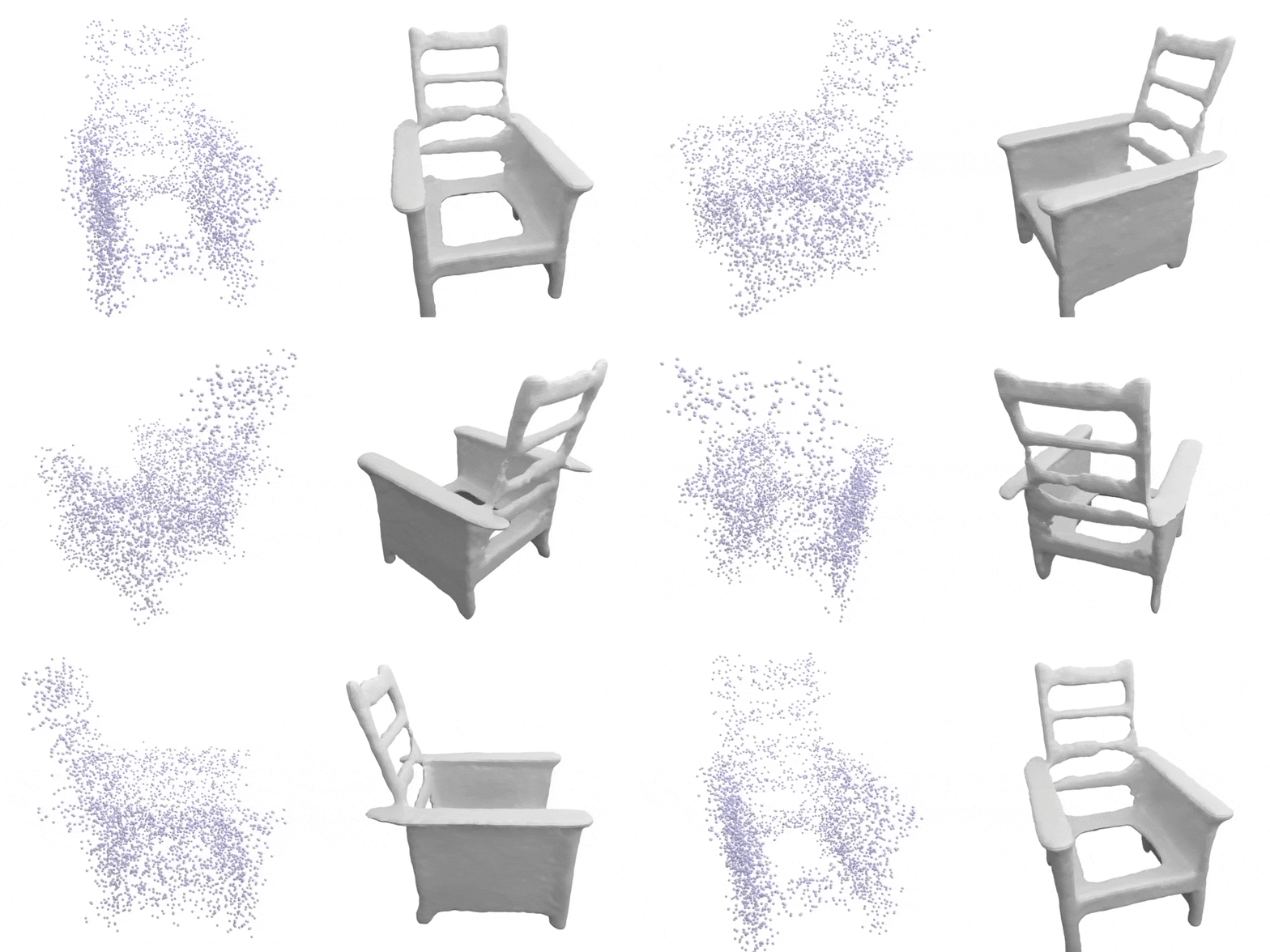
For the point clouds with large noise as shown above, you can run:
python generate.py configs/learning_based/demo_large_noise.yaml
The results can been found at out/demo_shapenet_large_noise/generation/vis.
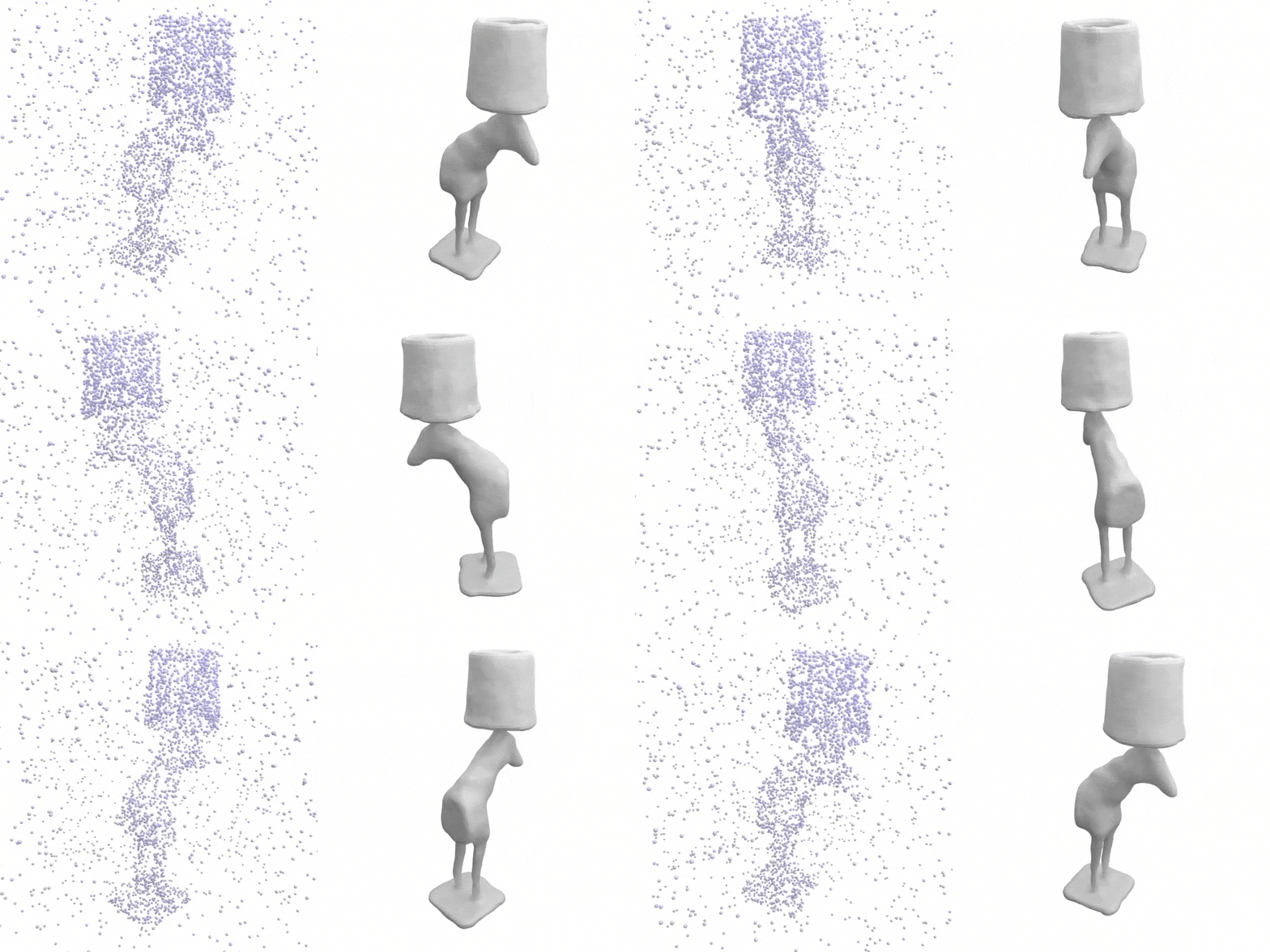 As for the point clouds with outliers, you can run:
python generate.py configs/learning_based/demo_outlier.yaml
You can find the reconstrution on out/demo_shapenet_outlier/generation/vis.
Dataset
We have different dataset for our optimization-based and learning-based settings.
Dataset for Optimization-based Reconstruction
Here we consider the following dataset:
- Thingi10K (synthetic)
- Surface Reconstruction Benchmark (SRB) (real scans)
- MPI Dynamic FAUST (real scans)
Please cite the corresponding papers if you use the data.
You can download the processed dataset (~200 MB) by running:
bash scripts/download_optim_data.sh
Dataset for Learning-based Reconstruction
We train and evaluate on ShapeNet. You can download the processed dataset (~220 GB) by running:
bash scripts/download_shapenet.sh
After, you should have the dataset in data/shapenet_psr folder.
Alternatively, you can also preprocess the dataset yourself. To this end, you can:
- first download the preprocessed dataset (73.4 GB) by running the script from Occupancy Networks.
- check
scripts/process_shapenet.py, modify the base path and run the code
Usage for Optimization-based 3D Reconstruction
For our optimization-based setting, you can consider running with a coarse-to-fine strategy:
python optim_hierarchy.py configs/optim_based/CONFIG.yaml
We start from a grid resolution of 32^3, and increase to 64^3, 128^3 and finally 256^3.
Alternatively, you can also run on a single resolution with:
python optim.py configs/optim_based/CONFIG.yaml
You might need to modify the CONFIG.yaml accordingly.
Usage for Learning-based 3D Reconstruction
Mesh Generation
To generate meshes using a trained model, use
python generate.py configs/learning_based/CONFIG.yaml
where you replace CONFIG.yaml with the correct config file.
Use a pre-trained model
The easiest way is to use a pre-trained model. You can do this by using one of the config files with postfix _pretrained.
For example, for 3D reconstruction from point clouds with outliers using our model with 7x offsets, you can simply run:
python generate.py configs/learning_based/outlier/ours_7x_pretrained.yaml
The script will automatically download the pretrained model and run the generation. You can find the outputs in the out/.../generation_pretrained folders.
Note config files are only for generation, not for training new models: when these configs are used for training, the model will be trained from scratch, but during inference our code will still use the pretrained model.
We provide the following pretrained models:
noise_small/ours.pt
noise_large/ours.pt
outlier/ours_1x.pt
outlier/ours_3x.pt
outlier/ours_5x.pt
outlier/ours_7x.pt
outlier/ours_3plane.pt
Evaluation
To evaluate a trained model, we provide the script eval_meshes.py. You can run it using:
python eval_meshes.py configs/learning_based/CONFIG.yaml
The script takes the meshes generated in the previous step and evaluates them using a standardized protocol. The output will be written to .pkl and .csv files in the corresponding generation folder that can be processed using pandas.
Training
Finally, to train a new network from scratch, simply run:
python train.py configs/learning_based/CONFIG.yaml
For available training options, please take a look at configs/default.yaml.