[!IMPORTANT]
@lottiefiles/lottie-playeris deprecated and no longer maintained.Please use
@lottiefiles/dotlottie-wcinstead, a modern web component for playing Lottie and dotLottie animations.
lottie-player Web Component (Deprecated)
This is a Web Component for easily embedding and playing Lottie animations and the Lottie-based Telegram Sticker (tgs) animations in websites.


Demo
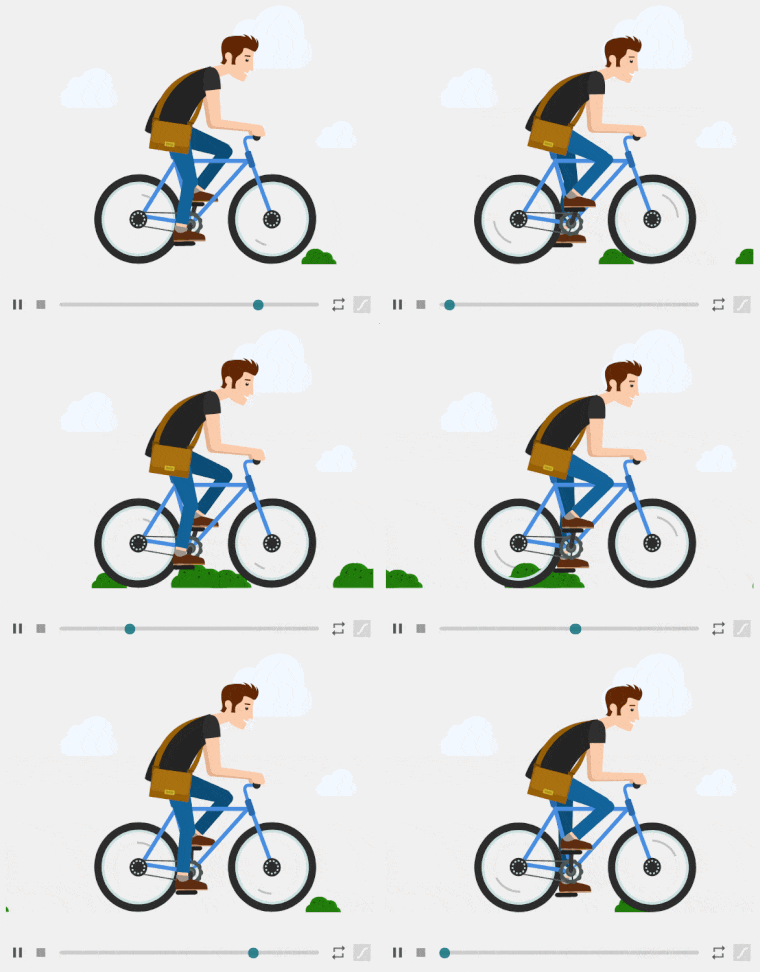
Documentation
For full documentation, visit docs.lottiefiles.com/lottie-player
Installation
In HTML, import from CDN or from the local Installation:
Lottie Player:
- Import from CDN.
- Import from local node_modules directory.
Telegram Sticker (TGS) Player:
- Import from CDN.
- Import from local node_modules directory.
In Javascript or TypeScript:
- Install package using npm or yarn.
npm install --save @lottiefiles/lottie-player
- Import package in your code.
import "@lottiefiles/lottie-player";
Usage
Lottie-Player
Add the element lottie-player and set the src property to a URL pointing to a valid Bodymovin JSON.
You may set and load animations programatically as well.
const player = document.querySelector("lottie-player");
player.addEventListener("rendered", (e) => {
  //Load via URL
  player.load("https://assets3.lottiefiles.com/packages/lf20_UJNc2t.json");
  // or load via a Bodymovin JSON string/object
  player.load(
    '{"v":"5.3.4","fr":30,"ip":0,"op":38,"w":315,"h":600,"nm":"new", ... }'
  );
});
TGS-Player
Add the element tgs-player and set the src property to a URL pointing to a valid TGS JSON.
ReactJS & VueJS
Import the player either as
import * as LottiePlayer from "@lottiefiles/lottie-player";
or
require("@lottiefiles/lottie-player");
Use as follows
Typescript ReactJS
Import the player either as
import * as LottiePlayer from "@lottiefiles/lottie-player";
or
require("@lottiefiles/lottie-player");
Use as follows
For typescript projects an added step is required. The component must be declared as a JSX intrinsic element. Create a file 'declarations.d.ts' in the root of your project and add the code below to the file.
declare namespace JSX {
  interface IntrinsicElements {
    "lottie-player": any;
  }
}
Nuxt 2
Create a lottie-player.js file inside the /plugins folder and add the below code to the file:
import * as LottiePlayer from "@lottiefiles/lottie-player";
Open nuxt.config.js file and add the following entry to register the newly created plugin:
export default {
  plugins: [{ src: "~/plugins/lottie-player.js", mode: "client" }]
}
This is because the player script needs to be rendered on the browser/client side and we must configure Nuxt to load the script on the client side only.
You would then be able to use the player as follows inside any component:
Nuxt 3
The process for Nuxt 3 is slightly different.
Create a lottie-player.client.ts file inside the /plugins folder and add the below code to the file:
import * as LottiePlayer from "@lottiefiles/lottie-player";

export default defineNuxtPlugin(() => LottiePlayer);
Your plugin will be automatically available throughout your Nuxt application thanks to the plugin auto-registration. Note the client suffix in the name of the plugin - this tells Nuxt to load it only on the client side, as the Lottie Player script can only be rendered in the browser.
You would then be able to use the player as follows inside any component:
NextJS
The process to import in NextJS is similar to Nuxt in the sense that on SSR mode, the library must be declared as a client side module. To do this, import the library within a react useEffect hook.
import React, { useRef } from "react";

export default function Home() {
  const ref = useRef(null);
  React.useEffect(() => {
    import("@lottiefiles/lottie-player");
  });
  return (


  );
}
Do add a declaration file named declaration.d.ts to the root of the project as well
declare namespace JSX {
  interface IntrinsicElements {
    "lottie-player": any;
  }
}
Full documentation on player properties, methods, events and styling for the Lottie-player are available here.
Community & Support
- Github issues. For bugs and errors you encounter using this player.
- Discord. For hanging out with the community and sharing your awesome Lottie animations!
Our other Lottie related libraries
Project
Description
A React component for the Lottie Web player.
A Vue component for the Lottie player.
Lottie player component for use with Svelte.
jLottie is suitable as a general purpose lottie player, though implements a subset of the features in the core player - this approach leads to a tiny footprint and great performance.
This is a small library to add scrolling, cursor interactivity and interaction chaining to your Lottie Animations.
dotLottie is an open-source file format that aggregates one or more Lottie files and their associated resources into a single file. They are ZIP archives compressed with the Deflate compression method and carry the file extension of ".lottie".
The library consists of methods to map the Lottie JSON to the object model and interact with properties as well as manipulate them.
A library to extract themable properties and apply different themes to a given Lottie
License
MIT License © LottieFiles.com