A pack of custom nodes that enable audio reactivity within ComfyUI, allowing you to generate AI-driven animations that sync with music
What Does This Do?
- Create Audio Reactive AI videos, enable controls over AI generations styles, content and composition with any audio
- Simple: Just Drop one of our Workflows in ComfyUI and specify your audio and visuals input
- Flexible: Works with existing ComfyUI AI tech and nodes (eg: IPAdapter, AnimateDiff, ControlNet, etc.)
Quick Setup
1. Install ComfyUI (Works on Mac, Windows, Linux)
2. Pick a Workflow ⬇️
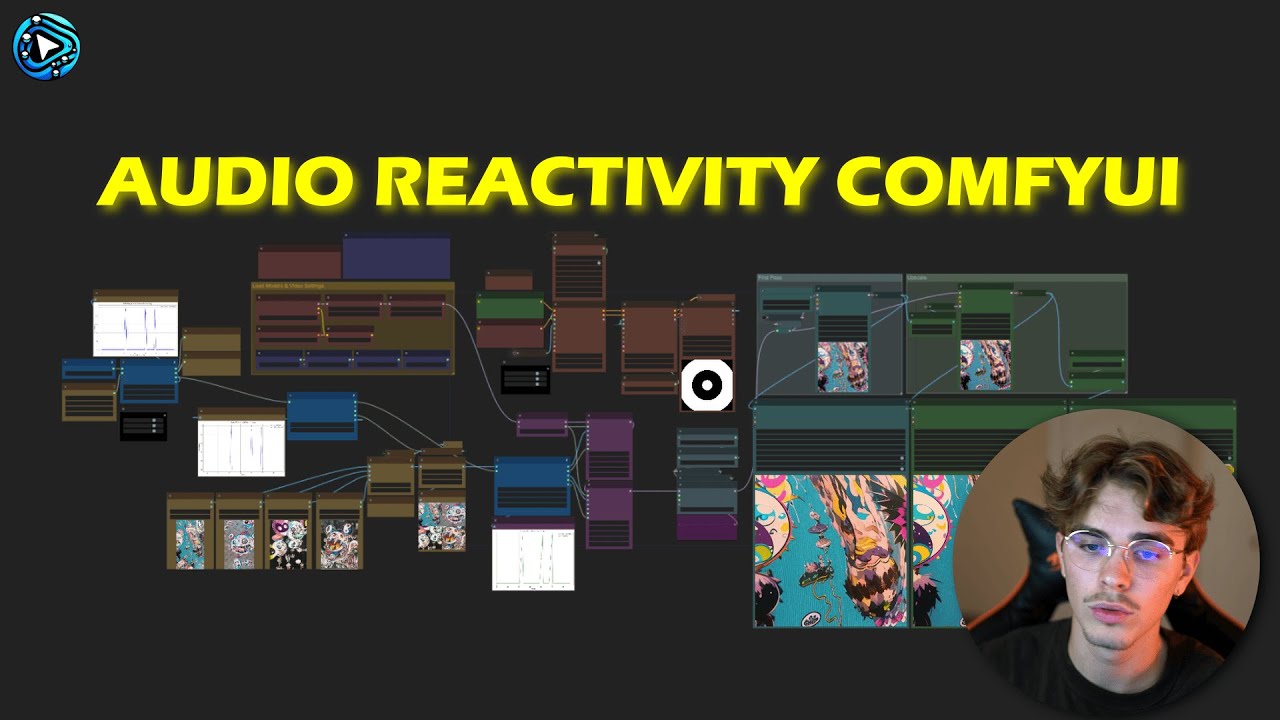
🖼️ Images to Video
Takes a set of images + audio
Results:
[](https://www.youtube.com/watch?v=O2s6NseXlMc)
📥 Download ImagesToVideo Workflow
🎬 Video to Video
Takes a source video + audio
Results:
[](https://www.youtube.com/watch?v=BiQHWKP3q0c)
📥 Download VideoToVideo Workflow
✍️ Text to Video
Takes a text prompt + audio
Results:
📥 Download TextToVideo Workflow
3. Load & Run
- Drop the downloaded
.jsonfile into the ComfyUI window - Click "Install All" on the popup
- Set your inputs (images/video/text + audio)
- Download the models listed on the note
- Click Queue to generate your audio-reactive animation!
That's it! Have fun !!
That's it! Have fun !!
Nodes Details
Click to Expand: Node-by-Node Reference
Audio Analysis 🔍
Analyzes audio to generate reactive weights for each frame.
Node Parameters
- audio_sep_model: Model from "Load Audio Separation Model"
- audio: Input audio file
- batch_size: Frames to associate with audio weights
- fps: Frame rate for the analysis
Parameters:
- analysis_mode: e.g., Drums Only, Vocals, Full Audio
- threshold: Minimum weight pass-through
- multiply: Amplification factor
Outputs:
- graph_audio (image preview),
- processed_audio, original_audio,
- audio_weights (list of values).
Load Audio Separation Model 🎧
Loads or downloads an audio separation model (e.g., HybridDemucs, OpenUnmix).
Node Parameters
- model: Choose between HybridDemucs / OpenUnmix.
- Outputs: audio_sep_model (connect to Audio Analysis or Remixer).
Audio Peaks Detection 📈
Identifies peaks in the audio weights to trigger transitions or events.
Node Parameters
- peaks_threshold: Sensitivity.
- min_peaks_distance: Minimum gap in frames between peaks.
- Outputs: Binary peak list, alternate list, peak indices/count, graph.
Audio IP Adapter Transitions 🔄
Manages transitions between images based on peaks. Great for stable or style transitions.
Node Parameters
- images: Batch of images.
- peaks_weights: From "Audio Peaks Detection".
- blend_mode, transitions_length, min_IPA_weight, etc.
Audio Prompt Schedule 📝
Links text prompts to peak indices.
Node Parameters
- peaks_index: Indices from peaks detection.
- prompts: multiline string.
- Outputs: mapped schedule string.
Audio Remixer 🎛️
Adjusts volume levels (drums, vocals, bass, others) in a track.
Node Parameters
- drums_volume, vocals_volume, bass_volume, others_volume
- Outputs: single merged audio track.
Repeat Image To Count 🔁
Repeats a set of images N times.
Node Parameters
- mask: Mask input.
- Outputs: Repeated images.
Invert Floats 🔄
Flips sign of float values.
Node Parameters
- floats: list of floats.
- Outputs: inverted list.
Floats Visualizer 📈
Plots float values as a graph.
Node Parameters
- floats (and optional second/third).
- Outputs: visual graph image.
Mask To Float 🎭
Converts a mask into a single float value.
Node Parameters
- mask: input.
- Outputs: float.
Floats To Weights Strategy 🏋️
Transforms float lists into an IPAdapter "weight strategy."
Node Parameters
- floats: list of floats.
- Outputs: dictionary with strategy info.
Please give a ⭐ on GitHub it helps us enhance our Tool and it's Free !! (: