SHAI
shai is a coding agent, your pair programming buddy that lives in the terminal. Written in rust with love <3
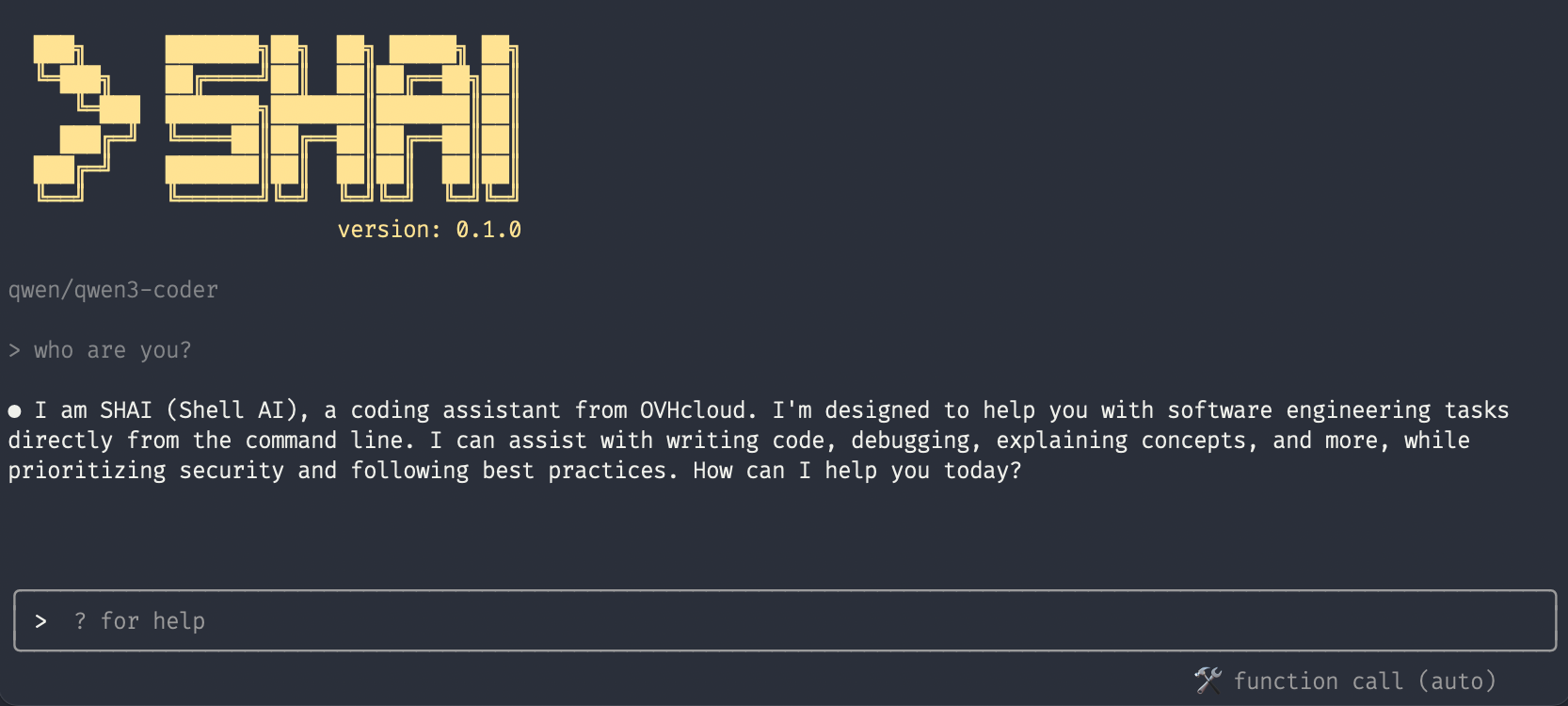
Features
- Interactive coding agent — Chat with shai in your terminal to write code, fix bugs, and get answers
- Headless mode — Pipe prompts directly into shai for scripting and automation
- HTTP server — Run shai as a service with OpenAI-compatible APIs and SSE streaming
- Shell assistant — Automatically suggests fixes when commands fail in your terminal
- Project context — Load project-specific information via
AGENTS.mdfiles - MCP Support — Configure specialized agents with MCP and OAuth support
- Skills — Extend shai with composable, on-demand procedural instructions
- Multiple LLM providers — Works with OVHcloud, OpenAI, Anthropic, Mistral, Ollama, OpenRouter
Installation
Latest stable release
curl -fsSL https://raw.githubusercontent.com/ovh/shai/main/install.sh | sh
Nightly version
curl -fsSL https://raw.githubusercontent.com/ovh/shai/main/install.sh | SHAI_RELEASE=unstable sh
The shai binary will be installed in $HOME/.local/bin
Quick Start
By default shai uses OVHcloud as an anonymous user meaning you will be rate limited! If you want to sign in with your account or select another provider, run:
shai auth

Once you have a provider set up, you can run shai:
shai

Usage
Interactive Mode
Simply run shai to start the interactive coding agent:
shai                          # Start TUI
shai -a myagent              # Start TUI with a custom agent
shai session                 # Start TUI with session picker
shai session             # Start TUI restoring a specific session
shai session latest          # Start TUI restoring the most recent session
shai -r         # Restore a session by ID
shai --latest                # Restore the most recent session
Headless Mode
Run shai without the TUI for scripting and automation:
shai -p "make me a hello world in main.py"
echo "make me a hello world in main.py" | shai
Chain multiple shai calls together:
echo "make me a hello world in main.py" | shai --trace | shai -p "now run it!"
Interactive Pipe Mode
Pipe content into shai and continue the conversation in the TUI:
echo "analyze this code" | shai -i
HTTP Server Mode
Run shai as an HTTP service with SSE streaming support:
shai serve --port 3000
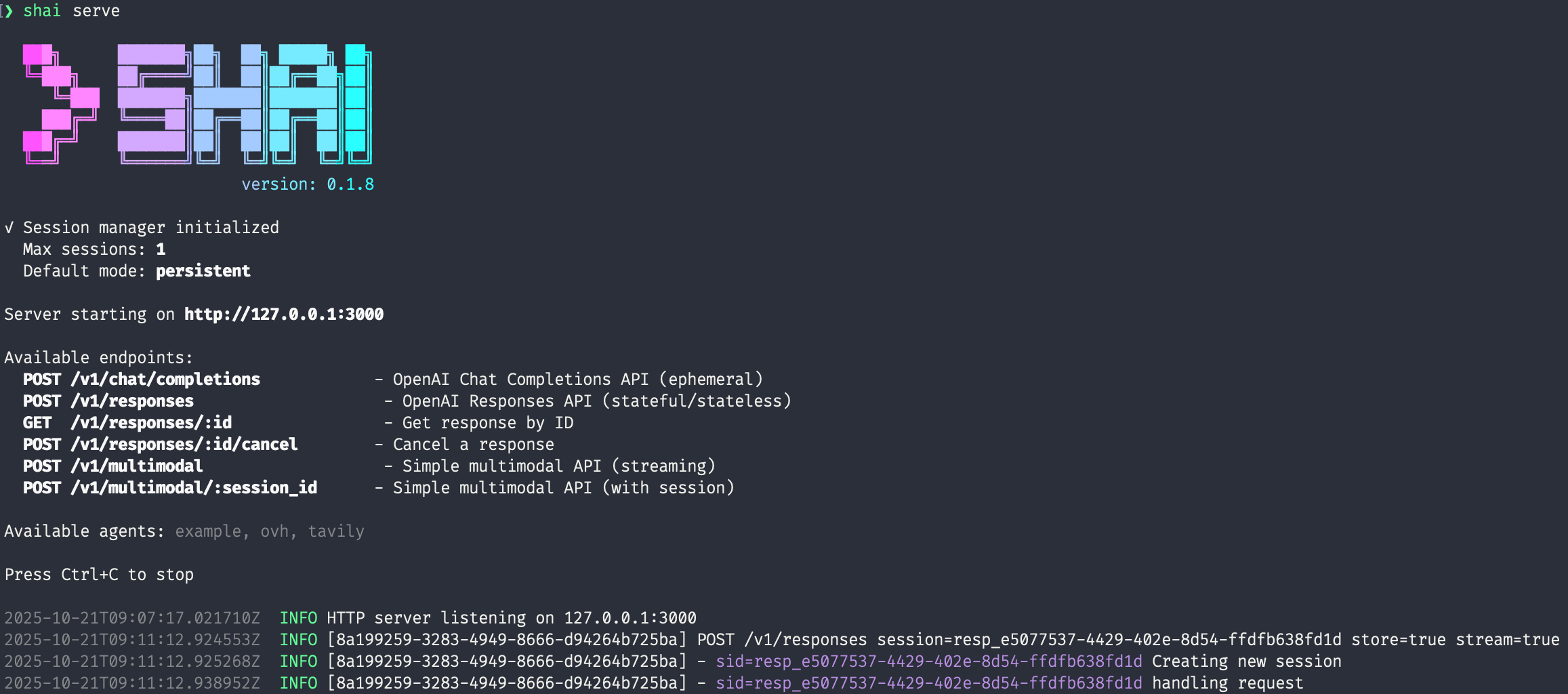
Available API endpoints:
- POST /v1/chat/completions — OpenAI Chat Completions API (ephemeral mode)
- POST /v1/responses — OpenAI Responses API (stateful/stateless)
- GET /v1/responses/{id} — Get response by ID
- POST /v1/responses/{id}/cancel — Cancel a response
- POST /v1/multimodal — Simple multimodal API (streaming)
- POST /v1/multimodal/{session_id} — Simple multimodal API (with session)
Shell Assistant
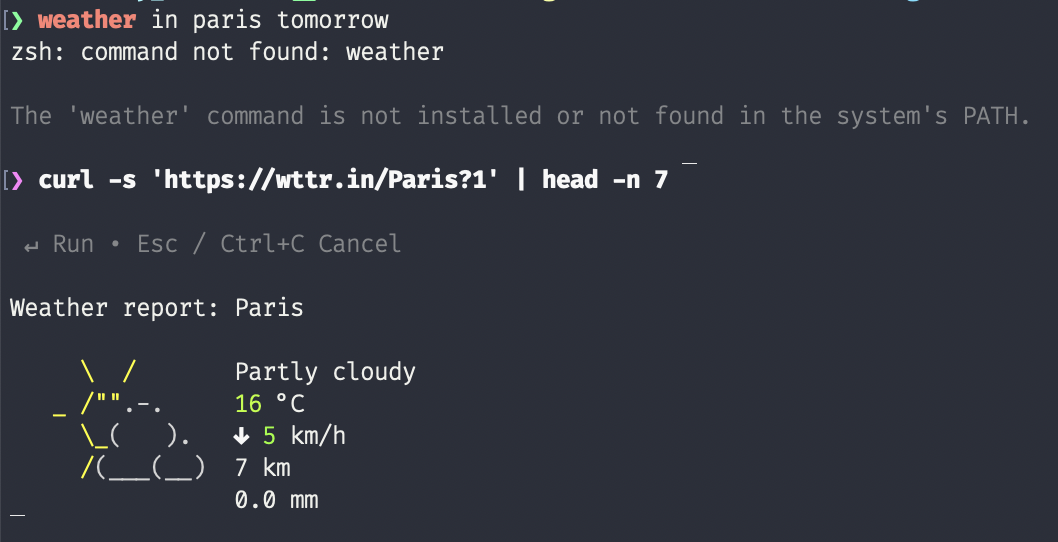
shai can also act as a shell assistant — when a command fails, it will propose a fix. This works by injecting command hooks while monitoring your terminal output.
shai on      # Start monitoring
shai off     # Stop monitoring
shai status   # Check if shai is active
Configuration
Compatible OVHcloud endpoints
OVHcloud AI Endpoints provides OpenAI-compatible LLM endpoints for using shai with tools. Follow the official getting started guide to create a Public Cloud project and then generate an API key from the AI Endpoints section of the control panel.
Authenticating with an API key raises the rate limit from 2 requests per minute (anonymous, per IP and model) to 400 requests per minute (per project and model).
Once your key is set in shai, pick a model from the AI Endpoints catalog:
- models with a function calling feature work best with shai;
- for models without it, force structured output with the
/set sooption.
Project Context File
Shai supports the AGENTS.md convention — a standard markdown file at the root of your project containing build steps, code style guidelines, testing instructions, and other context for AI coding agents.
Shai loads context from two files (in priority order):
AGENTS.md— the canonical project context file (recommended).SHAI.md— legacy override/supplement (deprecated, useAGENTS.mdinstead).
For nested projects in a monorepo, place an AGENTS.md in each subdirectory — the closest one to the edited file takes precedence.
Custom Agents
Instead of a single global configuration, you can create custom agent configurations with specific providers, tools, and system prompts.
shai agent           # Open agent picker in TUI
shai agent myagent   # Launch TUI with a specific agent
shai list agent      # List available agents
Agent configs live in ~/.config/shai/agents/. See Agent Configuration for the full schema.
Skills
Skills are composable, on-demand procedural instructions that extend shai's capabilities:
.shai/skills/
└── my-skill/
    └── SKILL.md
They are discovered from .shai/skills/ (project), ~/.config/shai/skills/ (global), and built-ins embedded in the binary (e.g. memory, the persistent-memory protocol). A same-named skill in a higher tier shadows the lower one, so you can override built-ins with your own version. See Skills documentation for details.
TUI Slash Commands
| Command | Description |
|---|---|
/auth |
Configure AI provider |
/agent |
Switch agent (keeps conversation context) |
/restore [index|id] |
Restore a previous session |
/latest |
Restore the most recent session |
/temp |
Set sampling temperature |
/tc |
Set tool call method (auto, fc, fc2, so) |
/theme [dark|light|toggle] |
Set or toggle theme |
/tokens |
Display token usage |
/tools |
List all registered tools |
/skills |
List available skills |
/mcp |
List MCP servers and connection status |
/regenerate |
Regenerate the last response |
/exit |
Exit the TUI |
See TUI Configuration for keyboard shortcuts and customization.
Development
git clone git@github.com:ovh/shai.git
cd shai
cargo build --release
Benchmarks
Shai includes a measurement harness that runs the agent against scripted tasks. See Benchmarks documentation for details.