xiaohu-wechat-format
A Claude Code skill for the full WeChat Official Account (公众号) publishing pipeline: Format → Cover (optional) → Publish — with 85 themes, a visual gallery picker, AI content enhancement, and one-click publishing to drafts.
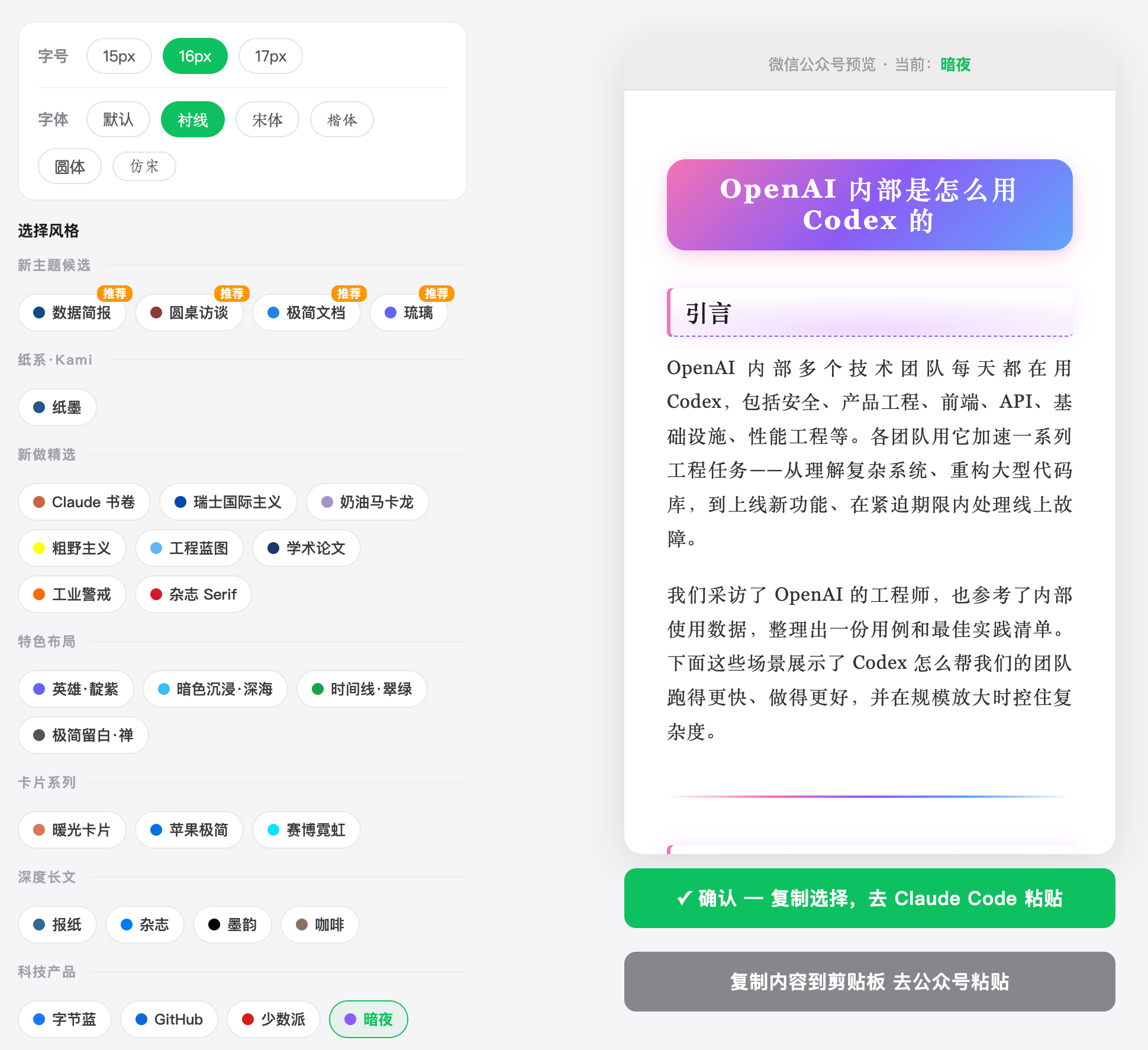
What It Does
- Markdown → WeChat HTML: Converts standard Markdown into inline-styled HTML that works in WeChat's editor (no `` tags, no classes — everything inline)
- 85 Themes: From newspaper-style serif to neon cyberpunk — card, timeline, and hero layouts included
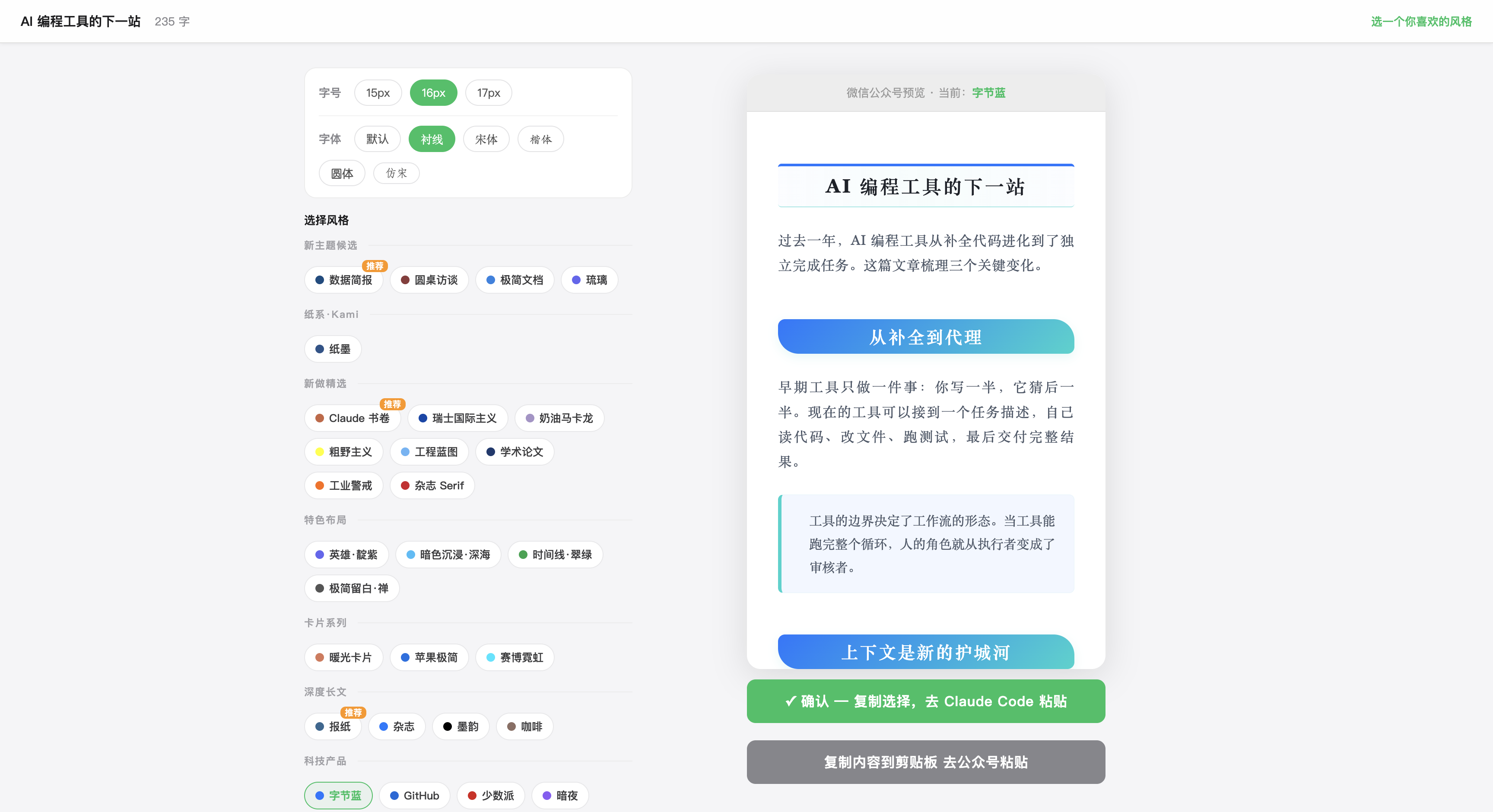
- Visual Gallery: Preview 34 curated themes (10 categories) with your actual article, switch font size (15/16/17px) and font family (serif / Song / Kai / rounded) live, then pick one
- AI Content Enhancement: Auto-detects dialogue, key quotes, and image sequences — wraps them in styled containers; explicit
:::container syntax (byline / stat / gallery / longimage / dialogue) also supported - One-Click Publish: Uploads images to WeChat CDN and pushes the article to your drafts
Quick Start
# Install
cd ~/.claude/skills/
git clone https://github.com/xiaohuailabs/xiaohu-wechat-format.git
cp xiaohu-wechat-format/config.example.json xiaohu-wechat-format/config.json
pip3 install markdown requests

# Format an article (opens gallery in browser)
python3 scripts/format.py --input article.md --gallery

# Format with a specific theme
python3 scripts/format.py --input article.md --theme newspaper

# Publish to WeChat drafts
python3 scripts/publish.py --dir /tmp/wechat-format/article-name/ --cover cover.jpg
Using with Claude Code
Just say:
排版这篇文章 /path/to/article.md
Claude will:
- Read and analyze your article
- Auto-enhance content (add dialogue containers, callout blocks, etc.)
- Open the theme gallery in your browser
- You pick a theme, tell Claude the name
- Claude formats and optionally publishes to WeChat
Themes (30)
Standalone Styles (9)
| Theme | ID | Style |
|---|---|---|
| Terracotta | terracotta |
Warm orange, rounded headers |
| ByteDance | bytedance |
Blue-teal gradient, modern tech |
| Chinese | chinese |
Vermillion red, classical |
| Newspaper | newspaper |
NYT-style serif, serious |
| GitHub | github |
Developer-friendly, light code blocks |
| SSPAI | sspai |
Chinese tech media red |
| Bauhaus | bauhaus |
Primary colors, geometric |
| Ink | ink |
Pure black, minimal whitespace |
| Midnight | midnight |
Dark background, neon accents |
Curated Styles (7)
| Theme | ID | Style |
|---|---|---|
| Sports | sports |
Gradient stripes, energetic |
| Mint | mint-fresh |
Mint green, fresh |
| Sunset | sunset-amber |
Warm amber tones |
| Lavender | lavender-dream |
Purple dreamy |
| Coffee | coffee-house |
Brown warm tones |
| WeChat Native | wechat-native |
WeChat green |
| Magazine | magazine |
Extra whitespace, editorial |
Template Series (14)
4 layouts (Minimal / Focus / Elegant / Bold) × multiple color variants (Gold / Blue / Red / Green / Navy / Gray)
Container Syntax
Enhance your Markdown with these containers before formatting:
:::dialogue[Interview Title]
Alice: Hello there
Bob: Hi, how are you?
:::
:::gallery[Screenshots]


:::
> [!important] Key Insight
> This is the important takeaway
> [!tip] Pro Tip
> A useful tip for readers
Configuration
Edit config.json:
{
  "output_dir": "/tmp/wechat-format",
  "vault_root": "/path/to/your/obsidian/vault",
  "settings": {
    "default_theme": "newspaper",
    "auto_open_browser": true
  },
  "wechat": {
    "app_id": "YOUR_APP_ID",
    "app_secret": "YOUR_APP_SECRET",
    "author": "Author Name"
  },
  "cover": {
    "output_dir": "~/Documents/covers",
    "image_generation_script": ""
  }
}
wechatsection is only needed for publishing; formatting works without itcoversection is only needed for cover image generation- Get AppID/AppSecret from: WeChat Official Account Admin → Settings → Basic Configuration
- Important: Add your public IP to the WeChat IP whitelist, otherwise API calls will fail with error 40164
Cover Image Generation
This repo includes a complete cover image generator in cover/. It calls the Gemini Image API (or compatible third-party gateways) to produce WeChat cover images (2.35:1 ratio, Notion illustration style).
Setup
- Copy
cover/config.example.json→cover/config.json - Fill in your API credentials:
{
  "output_dir": "~/Documents/covers",
  "settings": {
    "base_url": "https://YOUR_PROVIDER/v1",
    "model": "gemini-3-pro-image-preview"
  },
  "secrets": {
    "api_key": "YOUR_API_KEY"
  }
}
- Generate a cover:
python3 scripts/generate.py \
  --config cover/config.json \
  --prompt-file prompt.md \
  --out cover.jpg
Or with Claude Code, just say: 给这篇文章配个封面
See cover/SKILL.md for the full prompt template and workflow details.
How WeChat Compatibility Works
WeChat's editor strips `` tags and CSS classes. This tool:
- CJK spacing fix: Auto-adds spaces between Chinese and English/numbers
- Bold punctuation fix: Moves Chinese punctuation outside bold markers (
**text,**→**text**,) - Writes all styles as inline
style="..."attributes on every element - Converts
/to `` + flexbox (WeChat mangles native lists) - Transforms external links
[text](url)into footnotes (WeChat blocks external links) - Processes
![[image.jpg]]Obsidian wiki-links and standardreferences - Renders callout blocks (
[!tip],[!important],[!warning]) with distinct colors - Converts dialogue blocks into chat-bubble layouts
Requirements
- Python 3
markdownlibraryrequestslibrary (for publishing)
License
MIT