霖君


Cross-platform AI proxy management for Claude, Gemini, Codex, Qwen, iFlow, Antigravity, and more.
LinJun is a native desktop application for managing CLIProxyAPI - a local proxy server that powers your AI coding agents. It helps you manage multiple AI accounts, track quotas, and configure CLI tools in one place across macOS, Windows, and Linux.
✨ Features
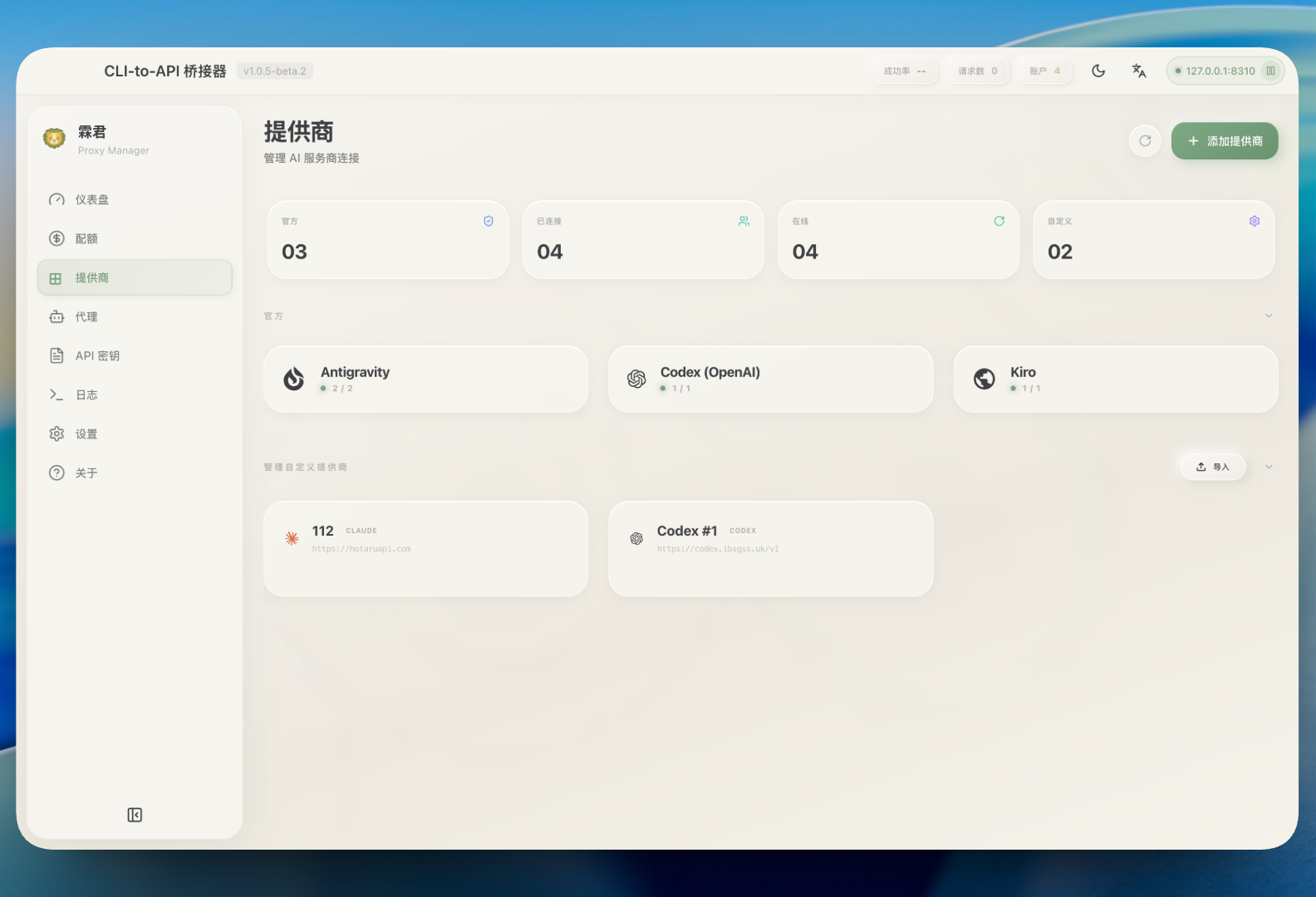
- 🔌 Expanded Provider Support: Connect Claude, Gemini, Codex, Qwen, Antigravity, iFlow, Custom Provider, and AmpCode
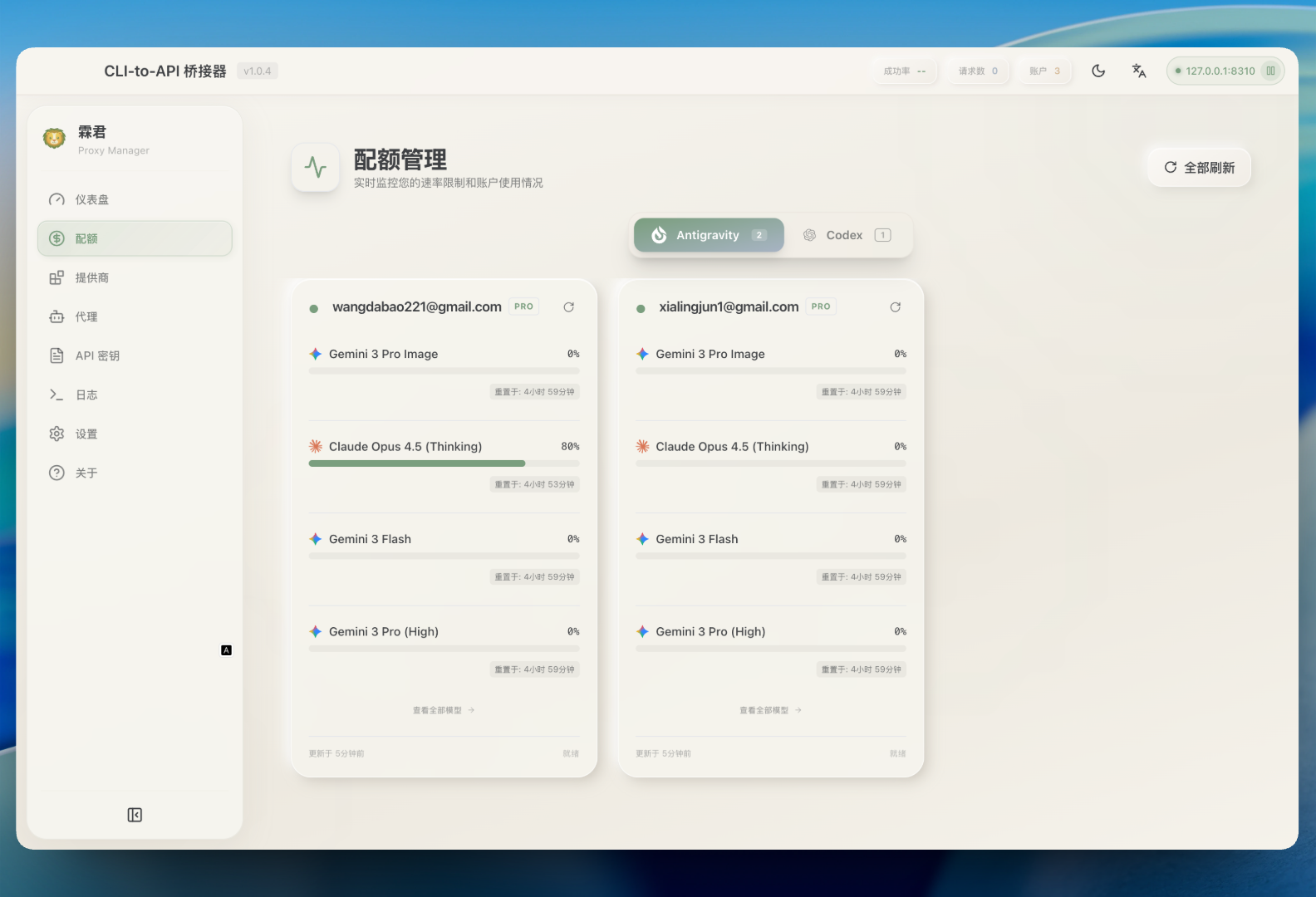
- 📊 Quota + Model Visibility: Track account usage and open View All Models to browse the provider-scoped model catalog
- 🧠 Provider-Aware Model Filtering: Quota model list is filtered by provider context (for example Codex/Claude/Gemini-specific views)
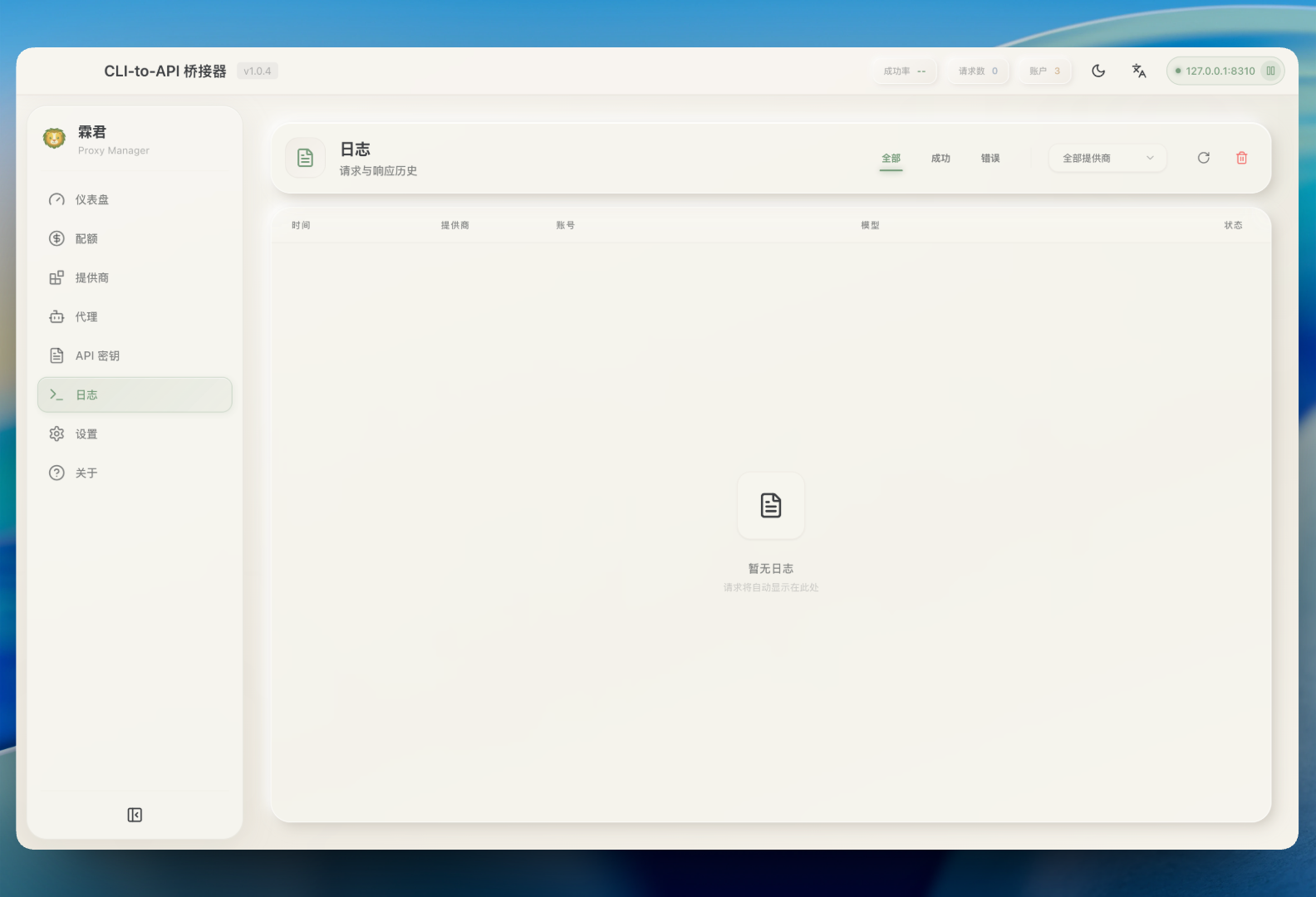
- ⚡ Large Log Performance: Virtualized log table and incremental polling keep the Logs page responsive for large datasets
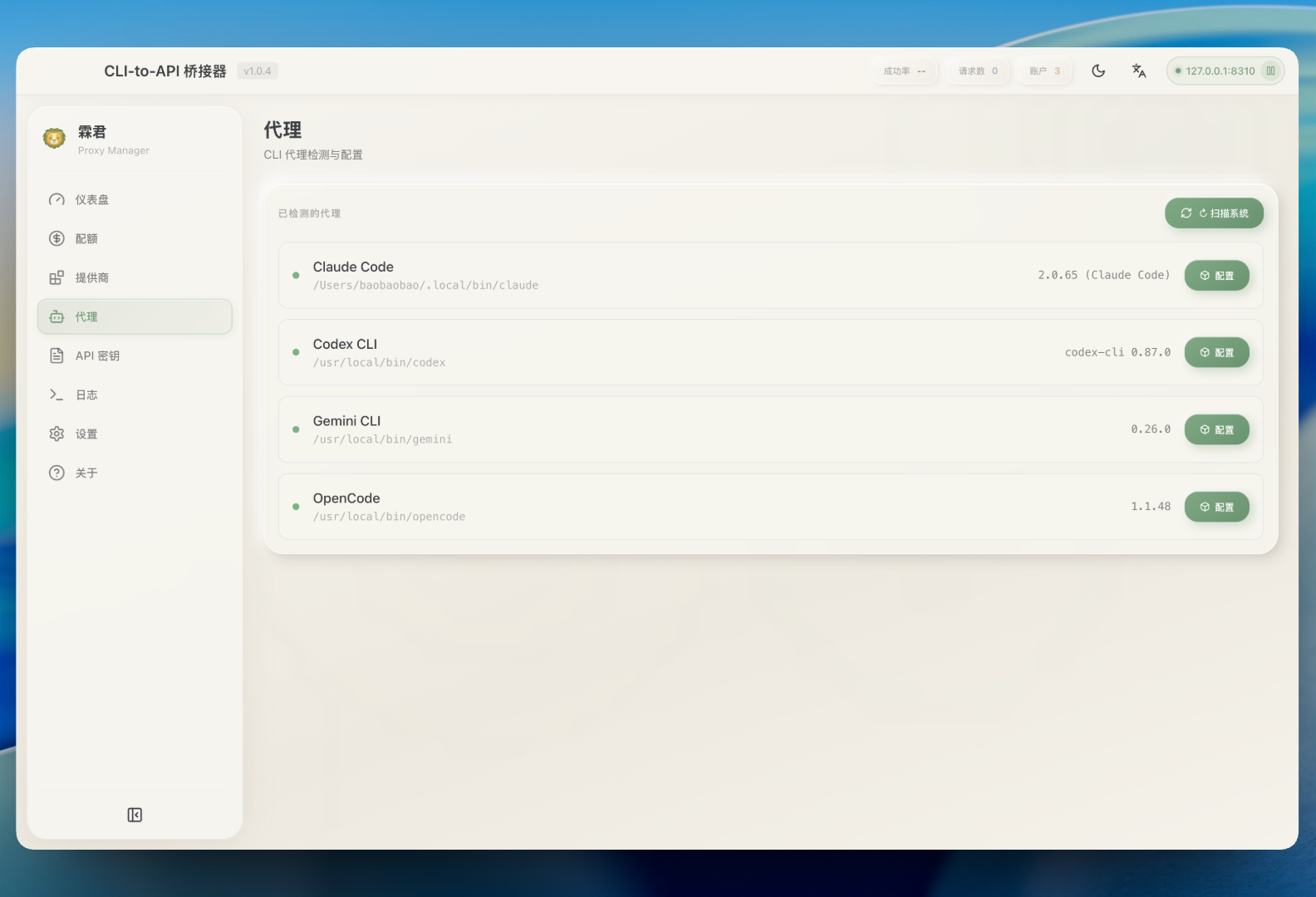
- 🚀 One-Click Agent Configuration: Auto-detect and configure Claude Code, OpenCode, Gemini CLI, and more
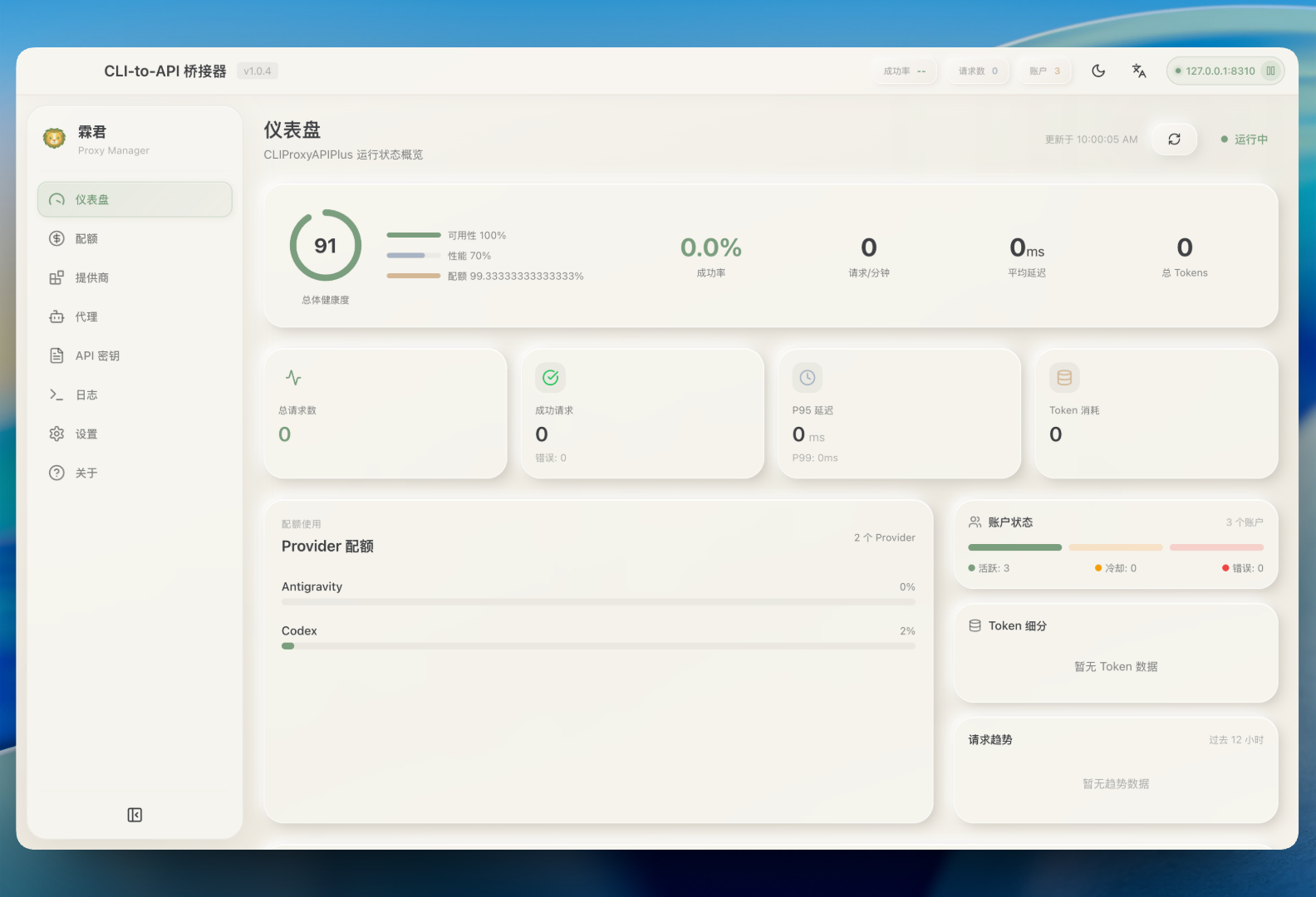
- 📈 Live Dashboard: Monitor request traffic, token usage, and success rates
- 🔀 Smart Routing: Round Robin and Fill First failover strategies
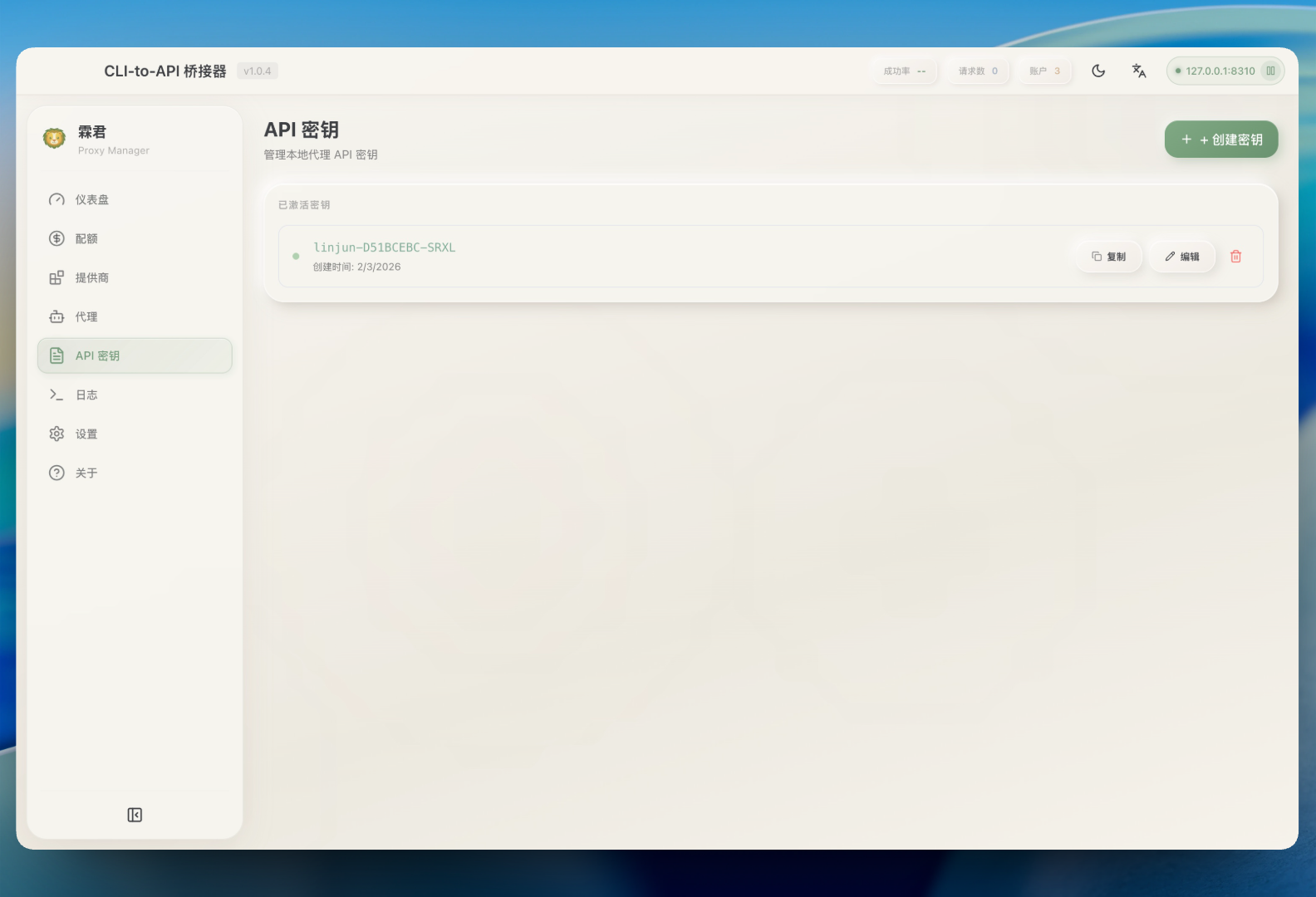
- 🔑 API Key Management: Generate and manage keys for your local proxy
- 🖥️ System Tray Integration: Quick access to status from menu bar
- 🌐 Multilingual: English and Simplified Chinese support
🤖 Supported Ecosystem
AI Providers
| Provider | Auth Method |
|---|---|
| Claude Code | OAuth |
| Gemini CLI | OAuth |
| OpenAI Codex | OAuth |
| Qwen Code | OAuth |
| Antigravity | OAuth (Google) |
| iFlow | OAuth |
| Custom Provider | API Key |
| AmpCode | API Key |
Compatible CLI Agents
LinJun can automatically configure these tools to use your centralized proxy:
- Claude Code
- Codex CLI
- Gemini CLI
- OpenCode
- Amp CLI
- Droid CLI
- iFlow CLI
📥 Installation
Download
Download the latest release from GitHub Releases:
| Platform | Download |
|---|---|
| macOS (Apple Silicon) | LinJun-x.x.x-arm64.dmg |
| macOS (Intel) | LinJun-x.x.x-x64.dmg |
| Windows | LinJun-x.x.x-x64.exe |
| Linux | LinJun-x.x.x-x64.AppImage or .deb |
Build from Source
Requirements:
- Node.js 18+
- Bun (recommended) or npm
- Git
# Clone the repository
git clone https://github.com/wangdabaoqq/LinJun.git
cd LinJun

# Install dependencies
bun install

# Download CLIProxyAPI binary
bun run download:binary

# Start development server
bun dev
Build for Production
bun run build:mac      # macOS (dmg, zip)
bun run build:win      # Windows (nsis)
bun run build:linux    # Linux (AppImage, deb)
bun run build:all      # All platforms
📖 Usage
1. Start the Server
Launch LinJun and click Start to initialize the local proxy server.
2. Connect Accounts
Go to Providers tab → Select a provider → Authenticate via OAuth or enter API key.
3. Configure Agents
Go to Agents tab → Select detected agent → Configure to use local proxy.
4. Monitor Usage
- Dashboard: Overall health and traffic
- Quota: Per-account usage breakdown and provider-scoped model catalog via View All Models
- Logs: Raw request logs for debugging
📸 Screenshots
| Dashboard | Providers |
|---|---|
 |
 |
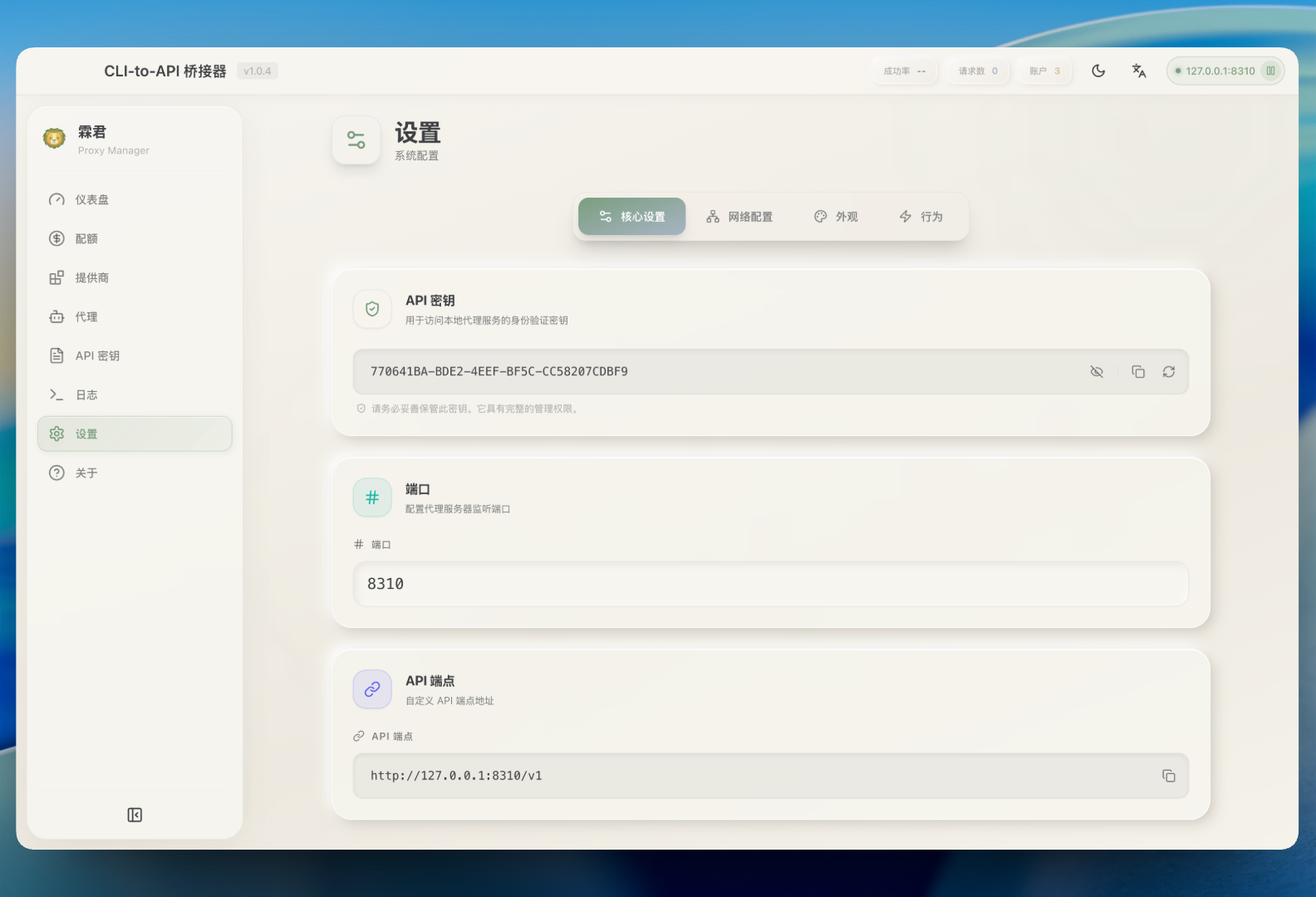
| Quota Monitoring | Settings |
|---|---|
 |
 |
| Agents | API Key |
|---|---|
 |
 |
| Guide | Logs |
|---|---|
 |
 |
⚙️ Settings
- Port: Change the proxy listening port (default: 8310)
- Routing Strategy: Round Robin or Fill First
- Auto-start: Launch proxy automatically on app startup
- Notifications: Toggle alerts for quota warnings
🏗️ Architecture
LinJun/
├── src/
│   ├── main/                    # Electron main process
│   │   ├── index.ts            # App entry point
│   │   ├── tray.ts             # System tray integration
│   │   ├── proxy/              # CLIProxyAPI management
│   │   │   ├── manager.ts      # Process lifecycle
│   │   │   └── api.ts          # Management API client
│   │   ├── ipc/                # IPC handlers
│   │   ├── quota/              # Provider quota services
│   │   ├── logging/            # Request logging
│   │   └── utils/              # CLI detection, storage
│   ├── preload/                # Context bridge
│   └── renderer/               # React frontend
│       ├── components/         # UI components
│       ├── stores/             # Zustand state
│       └── hooks/              # Custom hooks
├── resources/                  # Static assets
└── scripts/                    # Build scripts
🔧 Tech Stack
| Component | Technology |
|---|---|
| Framework | Electron 33+ |
| Frontend | React 18 + TypeScript |
| Styling | Tailwind CSS |
| State | Zustand |
| Build | Vite + electron-vite |
| Packaging | electron-builder |
📁 Auth File Storage
Authentication is managed through CLIProxyAPI auth-files, not a fixed ~/.cli-proxy-api/ directory.
LinJun reads accounts from the local management API. When auth files are stored locally, they use the configured auth-dir from config.yaml; if that is not set, the default location is the app's cli-proxy/auth directory under Electron userData.
Typical auth filenames include:
codex-{email}-Plus.jsonantigravity-{email}.json- etc.
❓ FAQ
macOS: "App is damaged and can't be opened"
Due to macOS security mechanisms, apps downloaded outside the App Store may trigger this warning. Run the following command to fix it:
sudo xattr -rd com.apple.quarantine "/Applications/霖君.app"
🤝 Contributing
- Fork the project
- Create a feature branch (
git checkout -b feature/amazing-feature) - Commit changes (
git commit -m 'Add amazing feature') - Push to branch (
git push origin feature/amazing-feature) - Open a Pull Request
📄 License
MIT License. See LICENSE for details.
🙏 Acknowledgments
- CLIProxyAPI - The amazing proxy server
- Quotio - Inspiration for this project
- Electron - Cross-platform framework
- Vite - Fast build tool