clihub
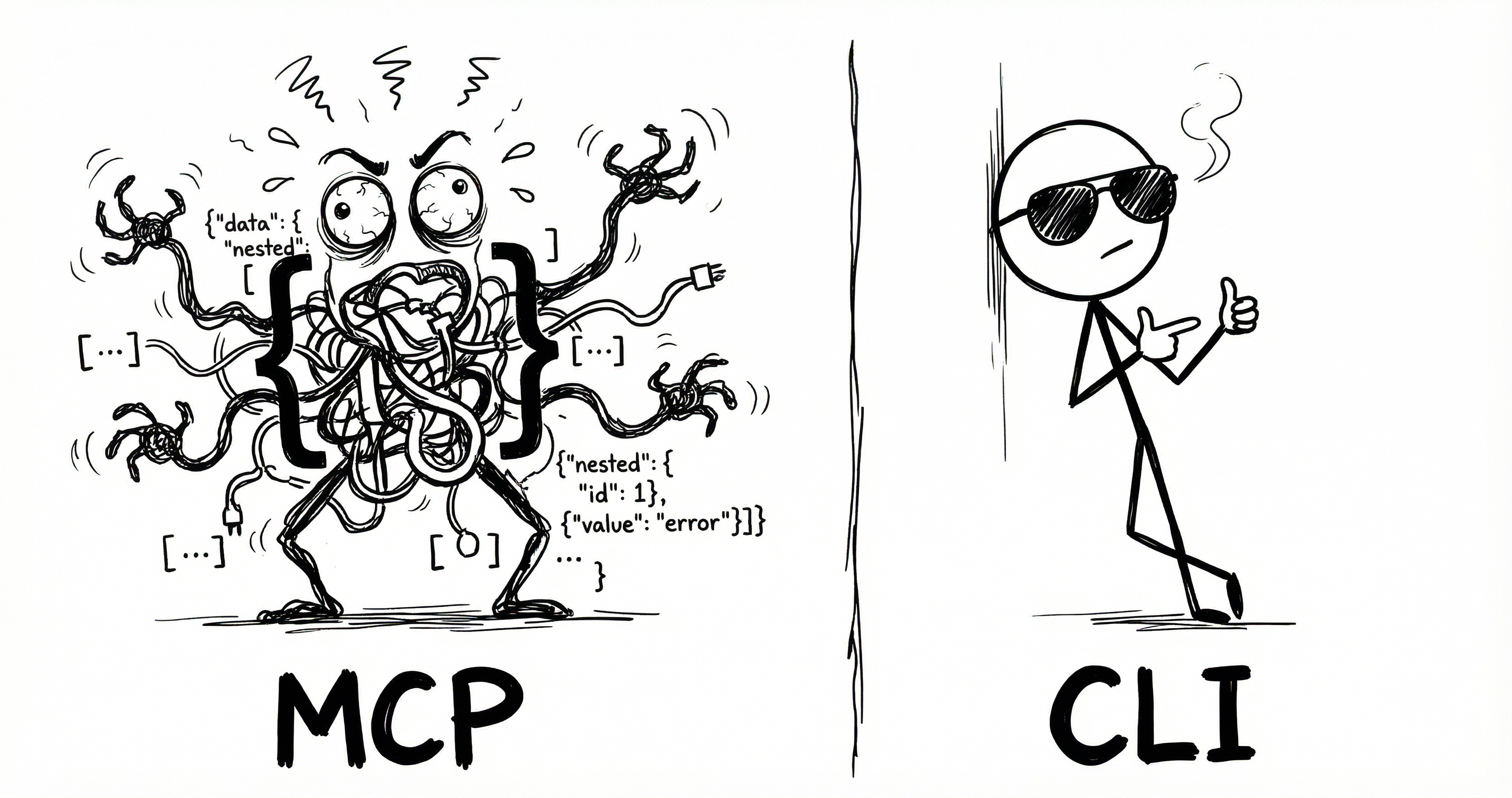
Turn any MCP server into a compiled CLI binary. One command. Designed for agents.
clihub generate --url https://mcp.linear.app/mcp
# → ./out/linear (6.5MB static binary, zero runtime dependencies)
Every tool the server exposes becomes a subcommand with flags derived from its JSON Schema. Auth is handled automatically — OAuth, bearer tokens, API keys, and more.
Install
go install github.com/thellimist/clihub@latest
If clihub is not found after install, run export PATH="$(go env GOPATH)/bin:$PATH" to add Go-installed binaries (usually ~/go/bin) to your current shell PATH.
Or build from source:
git clone https://github.com/thellimist/clihub.git
cd clihub
go build -o clihub .
install -m 755 clihub ~/.local/bin/clihub
If you're contributing, run bash scripts/install-hooks.sh once after cloning.
If ~/.local/bin is not in your PATH, add it in your shell config (for example ~/.zshrc):
export PATH="$HOME/.local/bin:$PATH"
Requires Go 1.24+.
AI Usage
Add the following to your AGENTS.md
## Tools

- Check if tool exists in `bin`.
- If not, check if official CLI exists. If so, download it and add it to AGENTS.md
- If not, check official MCP exists. If so, use clihub `go run github.com/thellimist/clihub@latest ` (see `--help`). to create a CLI and move the executable to bin folder. Then add it to AGENTS.md
- If both failed, give suggestions to create a CLI using official docs and https://clig.dev/
Quick Start
HTTP MCP server
clihub generate --url https://mcp.linear.app/mcp
./out/linear list-teams
HTTP server with OAuth
clihub generate --url https://mcp.notion.com/mcp --oauth
./out/notion notion-search --query "meeting notes"
Stdio MCP server
clihub generate --stdio "npx @modelcontextprotocol/server-github" \
  --env GITHUB_TOKEN=$GITHUB_TOKEN
./out/github list-repos --owner octocat
Cross-compile
clihub generate --url https://mcp.stripe.com \
  --platform linux/amd64,darwin/arm64,windows/amd64
Pass tool input as JSON
Generated CLIs include a --from-json flag on each tool command. This lets you pass the full tool input object directly.
./out/linear create-issue --from-json '{"title":"Bug report","priority":"high"}'
Rules:
--from-jsonbypasses typed tool flags.--from-jsoncannot be combined with typed flags in the same call.- If a tool already has a
--from-jsonflag from its schema, clihub uses--clihub-from-jsonfor passthrough instead.
How It Works
- Connect to the MCP server (HTTP or stdio)
- Discover all tools via
tools/list - Generate a Go CLI with one subcommand per tool
- Compile to a static binary for your target platform(s)
The generated binary is standalone — no runtime dependencies, no config files, no clihub needed.
Authentication
Generated CLIs handle auth at runtime. For HTTP servers, the auth subcommand manages credentials:
# OAuth browser flow (auto-discovers endpoints via RFC 9728 / RFC 8414)
./out/linear auth

# Manual bearer token
./out/linear auth --token $TOKEN

# Check status
./out/linear auth status

# Logout
./out/linear auth logout
Some MCPs require generatin-time auth. Use
clihub generate --help-auth
Auth is resolved in this order:
--auth-tokenflag--auth-type+ related flags (--auth-header-name,--auth-key-file, etc.)CLIHUB_AUTH_TOKENenvironment variable~/.clihub/credentials.json(persisted from previous auth)- Unauthenticated
Supported Auth Types
| Type | Description |
|---|---|
| OAuth 2.0 | Browser flow with PKCE, auto-discovery, token refresh |
| Dynamic Client Registration | RFC 7591 — auto-registers OAuth clients |
| Bearer Token | Static Authorization: Bearer |
| API Key | Custom header (e.g. X-API-Key) |
| Basic Auth | Username/password |
| S2S OAuth 2.0 | Client credentials grant (no browser) |
| Google Service Account | JWT signed with service account key |
Flags
clihub generate [flags]

Connection:
  --url string              Streamable HTTP URL of an MCP server
  --stdio string            Shell command that spawns a stdio MCP server
  --timeout int             Connection timeout in ms (default 30000)
  --env strings             Environment variables for stdio servers (KEY=VALUE)

Output:
  --name string             Override the inferred binary name
  --output string           Output directory (default "./out/")
  --platform string         Target GOOS/GOARCH pairs or 'all' (default current platform)

Auth (shown via `--help-auth`):
  --oauth                   Use OAuth for authentication (browser flow)
  --auth-token string       Bearer token
  --auth-type string        Auth type: bearer, api_key, basic, none
  --auth-header-name string Custom header for api_key auth (default X-API-Key)
  --auth-key-file string    Path to Google service account JSON key
  --client-id string        Pre-registered OAuth client ID
  --client-secret string    Pre-registered OAuth client secret
  --save-credentials        Persist auth token to credential store

Filtering:
  --include-tools string    Only include these tools (comma-separated)
  --exclude-tools string    Exclude these tools (comma-separated)

Other:
  --help-auth              Show authentication flags and exit
  --verbose                 Show detailed progress
  --quiet                   Suppress all output except errors
Project Structure
cmd/              CLI commands (root, generate)
internal/
  auth/           Auth providers, OAuth flow, credential store
  codegen/        Go template for generated CLIs
  compile/        Go compiler invocation, cross-compilation
  nameutil/       Binary name inference from URLs/commands
  schema/         JSON Schema → Go flag mapping
  toolfilter/     Tool include/exclude with fuzzy matching
  gocheck/        Go installation detection
main.go           Entry point
Contributing
- Fork the repo
- Create a feature branch (
git checkout -b feature/my-change) - Install repo hooks:
bash scripts/install-hooks.sh - Make your changes
- Run tests:
go test ./... - Commit with conventional format:
feat(scope): description - Open a PR
Hooks
Hook files are tracked in this repo (.githooks/), so git clone downloads them automatically.
Run this once per clone to activate them:
bash scripts/install-hooks.sh
The repo-managed pre-push hook runs:
gofmtformatting check (fails on unformatted.gofiles)go vet ./...go test ./...golangci-lint run(if installed)
Pushes to main also require both:
VERSIONupdated in the pushed commits- annotated git tag
vX.Y.Zthat matchesVERSIONand points at pushedmainHEAD
scripts/install-hooks.sh also sets push.followTags=true, so matching annotated tags are pushed automatically.
Example release bump flow:
bash scripts/bump-version.sh --prepare-push patch   # bumps VERSION, amends HEAD, creates vX.Y.Z tag
git push --follow-tags origin main
Tag-only repair flow (if VERSION is already correct but tag is missing/misaligned):
Docs
Before changing behavior, review docs in docs/:
docs/project/project.mdfor scope and goalsdocs/architecture/architecture.mdfor generation and command flowdocs/auth/auth.mdfor auth behavior and precedencedocs/releasing/releasing.mdfor release/version/tag rules
bash scripts/bump-version.sh --sync-tag
git push --follow-tags origin main
Running Tests
go test ./...
Building
go build -o clihub .