:guitar: Riffusion (hobby)
:no_entry: This project is no longer actively maintained.

Riffusion is a library for real-time music and audio generation with stable diffusion.
Read about it at https://www.riffusion.com/about and try it at https://www.riffusion.com/.
This is the core repository for riffusion image and audio processing code.
- Diffusion pipeline that performs prompt interpolation combined with image conditioning
- Conversions between spectrogram images and audio clips
- Command-line interface for common tasks
- Interactive app using streamlit
- Flask server to provide model inference via API
- Various third party integrations
Related repositories:
- Web app: https://github.com/riffusion/riffusion-app
- Model checkpoint: https://huggingface.co/riffusion/riffusion-model-v1
Citation
If you build on this work, please cite it as follows:
@article{Forsgren_Martiros_2022,
  author = {Forsgren, Seth* and Martiros, Hayk*},
  title = {{Riffusion - Stable diffusion for real-time music generation}},
  url = {https://riffusion.com/about},
  year = {2022}
}
Install
Tested in CI with Python 3.9 and 3.10.
It's highly recommended to set up a virtual Python environment with conda or virtualenv:
conda create --name riffusion python=3.9
conda activate riffusion
Install Python dependencies:
python -m pip install -r requirements.txt
In order to use audio formats other than WAV, ffmpeg is required.
sudo apt-get install ffmpeg          # linux
brew install ffmpeg                  # mac
conda install -c conda-forge ffmpeg  # conda
If torchaudio has no backend, you may need to install libsndfile. See this issue.
If you have an issue, try upgrading diffusers. Tested with 0.9 - 0.11.
Guides:
Backends
CPU
cpu is supported but is quite slow.
CUDA
cuda is the recommended and most performant backend.
To use with CUDA, make sure you have torch and torchaudio installed with CUDA support. See the install guide or stable wheels.
To generate audio in real-time, you need a GPU that can run stable diffusion with approximately 50 steps in under five seconds, such as a 3090 or A10G.
Test availability with:
import torch
torch.cuda.is_available()
MPS
The mps backend on Apple Silicon is supported for inference but some operations fall back to CPU,
particularly for audio processing. You may need to set
PYTORCH_ENABLE_MPS_FALLBACK=1.
In addition, this backend is not deterministic.
Test availability with:
import torch
torch.backends.mps.is_available()
Command-line interface
Riffusion comes with a command line interface for performing common tasks.
See available commands:
python -m riffusion.cli -h
Get help for a specific command:
python -m riffusion.cli image-to-audio -h
Execute:
python -m riffusion.cli image-to-audio --image spectrogram_image.png --audio clip.wav
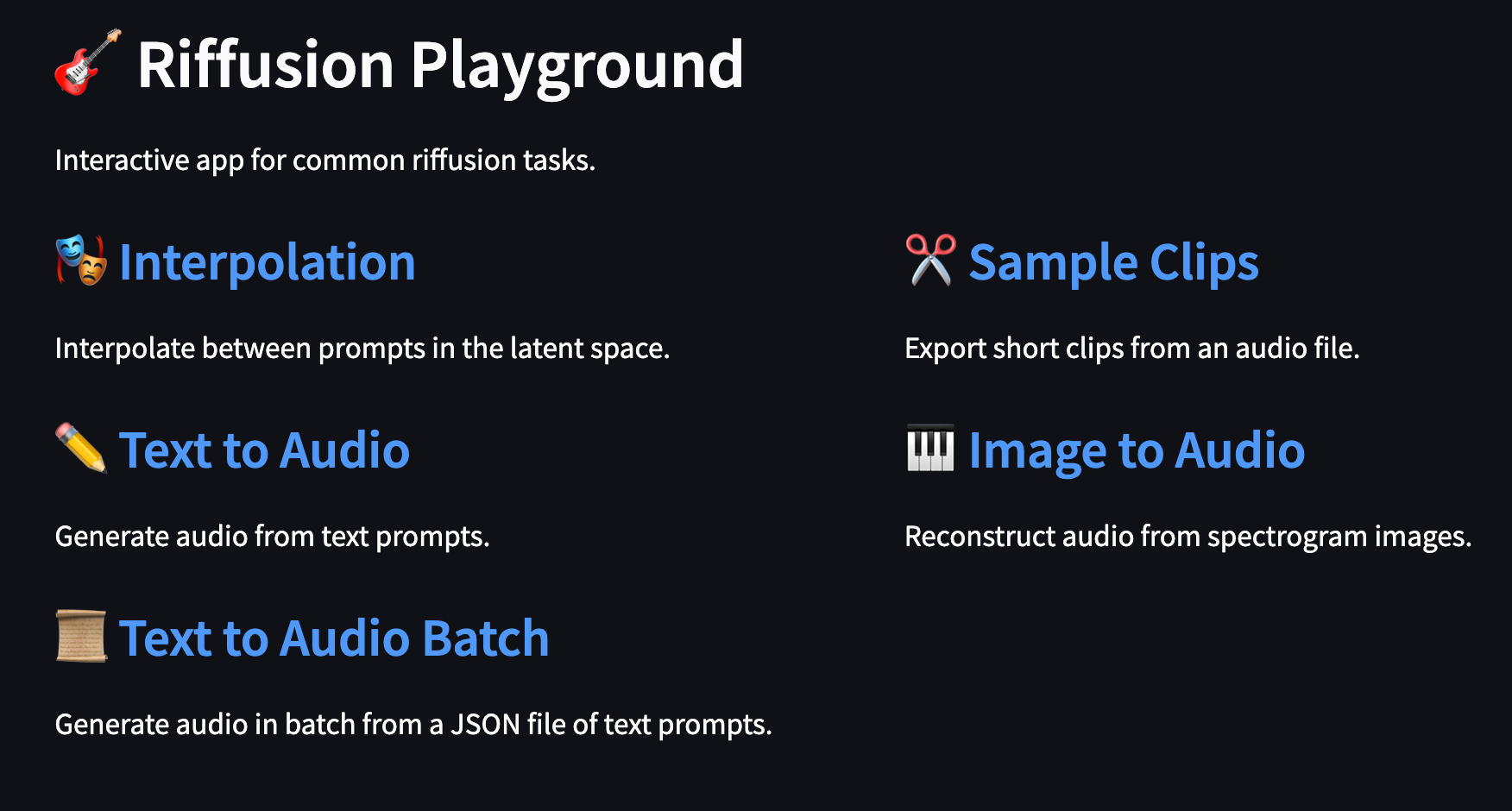
Riffusion Playground
Riffusion contains a streamlit app for interactive use and exploration.
Run with:
python -m riffusion.streamlit.playground
And access at http://127.0.0.1:8501/
Run the model server
Riffusion can be run as a flask server that provides inference via API. This server enables the web app to run locally.
Run with:
python -m riffusion.server --host 127.0.0.1 --port 3013
You can specify --checkpoint with your own directory or huggingface ID in diffusers format.
Use the --device argument to specify the torch device to use.
The model endpoint is now available at http://127.0.0.1:3013/run_inference via POST request.
Example input (see InferenceInput for the API):
{
  "alpha": 0.75,
  "num_inference_steps": 50,
  "seed_image_id": "og_beat",

  "start": {
    "prompt": "church bells on sunday",
    "seed": 42,
    "denoising": 0.75,
    "guidance": 7.0
  },

  "end": {
    "prompt": "jazz with piano",
    "seed": 123,
    "denoising": 0.75,
    "guidance": 7.0
  }
}
Example output (see InferenceOutput for the API):
{
  "image": "< base64 encoded JPEG image >",
  "audio": "< base64 encoded MP3 clip >"
}
Tests
Tests live in the test/ directory and are implemented with unittest.
To run all tests:
python -m unittest test/*_test.py
To run a single test:
python -m unittest test.audio_to_image_test
To preserve temporary outputs for debugging, set RIFFUSION_TEST_DEBUG:
RIFFUSION_TEST_DEBUG=1 python -m unittest test.audio_to_image_test
To run a single test case within a test:
python -m unittest test.audio_to_image_test -k AudioToImageTest.test_stereo
To run tests using a specific torch device, set RIFFUSION_TEST_DEVICE. Tests should pass with
cpu, cuda, and mps backends.
Development Guide
Install additional packages for dev with python -m pip install -r requirements_dev.txt.
- Linter:
ruff - Formatter:
black - Type checker:
mypy
These are configured in pyproject.toml.
The results of mypy ., black ., and ruff . must be clean to accept a PR.
CI is run through GitHub Actions from .github/workflows/ci.yml.
Contributions are welcome through pull requests.