How to interview using this template
Open ONLY the shared/ folder within VSCode and in the Extensions Marketplace find CodeTogether Live. Install it.
Inside the extension, you'll have to click on 'Host New Session' and then 'Start'.
You now have a link in your clipboard, which you should share with the candidate.
Don't forget to run npm run vite.dev inside your editor terminal, since this is not currently possible from the browser editor (link) with the free version of the extension.
The locally running server will display localhost:5173 as well as a the project within the network, which the user can access remotely to see the SPA in action, something like: 10.5.52.144:5173.
The candidate should be sharing their screen while they read and later approach the challenge!
React Template(⚡️)
⚡️ A minimal React Vite starter template.
Feature
- ⚡️ Fast - Build tools based on vite.
- 👻 Small - Based on the smallest runnable build.
- 💄 Prettier - Integrated Prettier to help you format the code.
- ✅ Safety - Https is enabled by default.
- 😎 Reliable - Integrated eslint and commitlint.
- 🤖 Intelligent - Integrated renovate to help you maintain the dependent version.
Preview
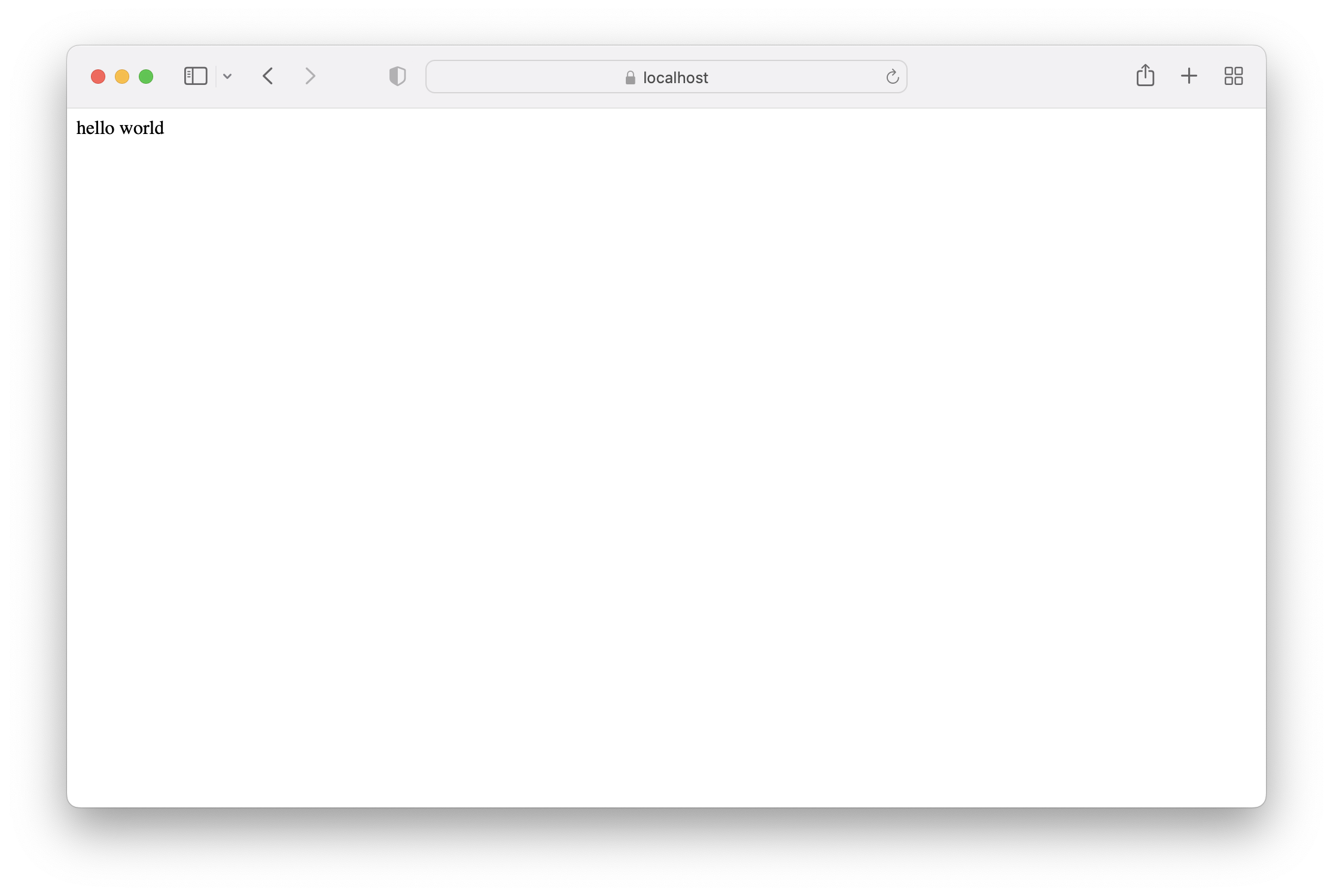
Getting Started
npx degit lzm0x219/template-vite-react myapp

cd myapp

git init
Prerequisites
npmand/orpnpmshould be installed.gitshould be installed (recommended v2.4.11 or higher)
Available scripts
npm run vite.dev
Runs the app in development mode. Open https://localhost:5173 to view it in the browser.
The page will automatically reload if you make changes to the code. You will see the build errors and lint warnings in the console.
npm run vite.build
Builds the app for production to the dist folder.
It correctly bundles React in production mode and optimizes the build for the best performance.
The build is minified and the filenames include the hashes.
Your app is ready to be deployed.