
puppyone
A local-first editor. Built for you and your agents.
[](https://www.puppyone.ai)
[](https://www.puppyone.ai/doc)
[](https://discord.gg/zwJ9Y3Uvpd)
[-000000?style=flat-square&logo=x&logoColor=white)](https://x.com/puppyone_ai)
Install
npm install --global puppyone
Start
puppyone
Features
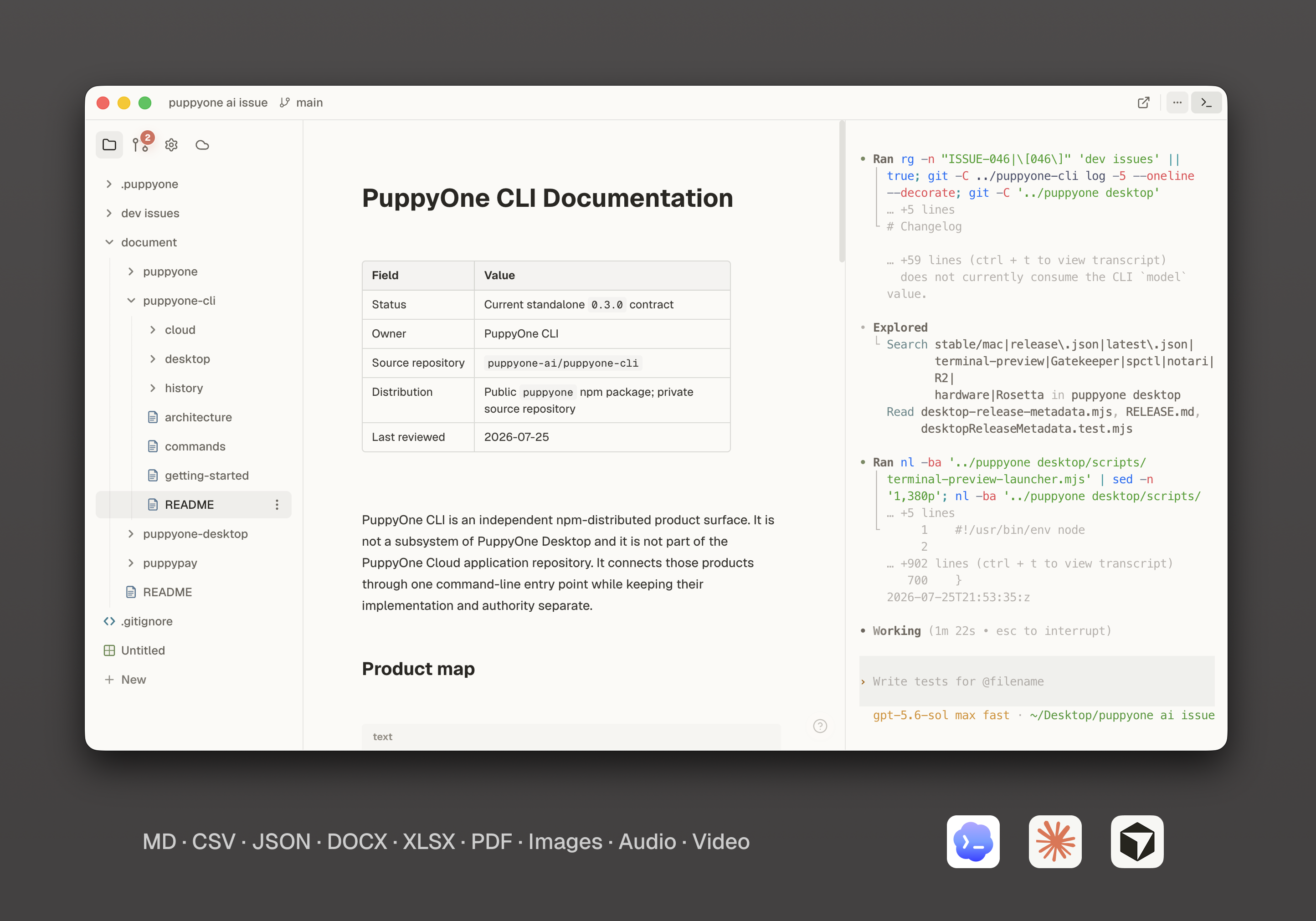
- Rich files — Edit and preview Markdown, HTML, CSS, CSV, JSON, DOCX, XLSX, PDF, media, 3D files, and more.
- Local-first — Work with local folders; files stay local unless you choose Cloud.
- Git — Review changes and keep project history with local Git.
- Terminal & agents — Built-in terminal with Codex, Claude Code, Cursor, and OpenCode.
- Puppyone Cloud (optional) — Hosting, backup, and always-on MCP or CLI access.
- Cloud collaboration (optional) — Invite teammates to hosted projects.
Development checks
See the test directory and commands for unit, component, integration, Electron and performance checks.
For the local Agent payment test, run npm run dev:agent-sandbox -- --check,
then npm run dev:agent-sandbox after closing the previous development instance.
This starts the source build against qubits Cloud and Polar Sandbox; it does not
reconfigure an installed Desktop. Model calls still use real provider credit.
The canonical sandbox runbook
and architecture
are maintained in puppy-issues alongside this task branch.
License
Code is licensed under the Apache License 2.0.
Privacy
Eligible Stable builds send Basic product analytics after showing the current notice. You can turn analytics off in Settings → Privacy. Development and Internal builds do not send these events.
Basic analytics measure installations and application usage, not people. They
contain two events: desktop_first_run, at most once for a fresh installation,
and desktop_daily_active, at most once per UTC day while the app is
foregrounded. Existing installations are not counted as new installations
when they upgrade.
Events include the UTC activity day, application version, operating system family and major version, processor architecture, notice version, a random retry identifier, and a monthly rotating pseudonymous installation ID. A separate pseudonymous retention ID links activity during the installation's first 100 lifecycle days; the first-run event also includes the onboarding version. These IDs come from a random local secret, not an account or hardware identifier. The event catalog lists the exact permitted fields.
Events never include account identifiers, credentials, files or file paths, Git metadata, prompts, Agent replies, terminal content, hardware serial numbers, raw IP addresses, or full User-Agent strings. Cloudflare processes connection metadata to deliver requests; the analytics Worker does not read it into analytics records or store it in the database, and invocation logs are disabled.
| Analytics records | Retention |
|---|---|
| Retry receipts | 8 days |
| Daily pseudonymous activity | 35 days |
| Monthly pseudonymous activity | 62 days |
| First-run and retention activity details | 100 days |
| Aggregate counts without identifiers | Long term |
Turning analytics off clears the local queue and identity secret. Already submitted records expire on the schedule above; the service has no mapping from these IDs to a Puppyone account. Opting back in does not count the installation as a new first run.
Privacy questions: guanqun.real@puppyone.ai.
The puppyone name, logo, icons, and other brand assets are not granted under the Apache License. See TRADEMARK.md.