
BookWorm


[!WARNING] This project is for demo purposes only and is not production-ready.
Introduction
⭐ BookWorm showcases Aspire in a cloud-native application with AI integration. Built with DDD and VSA, it features multi-agent orchestration and standardized AI tooling through MCP with A2A & AG-UI Protocol support.
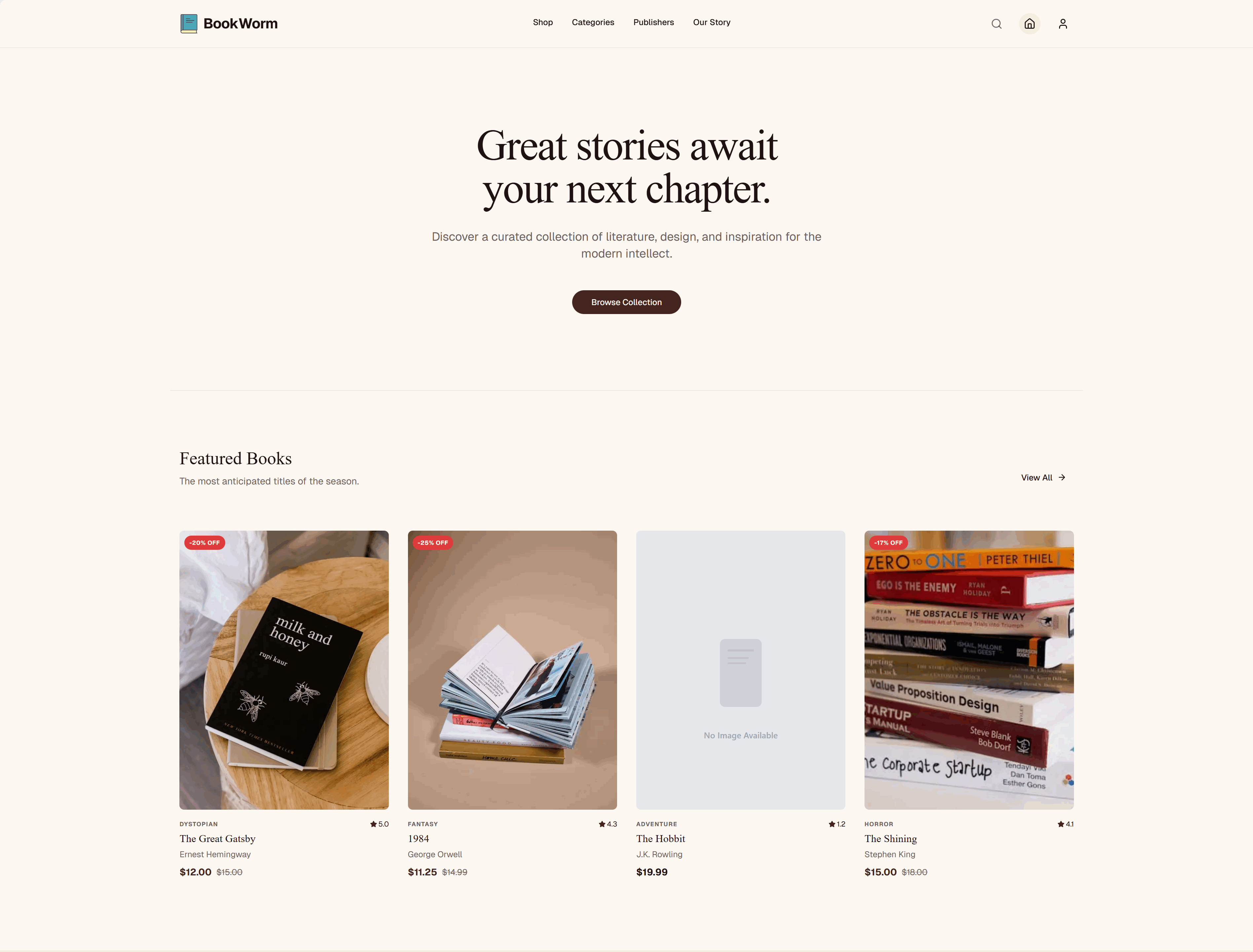
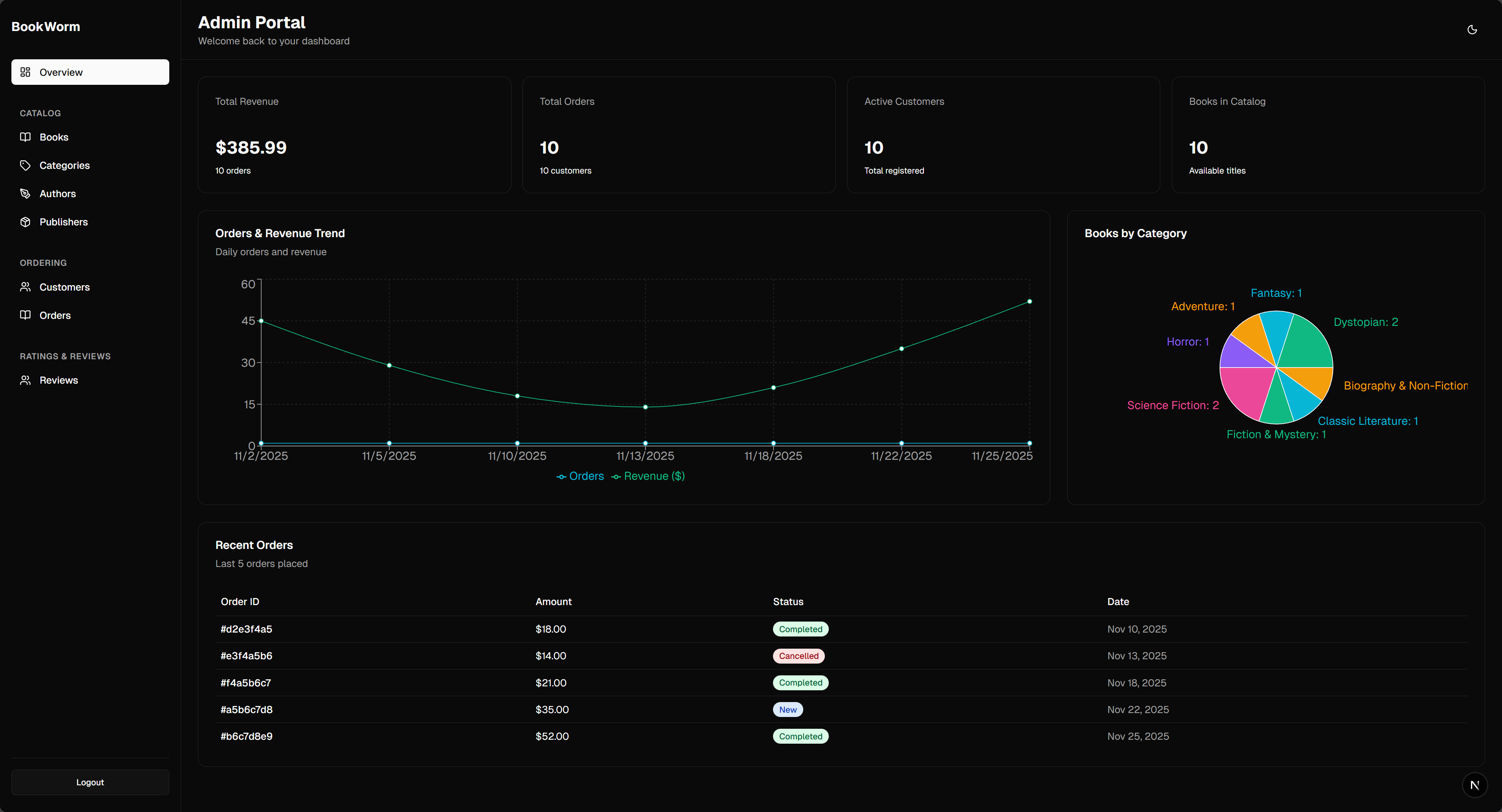
View Screenshots
Project Goals
- [x] Developed a cloud-native application using Aspire
- [x] Implemented Vertical Slice Architecture with Domain-Driven Design & CQRS
- [x] Enabled service-to-service communication with gRPC
- [x] Incorporated various microservices patterns
- [x] Utilized outbox and inbox patterns to manage commands and events
- [x] Implemented saga patterns for orchestration and choreography
- [x] Integrated event sourcing for storing domain events
- [x] Implemented a microservices chassis for cross-cutting concerns and service infrastructure
- [x] Implemented API versioning and feature flags for flexible application management
- [x] Set up AuthN/AuthZ with Keycloak
- [x] Used Authorization Code Flow with PKCE for user authentication
- [x] Enabled Token Exchange for service-to-service authentication
- [x] Implemented caching with FusionCache
- [x] Incorporated AI components:
- [x] Use Microsoft Foundry for LLM and embeddings
- [x] Orchestrated multi-agent workflows using Agent Framework
- [x] Standardized AI tooling with Model Context Protocol (MCP)
- [x] Enabled agent-to-agent communication via A2A Protocol
- [x] Supported Agent interactions via AG-UI Protocol
- [x] Agent governance with policy-based controls and monitoring
- [x] Enabled AI agents to generate rich, interactive UIs using A2UI
- [x] Configured CI/CD with GitHub Actions
- [x] Created comprehensive documentation:
- [x] Used OpenAPI for REST API & AsyncAPI for event-driven endpoints
- [x] Utilized EventCatalog for centralized architecture documentation
- [x] Built modern client applications:
- [x] Monorepo architecture powered by
Turborepo - [x] Customer-facing storefront and admin backoffice dashboard with
Next.js - [x] Supported WCAG 2.1 AA accessibility standards
- [x] Monorepo architecture powered by
- [x] Established a testing strategy:
- [x] Conducted service unit tests
- [x] Implemented Pact-based contract testing
- [x] Established architecture testing strategy
- [x] Implemented frontend unit tests and component tests
- [x] Conducted end-to-end testing with BDD
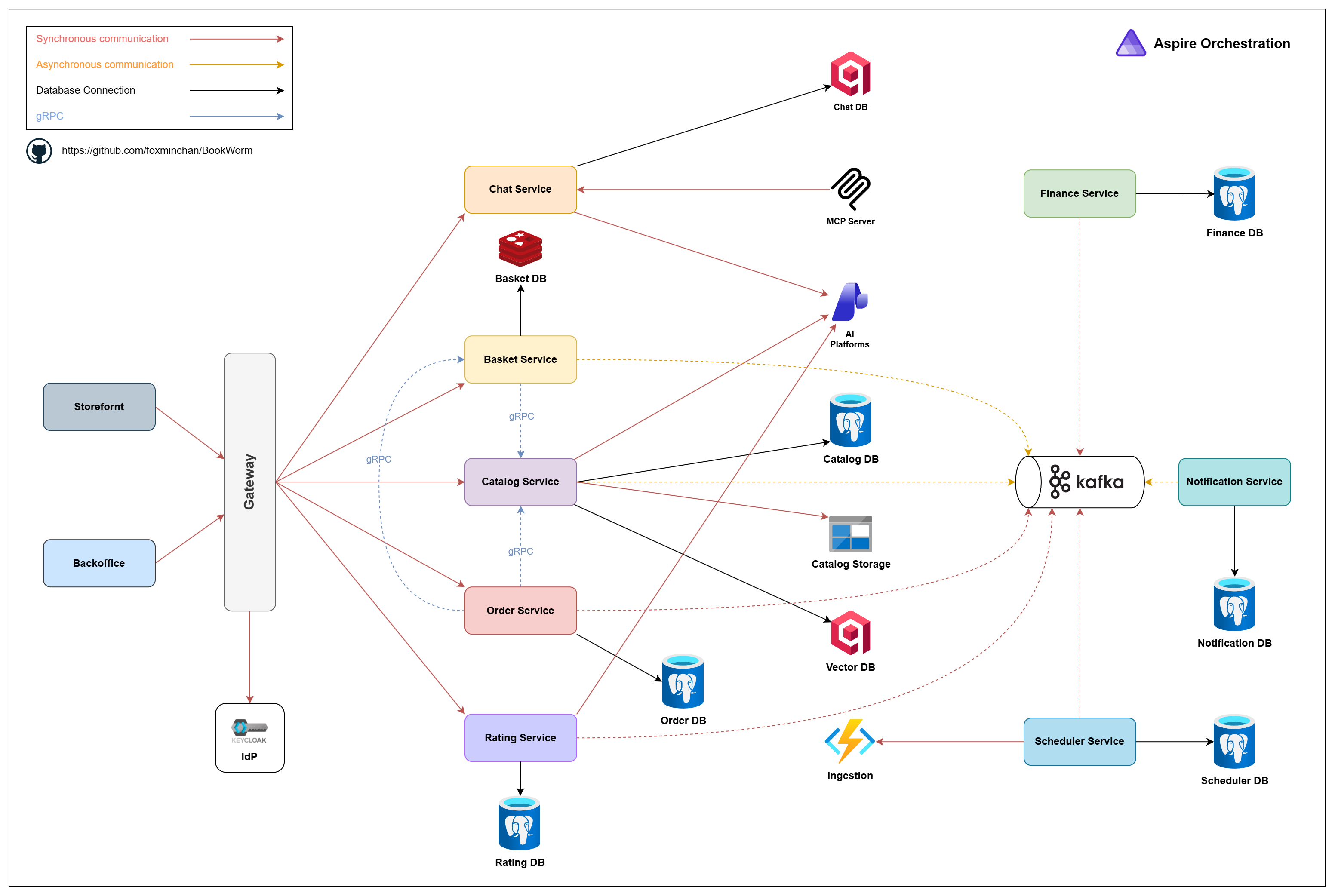
Project Architecture
Getting Started
Prerequisites
Required
Optional
- Buf CLI — gRPC schema & codegen
- Spec-Kit — spec-driven development
- GitHub Copilot CLI — AI-assisted development
[!NOTE]
- Use
mise tasks lsto view available tasks.- Azure Subscription is required for deploying to Azure Container Apps and using Microsoft Foundry.
- Email uses SMTP through MailKit, with Mailpit locally; configure the endpoint and credentials for providers like SendGrid or production SMTP servers.
Run locally
# 1. Clone the repository
git clone git@github.com:foxminchan/BookWorm.git

# 2. Navigate to the project directory
cd BookWorm

# 3. Install tools (.NET SDK, Bun, JDK & tools — skip if already installed globally)
mise install

# 4. Setup Azure subscription and location for deployment
aspire secret set "Azure:SubscriptionId" "your-subscription-id"
aspire secret set "Azure:Location" "your-location"

# 5. First-time setup
mise run prepare

# 6. Start the application
mise run run
[!NOTE]
On first run, you'll be prompted to enter the required environment variables.
Self-Deploy to Azure
- Authenticate with Azure
az login
- Deploy
aspire deploy
- Get the app URL
az containerapp show --name  --resource-group  \
  --query properties.configuration.ingress.fqdn --output tsv
- Clean up resources
az group delete --name --yes --no-wait
- Clean up resources:
To remove all deployed resources and avoid charges:
az group delete --name --yes --no-wait
Documentation
For full documentation, visit the GitHub Wiki.
Contributing
Contributions are welcome — see CONTRIBUTING and CODE OF CONDUCT for details. Thanks to all contributors!
For bugs or feature requests, open an issue.
License
MIT — see LICENSE for details.