Fleur
A desktop app marketplace for Claude Desktop
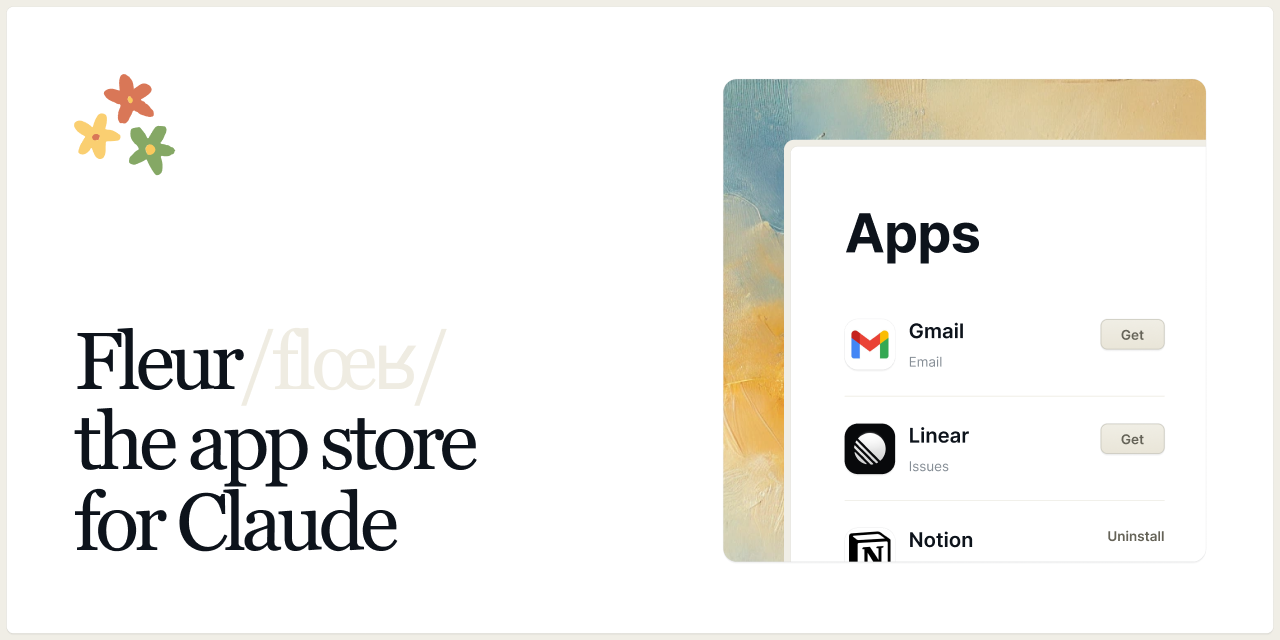
Fleur is a desktop application that serves as an app marketplace for MCPs. It allows you to discover, install, and manage apps that extend the functionality of Claude Desktop and Cursor.
All without having to use a command line. Fleur is made for non-technical users in mind, but is open-source and extensible so developers can make it their own.
Getting Started
To install Fleur you can either download the latest release or open the terminal and run the following command:
curl -fsSL fleur.sh | sh
Features
- App Discovery: Browse and search for apps in the Fleur marketplace
- Lightweight and fast: Fleur is built with Rust and Bun, making it lightweight and fast (it's less than 20MB)
- App Installation: Easily install apps with a single click
- App Management: View installed apps and their status for each client (Claude Desktop and Cursor are supported)
- Automatic Updates: Stay up-to-date with the latest app versions
Submitting your MCP as an App
To submit your app to the Fleur marketplace, follow these steps:
-
Clone the repository:
git clone https://github.com/fleuristes/app-registry.git cd app-registry -
Add your app to the
apps.jsonfile. -
Submit a pull request to the app-registry repository.
Development
Prerequisites
Installation
-
Clone the repository:
git clone https://github.com/fleuristes/fleur.git cd fleur -
Install dependencies:
bun install -
Run the development version:
bun tauri dev
Building for Production
To build the application for production:
bun tauri build
App Registry
Fleur uses a centralized app registry to manage available apps. The registry is maintained at github.com/fleuristes/app-registry.
Adding a New App
To add a new app to the registry, submit a pull request to the app-registry repository with your app's metadata.
Development
Project Structure
src/- React/TypeScript frontend codesrc-tauri/- Rust backend codepublic/- Static assets
Recommended IDE Setup
Running Tests
cd src-tauri
cargo test
Contributing
All contributions are welcome!
-
fleur: The main repository containing the Fleur app. It's built with Tauri, React and Typescript. In thesrc-taurifolder, you'll find the Rust code. And in thesrcfolder, you'll find the React code for the UI. -
app-registry: is the repository that contains the list of all MCPs
License
This project is licensed under the Apache License 2.0 - see the LICENSE file for details.