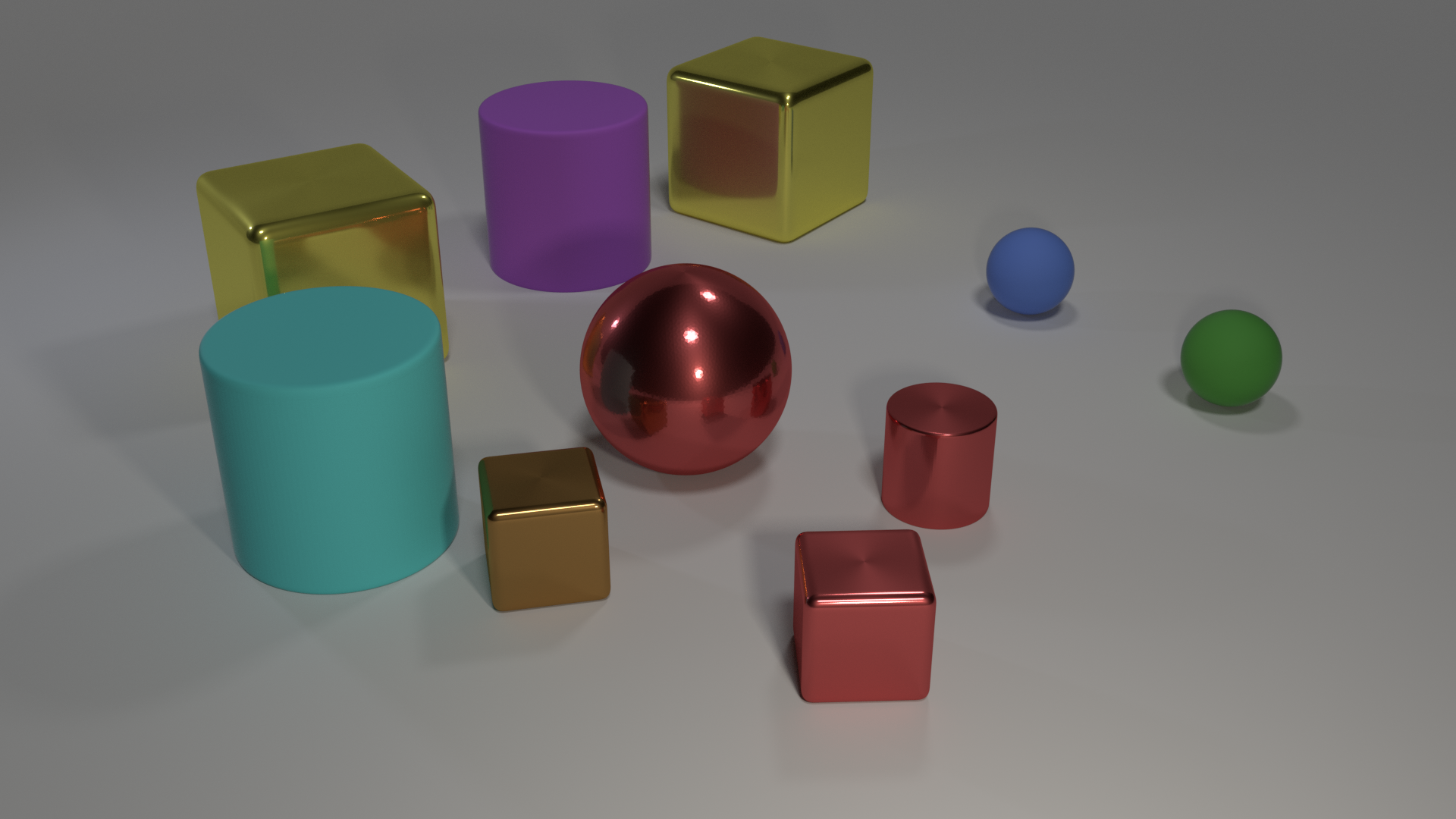
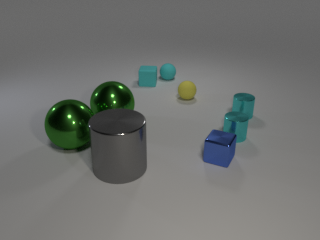
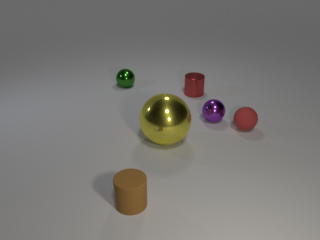
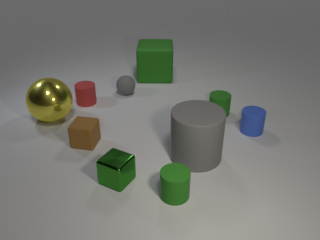
CLEVR Dataset Generation This is the code used to generate the CLEVR dataset as described in the paper: **CLEVR: A Diagnostic Dataset for Compositional Language and Elementary Visual Reasoning** Justin Johnson , Bharath Hariharan , Laurens van der Maaten , Fei-Fei Li , Larry Zitnick , Ross Girshick Presented at CVPR 2017 Code and pretrained models for the baselines used in the paper can be found here. You can use this code to render synthetic images and compositional questions for those images, like this
: **Q:** How many small spheres are there? **A:** 2 **Q:** What number of cubes are small things or red metal objects? **A:** 2 **Q:** Does the metal sphere have the same color as the metal cylinder? **A:** Yes **Q:** Are there more small cylinders than metal things? **A:** No **Q:** There is a cylinder that is on the right side of the large yellow object behind the blue ball; is there a shiny cube in front of it? **A:** Yes
If you find this code useful in your research then please cite All code was developed and tested on OSX and Ubuntu 16. Step 1: Generating Images First we render synthetic images using Blender, outputting both rendered images as well as a JSON file containing ground-truth scene information for each image. Blender ships with its own installation of Python which is used to execute scripts that interact with Blender; you'll need to add the directory to Python path of
Blender's bundled Python. The easiest way to do this is by adding a file to the directory of Blender's Python, like this: where is the directory where Blender is installed and is your Blender version; for example on OSX you might run: You can then render some images like this: On OSX the binary is located inside the blender. app directory; for convenience you may want to add the following alias to your file: If you have an NVIDIA GPU
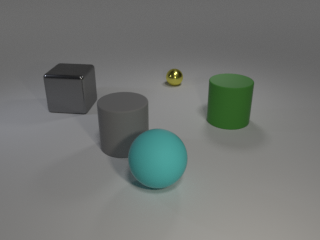
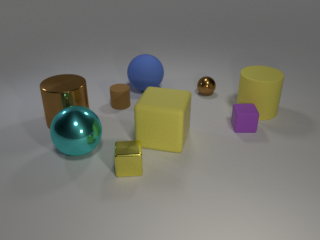
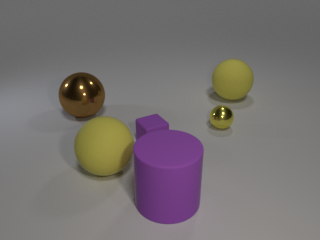
with CUDA installed then you can use the GPU to accelerate rendering like this: After this command terminates you should have ten freshly rendered images stored in like these: The file will contain ground-truth scene information for all newly rendered images. You can find more details about image rendering here. Step 2: Generating Questions Next we generate questions, functional programs, and answers for the rendered images generated in the previous step. This step takes as input the single JSON
file containing all ground-truth scene information, and outputs a JSON file containing questions, answers, and functional programs for the questions in a single JSON file. You can generate questions like this: The file will then contain questions for the generated images. You can find more details about question generation here.
Code and pretrained models for the baselines used in the paper can be found here.
You can use this code to render synthetic images and compositional questions for those images, like this:
Q: How many small spheres are there?
A: 2
Q: What number of cubes are small things or red metal objects?
A: 2
Q: Does the metal sphere have the same color as the metal cylinder?
A: Yes
Q: Are there more small cylinders than metal things?
A: No
Q: There is a cylinder that is on the right side of the large yellow object behind the blue ball; is there a shiny cube in front of it?
A: Yes
If you find this code useful in your research then please cite
@inproceedings{johnson2017clevr,
  title={CLEVR: A Diagnostic Dataset for Compositional Language and Elementary Visual Reasoning},
  author={Johnson, Justin and Hariharan, Bharath and van der Maaten, Laurens
          and Fei-Fei, Li and Zitnick, C Lawrence and Girshick, Ross},
  booktitle={CVPR},
  year={2017}
}
All code was developed and tested on OSX and Ubuntu 16.04.
Step 1: Generating Images
First we render synthetic images using Blender, outputting both rendered images as well as a JSON file containing ground-truth scene information for each image.
Blender ships with its own installation of Python which is used to execute scripts that interact with Blender; you'll need to add the image_generation directory to Python path of Blender's bundled Python. The easiest way to do this is by adding a .pth file to the site-packages directory of Blender's Python, like this:
cd image_generation
blender --background --python render_images.py -- --num_images 10
On OSX the blender binary is located inside the blender.app directory; for convenience you may want to
add the following alias to your ~/.bash_profile file:
alias blender='/Applications/blender/blender.app/Contents/MacOS/blender'
If you have an NVIDIA GPU with CUDA installed then you can use the GPU to accelerate rendering like this:
Next we generate questions, functional programs, and answers for the rendered images generated in the previous step.
This step takes as input the single JSON file containing all ground-truth scene information, and outputs a JSON file
containing questions, answers, and functional programs for the questions in a single JSON file.
You can generate questions like this:
cd question_generation
python generate_questions.py
The file output/CLEVR_questions.json will then contain questions for the generated images.