Chat and Ask on your own data. Accelerator to quickly upload your own enterprise data and use OpenAI services to chat to that uploaded data and ask questions
YouTube Summary with ChatGPT is a simple Chrome Extension (manifest v3) that allows you to get both YouTube video transcripts and summary of the video with OpenAI's ChatGPT AI technology.
关键参数与规格
关键参数与规格
参数
值
语言
Python
类别
Applications
子类别
Productivity
星标数
867
分叉数
83
贡献者
5
创建日期
2023-03-17
更新日期
2026-10-03
1 天星标数
0
7 天星标数
0
排名
13,058
上次排名
12,949
排名变化
-109
7 天星标排名
13,740
上次 7 天星标排名
13,754
7 天星标排名变化
14
总星标排名
12,476
上次总星标排名
12,456
总星标排名变化
-20
国家
South Korea
README 摘录
EVAL **EVAL(Elastic Versatile Agent with Langchain) will execute all your requests. If you tell them the results you want, they'll search, code, run, and test the Internet themselves, and they'll return the final results. EVAL Making a full-fledged web application with multiple files EVAL Making a UI for itself EVAL-BOT EVAL's self-managed github account. EVAL does everything except for signup and bio setting. **Services** It can serve **services (blocking processes)** such as web apps. **Evolving** It
can **create it's own tools** by writing, modifying, executing and testing code. Code Editor READ: Read and understand file. PATCH: Correct the error throught the code patch if an error occurs. DELETE: Delete code in file for a new start. Search Google, Bing, Wikipedia Custom DB Search (Currently using Corca's Wine Data in Requests. get (Get information from anywhere you want) 4. Image Understanding, Generation, Editing Image Understanding Image Generation: Stable Diffusion 1. 5 Image Editing Thanks to LangChain, Visual
ChatGPT, llama index. CUSTOM TOOLS We also don't know what tools EVAL will create. Every day, It will create the right tools to execute your request. Environment Variables You need to write some environment variables in the file. example if you don't know how to format it. **Mandatory** Manatory envs are required in order to serve EVAL. - OpenAI api key **Optional** Each optional env has default value, so you don't need to set unless you want to change it. - port
(default: 8000) - server address (default: - INFO | DEBUG (default: INFO) - give it a name! (default: Orca) - model name for GPT (default: gpt-4) **For More Tools** Some tools requires environment variables. Set envs depend on which tools you want to use. Google search tool Bing search tool - 2. Run with docker-compose There are 2 services in docker-compose. yml - without GPU, much lighter - with GPU, for multi-modal conversation The one with GPU is much heavier and unstable for now
because of the massive dependencies. We recommend you to use the one without GPU if you don't need multi-modal conversation. Send request to EVAL Use the Web GUI to use EVAL in ease Go to in your browser Or you can manually send request to EVAL with APIs. It also supports asynchronous execution. You can use instead of , with same body. Reference Thanks to the following repositories.
EVAL(Elastic Versatile Agent with Langchain) will execute all your requests. Like the eval method!
You don't have to think about how. If you tell them the results you want, they'll search, code, run, and test the Internet themselves, and they'll return the final results.
Some tools requires environment variables. Set envs depend on which tools you want to use.
Google search tool
SERPAPI_API_KEY
Bing search tool
BING_SEARCH_URL
BING_SUBSCRIPTION_KEY
2. Run with docker-compose
There are 2 services in docker-compose.yml
eval - without GPU, much lighter
docker-compose up --build eval
eval.gpu - with GPU, for multi-modal conversation
docker-compose up --build eval.gpu
The one with GPU is much heavier and unstable for now because of the massive dependencies. We recommend you to use the one without GPU if you don't need multi-modal conversation.
3. Send request to EVAL
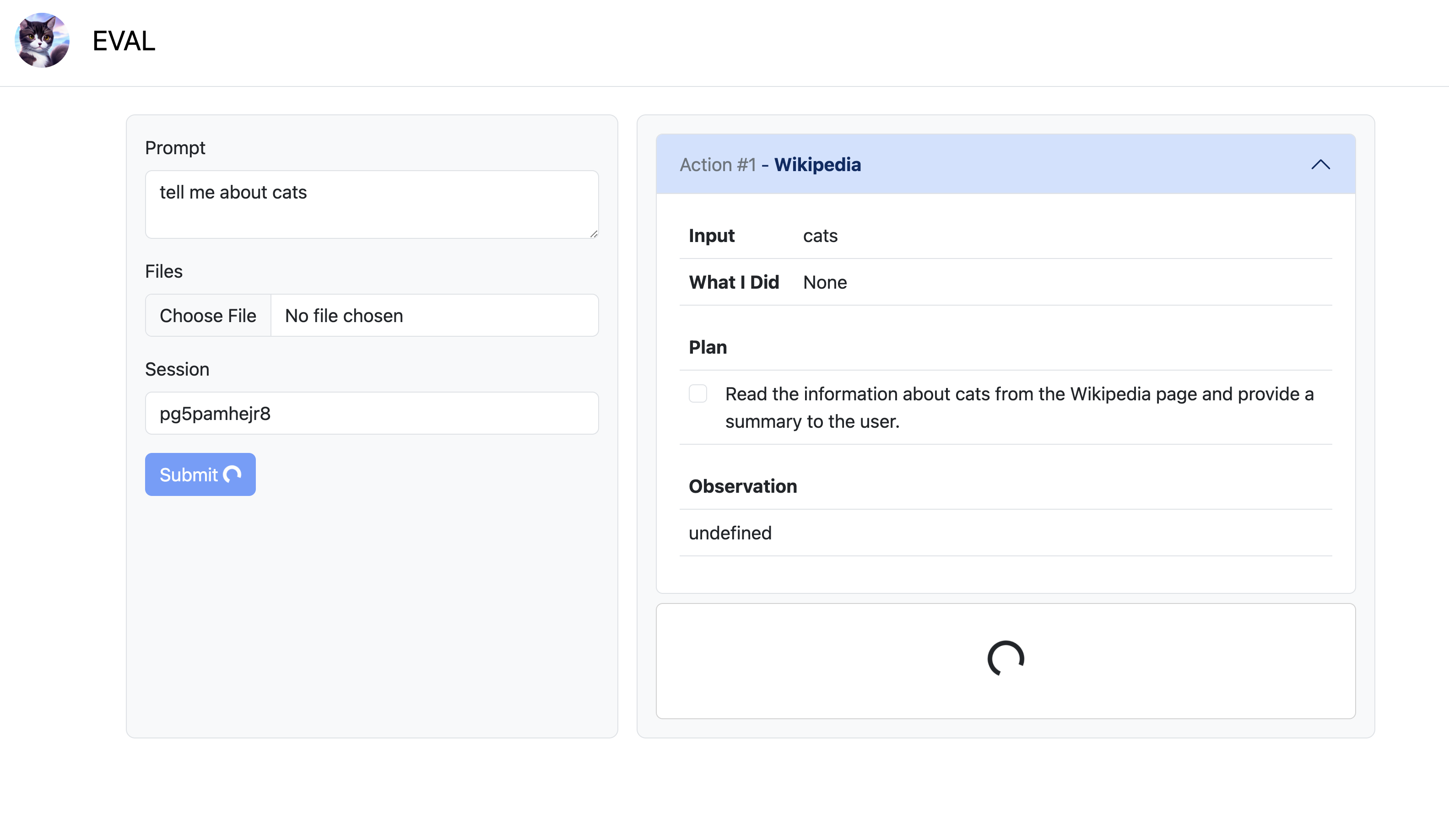
Use the Web GUI to use EVAL in ease
Go to http://localhost:8000 in your browser
Or you can manually send request to EVAL with APIs.