
Athas
A lightweight, cross-platform code editor, built with Tauri (Rust and React) with Git support, AI agents, vim keybindings.
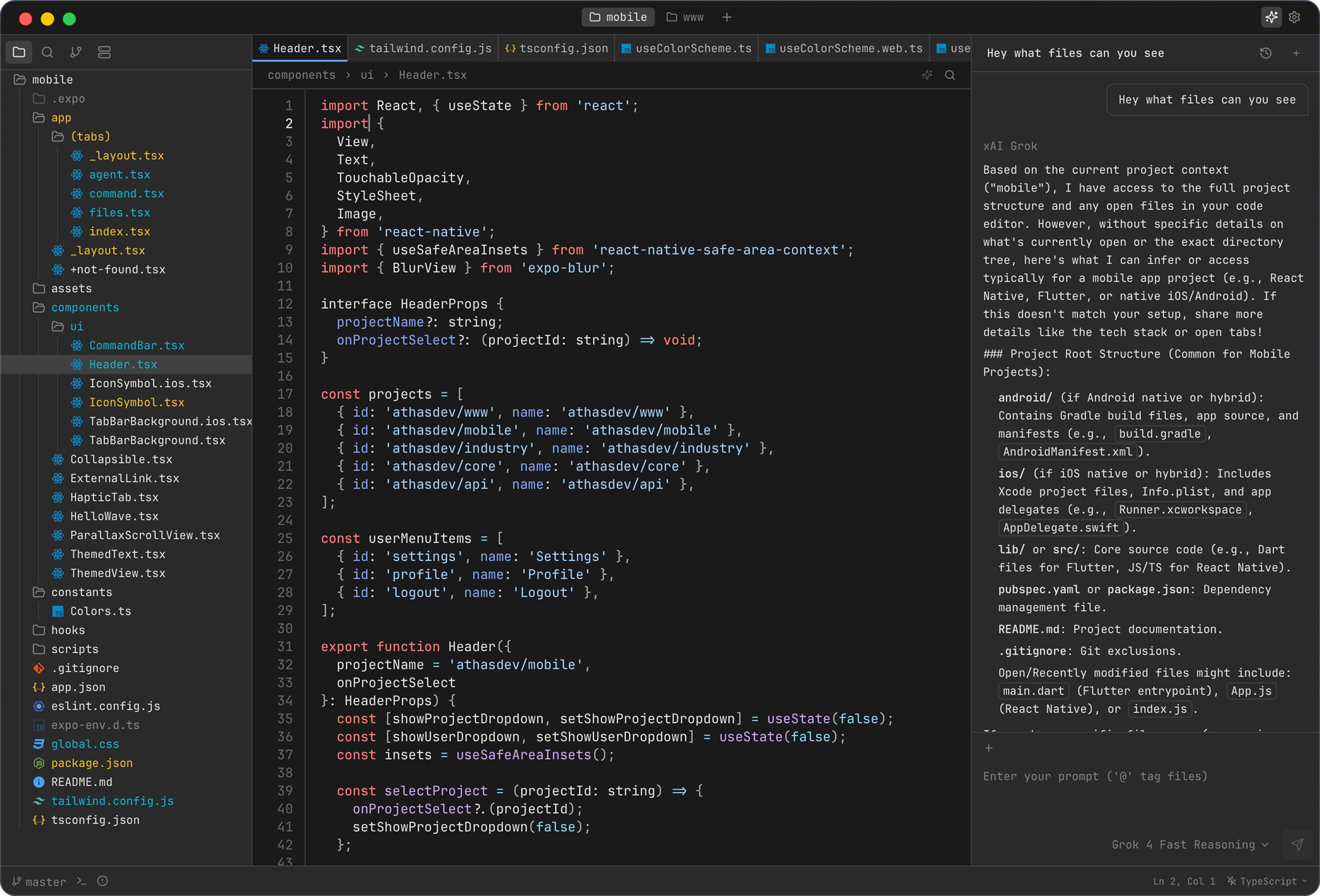
Features
- AI agents
- Git integration
- Syntax highlighting
- LSP support
- Vim keybindings
- Integrated terminal
- Database viewers
- Collaboration
- Enterprise policy controls (managed mode + extension allowlist)
Installation
Quick install
macOS and Linux:
curl -fsSL https://athas.dev/install.sh | sh
Windows (PowerShell):
powershell -ExecutionPolicy ByPass -c "irm https://athas.dev/install.ps1 | iex"
The install scripts detect your operating system and architecture, download the latest stable release, and verify its SHA256 checksum when one is available. You can review the macOS and Linux script or Windows script before running it.
Package managers
Homebrew on macOS:
brew install --cask athas
WinGet on Windows:
winget install --id=athasdev.Athas -e
Scoop on Windows:
scoop bucket add athas https://github.com/athasdev/scoop-athas
scoop install athas
Manual download
Prebuilt packages for macOS, Windows, and Linux are available on the
GitHub Releases page. Linux releases include native
.deb and .rpm packages, an AppImage, a Flatpak bundle, and a portable .tar.gz bundle that
uses the system WebKitGTK 4.1.
See the installation guide for detailed platform steps, install locations, and uninstall instructions.
Development
To build Athas from source, install Node.js 24, Bun 1.3.14, and Rust, then run:
git clone https://github.com/athasdev/athas.git
cd athas
bun setup
bun dev
bun setup installs the project dependencies and checks the native requirements for your
platform. See the contributing guide for validation commands and contribution
guidelines.
Documentation
See the documentation.
Contributing
Contributions are welcome! See the contributing guide and Contributor License and Feedback Agreement.