[!WARNING] Project status: No longer maintained / 项目状态:已停止维护
HyperChat is no longer maintained. No new features, bug fixes, or technical support will be provided. This repository remains available as a historical archive.
HyperChat 已停止维护,不再提供功能更新、问题修复或技术支持。本仓库仅作为历史归档保留。
Introduction
HyperChat is an open-source Chat client that supports MCP and can use APIs from various LLMs to achieve the best Chat experience and productivity tools.

- Supports OpenAI-style LLMs,
OpenAI,Claude(OpenRouter),Qwen,Deepseek,GLM,Ollama. - Fully supports MCP.
DEMO
- HyperChat on Docker
Features:
- [x] 🪟Windows + 🍏MacOS + Linux
- [x] Command line run,
npx -y @dadigua/hyper-chat, default port 16100, password 123456, Web access http://localhost:16100/123456/ - [x] Docker
- Command line version
docker pull dadigua/hyperchat-mini:latest - Ubuntu desktop + Chrome + BrowserUse version (not released)
- Command line version
- [x]
WebDAVsupports incremental sync - [x] Added
HyperPromptprompt syntax, supports variables (text + js code variables), basic syntax checking + hover real-time preview. - [x]
MCPextension - [x] Supports dark mode🌙
- [x] Resources, Prompts, Tools support
- [x] Supports English and Chinese
- [x] Supports
Artifacts,SVG,HTML,Mermaidrendering - [x] Supports defining Agents, with preset prompts and options for allowed MCPs
- [x] Supports scheduled tasks, specifying Agents to complete tasks on a schedule and view task completion status.
- [x] Supports
KaTeX, displaying mathematical formulas, code rendering with syntax highlighting and quick copy - [x] Added
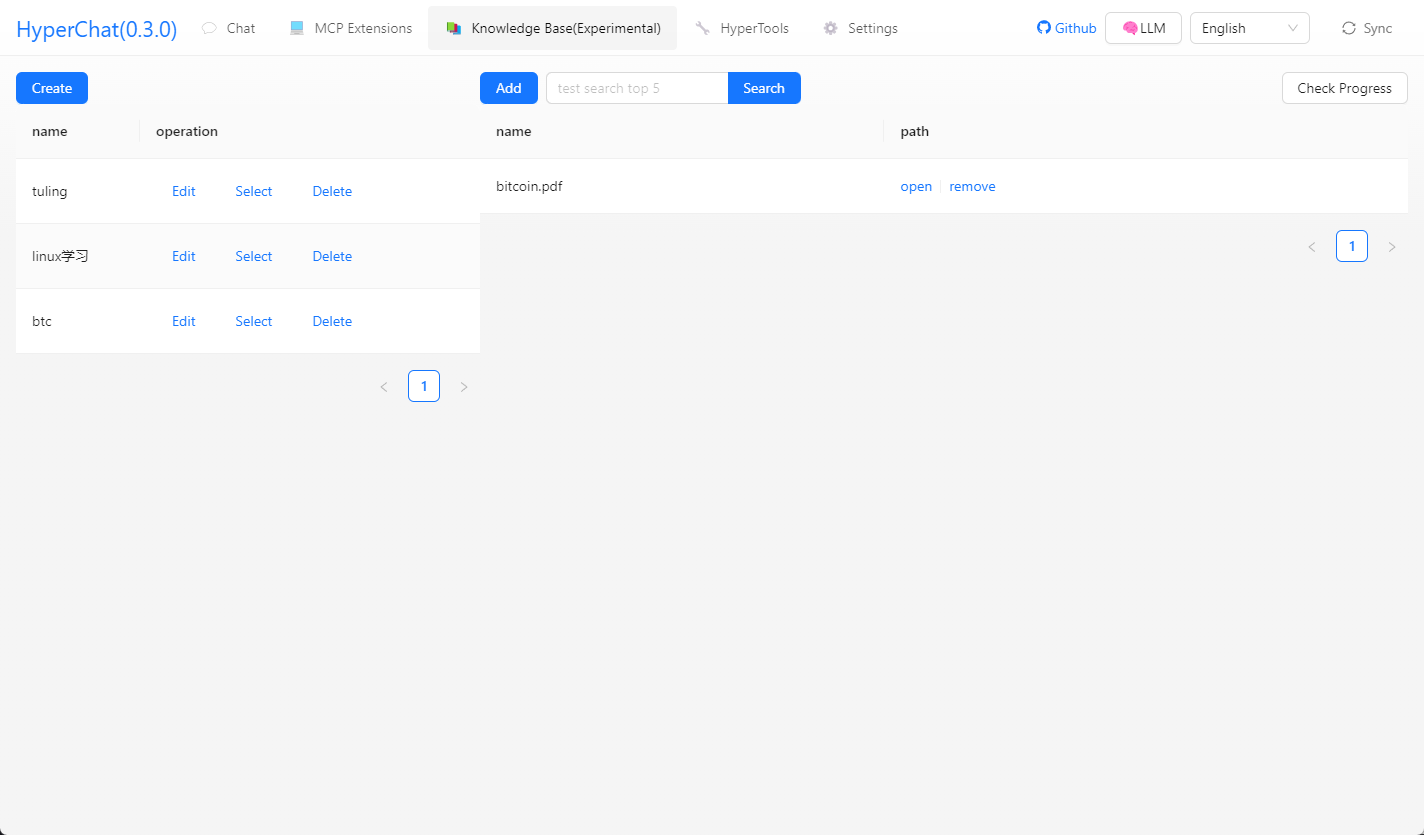
RAG, based on MCP knowledge base - [x] Introduced ChatSpace concept, supporting simultaneous chats in multiple conversations
- [x] Supports model comparison in chat
TODO:
- Support official Claude protocol
LLM
| LLM | Usability | Remarks |
|---|---|---|
| claude | ⭐⭐⭐⭐⭐ | No explanation |
| openai | ⭐⭐⭐⭐ | Also supports multi-step function calls perfectly (gpt-4o-mini also works) |
| gemini flash 2.0 | ⭐⭐⭐⭐ | Very usable |
| qwen | ⭐⭐⭐⭐ | Very usable |
| doubao | ⭐⭐⭐ | Feels okay to use |
| deepseek | ⭐⭐⭐ | Multi-step function calls may have issues |
Usage
-
- Configure API KEY, ensure your LLM service is compatible with OpenAI style.
-
- Ensure that
uv + nodejsand others are installed on your system.
- Ensure that
uvx & uv
Install via command line, or check the official Github tutorial uv
# MacOS
brew install uv
# windows
winget install --id=astral-sh.uv  -e
npx & nodejs
Install via command line, or download and install from the official website, nodejs
# MacOS
brew install node
# windows
winget install OpenJS.NodeJS.LTS
Development
cd electron && npm install
cd web && npm install
npm install
npm run dev
Telegram
Super input, supports variables (text + js code variables), basic syntax checking + hover real-time preview
Chat supports model comparison
Click tool names to directly invoke debugging
MCP call Tool prompt + dynamically modify LLM call Tool parameters
Supports quick input with @ + invoking Agent
Supports Artifacts, SVG, HTML, Mermaid rendering
Supports selecting MCP + selecting part of Tool
You can access via the Web anywhere + any device, and set a password
Calling terminal MCP automatically analyzes ASAR files + helps decompress them
Calling terminal view interface
Gaode Map MCP
One-click webpage writing and publishing to (cloudflare)
Calling Google Search, asking what the TGA Game of the Year is
What are some limited-time free games, please visit the website to call the tool
Helps you open web pages, analyze results, and write to files
Using web tools + command line tools to open GitHub README for learning + GIT clone + setting up development environment
Multi-chat Workspace + Night mode
Scheduled task list + schedule sending messages to Agent to complete tasks
Install MCP from third-party (supports any MCP)
H5 interface
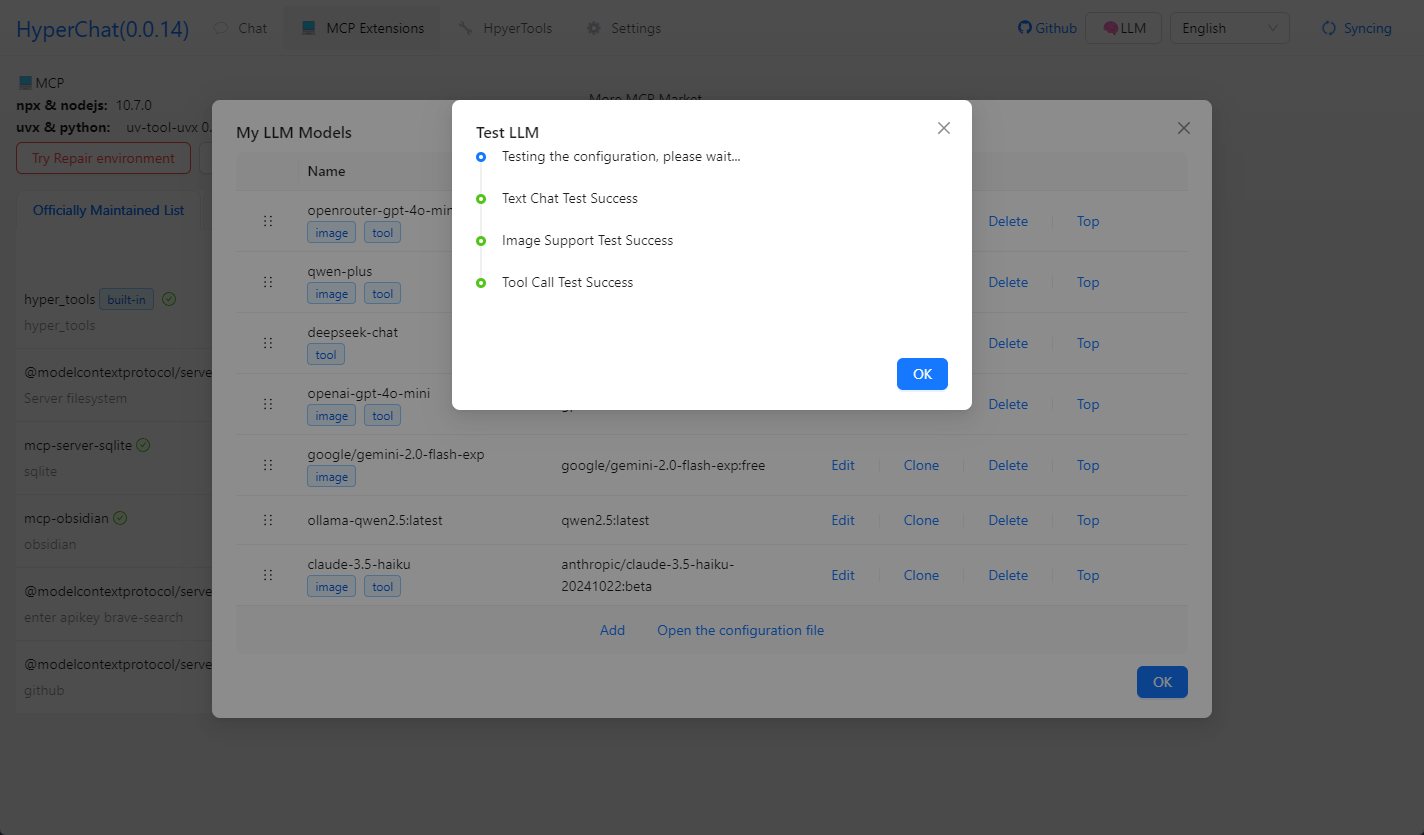
Testing model capabilities
Knowledge base
Disclaimer
- This project is for learning and communication purposes only. If you use this project for any operations, such as crawling behavior, it is unrelated to the developers of this project.