PyTorch-Style-Transfer
This repo provides PyTorch Implementation of MSG-Net (ours) and Neural Style (Gatys et al. CVPR 2016), which has been included by ModelDepot. We also provide Torch implementation and MXNet implementation.
Tabe of content
MSG-Net
Multi-style Generative Network for Real-time Transfer [[arXiv](https://arxiv.org/pdf/1703.06953.pdf)] [[project](http://computervisionrutgers.github.io/MSG-Net/)]
@article{zhang2017multistyle, title={Multi-style Generative Network for Real-time Transfer}, author={Zhang, Hang and Dana, Kristin}, journal={arXiv preprint arXiv:1703.06953}, year={2017} }
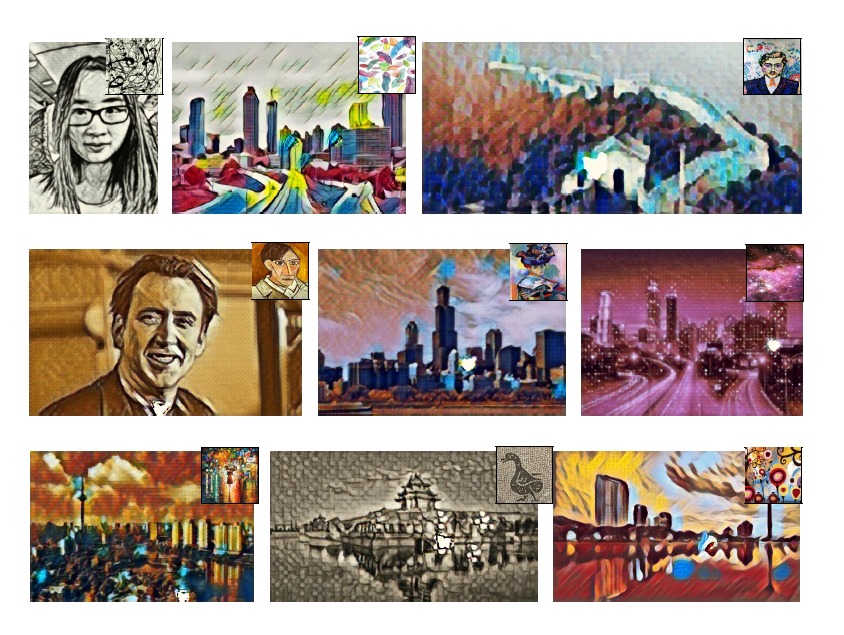
Stylize Images Using Pre-trained MSG-Net
- Download the pre-trained model
git clone [email protected]:zhanghang1989/PyTorch-Style-Transfer.git cd PyTorch-Style-Transfer/experiments bash models/download_model.sh - Camera Demo
python camera_demo.py demo --model models/21styles.model
- Test the model
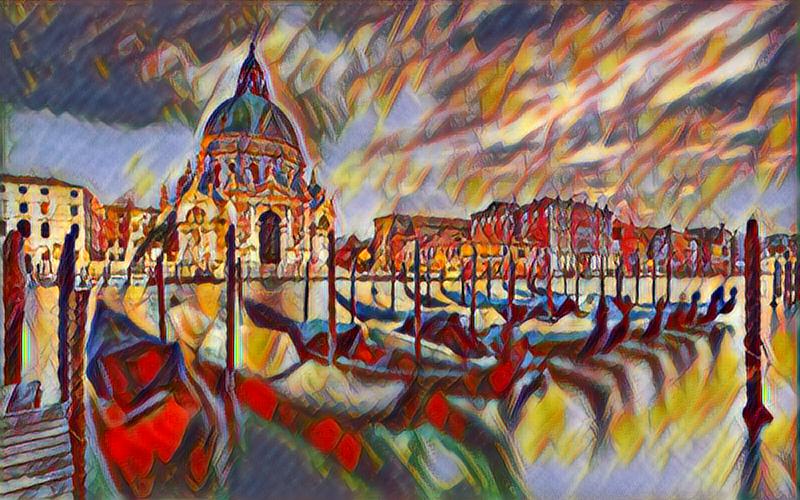
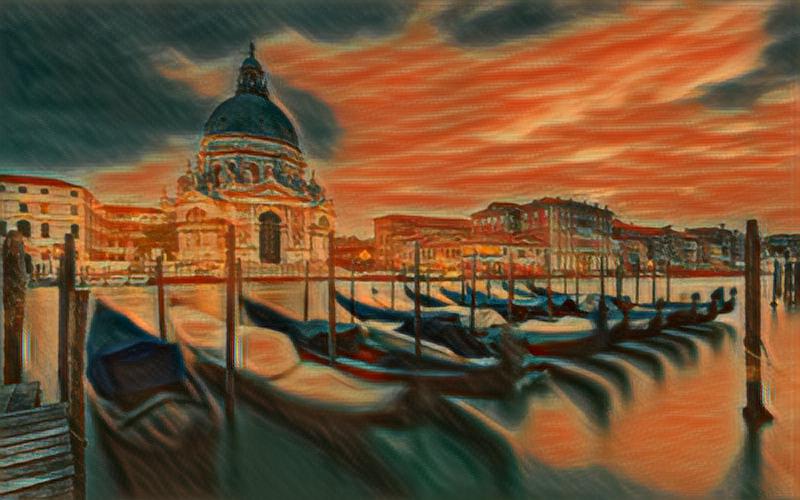
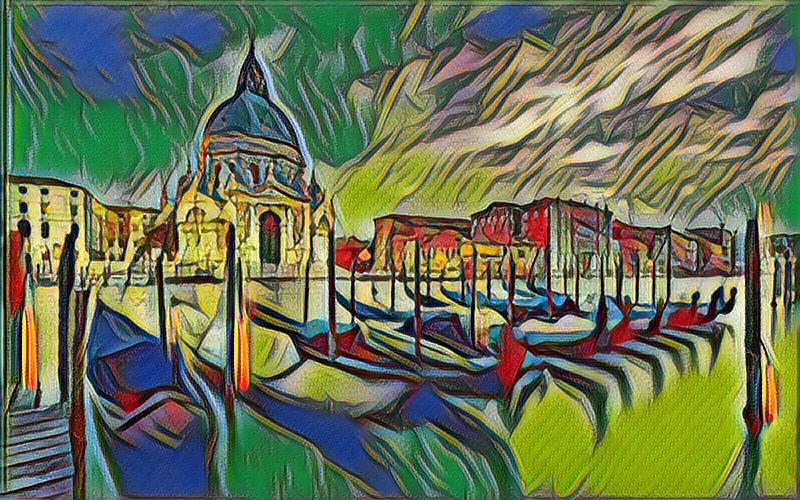
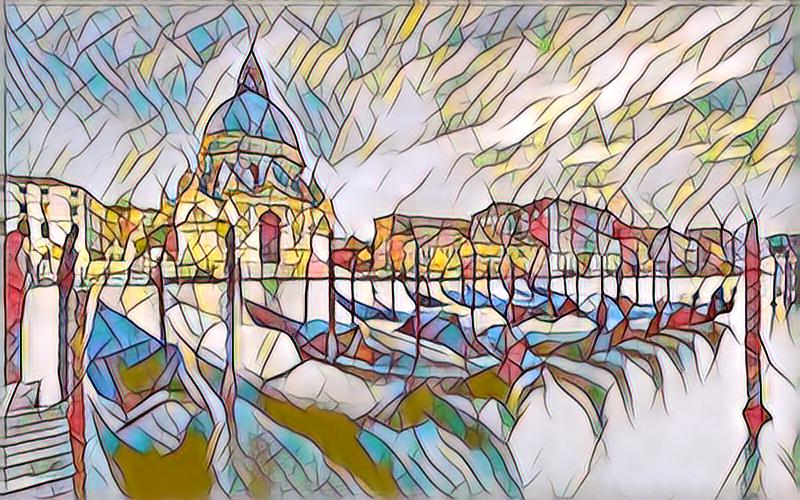
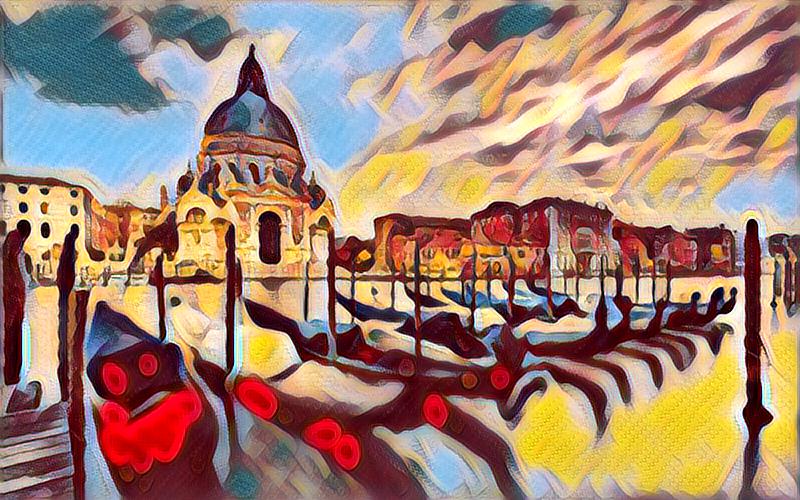
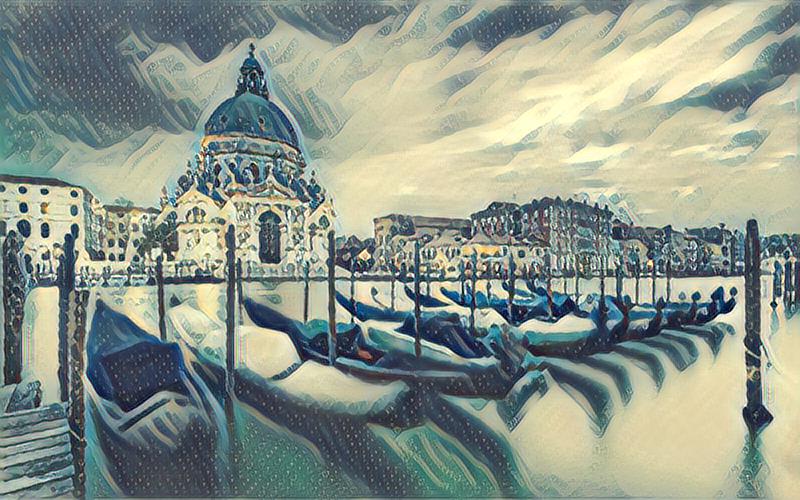
python main.py eval --content-image images/content/venice-boat.jpg --style-image images/21styles/candy.jpg --model models/21styles.model --content-size 1024
-
If you don't have a GPU, simply set
--cuda=0. For a different style, set--style-image path/to/style. If you would to stylize your own photo, change the--content-image path/to/your/photo. More options:--content-image: path to content image you want to stylize.--style-image: path to style image (typically covered during the training).--model: path to the pre-trained model to be used for stylizing the image.--output-image: path for saving the output image.--content-size: the content image size to test on.--cuda: set it to 1 for running on GPU, 0 for CPU.
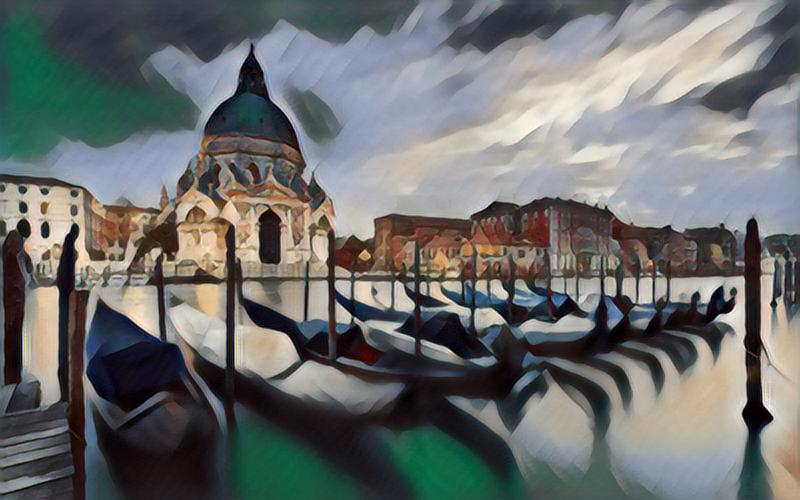
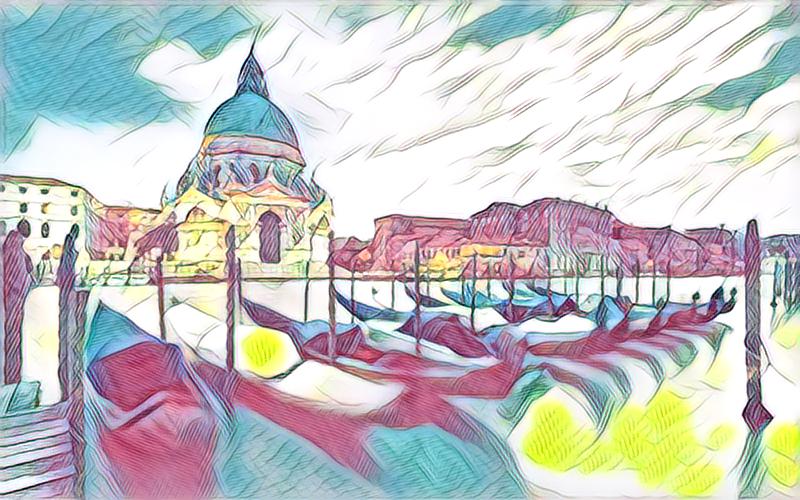
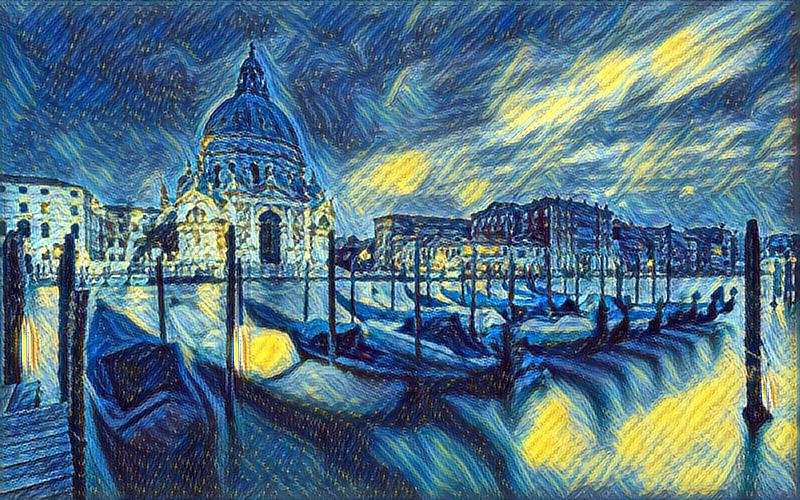
Train Your Own MSG-Net Model
- Download the COCO dataset
bash dataset/download_dataset.sh - Train the model
python main.py train --epochs 4
- If you would like to customize styles, set
--style-folder path/to/your/styles. More options:--style-folder: path to the folder style images.--vgg-model-dir: path to folder where the vgg model will be downloaded.--save-model-dir: path to folder where trained model will be saved.--cuda: set it to 1 for running on GPU, 0 for CPU.
Neural Style
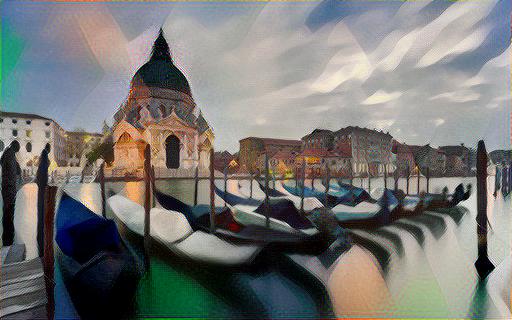
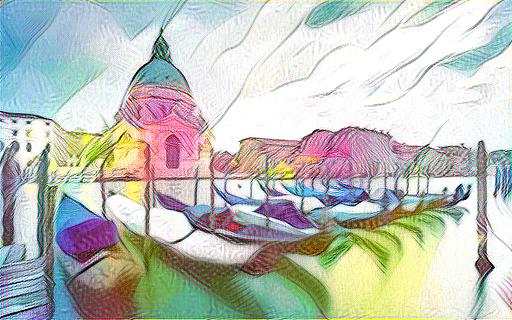
Image Style Transfer Using Convolutional Neural Networks by Leon A. Gatys, Alexander S. Ecker, and Matthias Bethge.
python main.py optim --content-image images/content/venice-boat.jpg --style-image images/21styles/candy.jpg
--content-image: path to content image.--style-image: path to style image.--output-image: path for saving the output image.--content-size: the content image size to test on.--style-size: the style image size to test on.--cuda: set it to 1 for running on GPU, 0 for CPU.
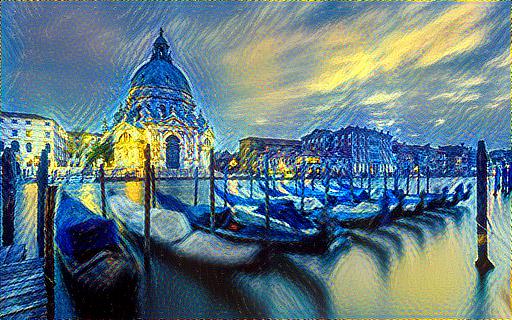
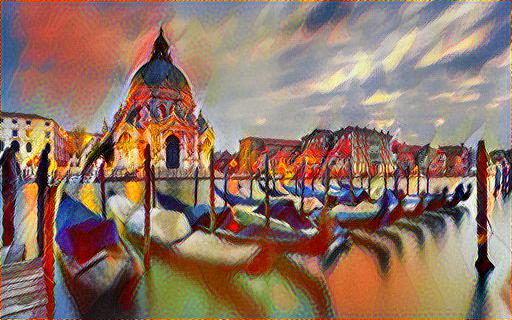
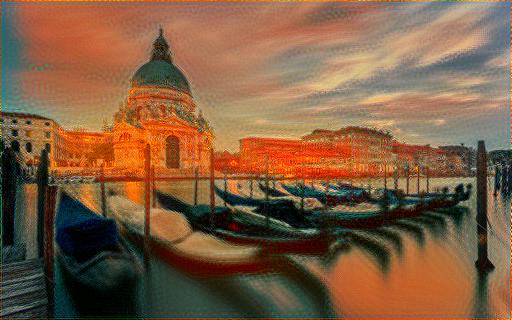
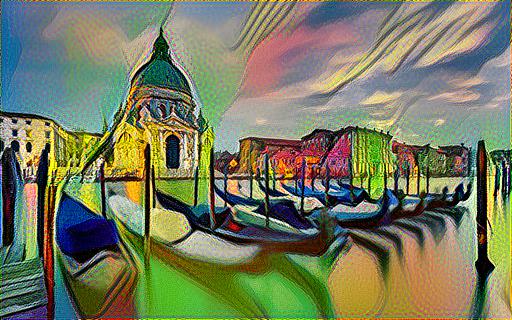
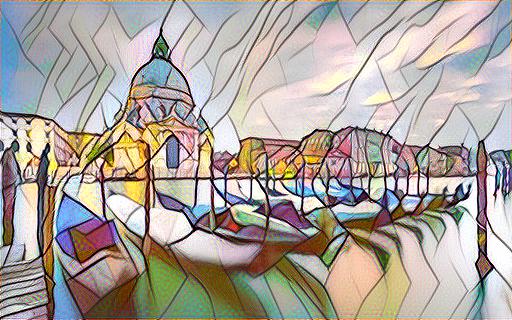
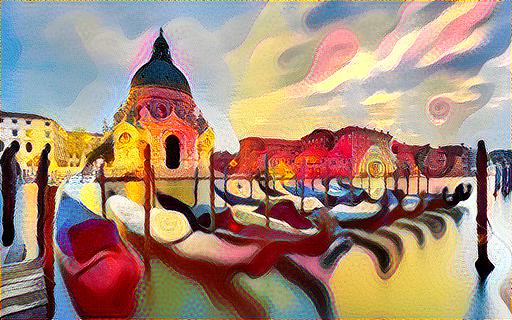
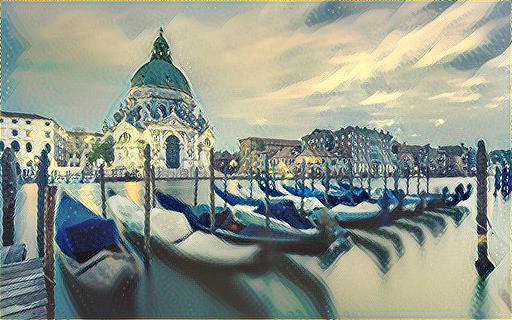
Acknowledgement
The code benefits from outstanding prior work and their implementations including:
- Texture Networks: Feed-forward Synthesis of Textures and Stylized Images by Ulyanov et al. ICML 2016. (code)
- Perceptual Losses for Real-Time Style Transfer and Super-Resolution by Johnson et al. ECCV 2016 (code) and its pytorch implementation code by Abhishek.
- Image Style Transfer Using Convolutional Neural Networks by Gatys et al. CVPR 2016 and its torch implementation code by Johnson.