eos: A lightweight header-only 3D Morphable Face Model fitting library in modern C++11/14.


eos is a lightweight 3D Morphable Face Model fitting library that provides basic functionality to use face models, as well as camera and shape fitting functionality. It's written in modern C++11/14.
At the moment, it mainly provides the following functionality:
- MorphableModel and PcaModel classes to represent 3DMMs, with basic operations like
draw_sample(). Supports the Surrey Face Model (SFM), 4D Face Model (4DFM), Basel Face Model (BFM) 2009 and 2017, and the Liverpool-York Head Model (LYHM) out-of-the-box - The low-resolution, shape-only Surrey Face Model (share/sfm_shape_3448.bin)
- Fast, linear pose, shape and expression fitting, edge and contour fitting:
- Linear scaled orthographic projection camera pose estimation
- Linear shape-to-landmarks fitting, implementation of O. Aldrian & W. Smith, Inverse Rendering of Faces with a 3D Morphable Model, PAMI 2013
- Expression fitting, with 6 linear expression blendshapes of the SFM: anger, disgust, fear, happiness, sadness, surprise
- Edge-fitting, heavily inspired by: A. Bas et al., Fitting a 3D Morphable Model to Edges: A Comparison Between Hard and Soft Correspondences, ACCVW 2016
- Texture extraction to obtain a pose-invariant representation of the face texture
- Python bindings: Much of eos's functionality is available as a python module (try
pip install eos-py!) - (Experimental): Non-linear fitting cost functions using Ceres for shape, camera, blendshapes and the colour model (needs Ceres to be installed separately)
An experimental model viewer to visualise 3D Morphable Models and blendshapes is available here.
Usage
- Tested with the following compilers: >=gcc-6, >=clang-5, >=Visual Studio 2017 15.5, >=Xcode 9.2.
- The library and python bindings do not require any external dependencies. The example applications require Boost (>=1.71.0) and OpenCV (>=2.4.3).
To use the library in your own project, just add the following directories to your include path:
eos/includeeos/3rdparty/cereal/includeeos/3rdparty/nanoflann/includeeos/3rdparty/eigen/Eigeneos/3rdparty/eigen3-nnls/srceos/3rdparty/toml11
Make sure to clone with --recursive to download the required submodules!
Build the examples and tests
- Needed dependencies for the example app: CMake (>=3.8.2, or >=3.10.0 for MSVC), Boost system, filesystem, program_options (>=1.71.0), OpenCV core, imgproc, highgui (>=2.4.3).
To build:
git clone --recursive https://github.com/patrikhuber/eos.git
mkdir build && cd build # creates a build directory next to the 'eos' folder
cmake -G "" ../eos -DCMAKE_INSTALL_PREFIX=../install/
make && make install # or open the project file and build in an IDE like Visual Studio
It is strongly recommended to use vcpkg to install the dependencies on Windows.
Users who wish to manage dependencies manually may find it helpful to copy initial_cache.cmake.template to initial_cache.cmake, edit the necessary paths and run cmake with -C ../eos/initial_cache.cmake. On Linux, you may also want to set -DCMAKE_BUILD_TYPE=... appropriately.
Sample code
The fit-model example app creates a 3D face from a 2D image.
After make install or running the INSTALL target, an example image with landmarks can be found in install/bin/data/. The model and the necessary landmarks mapping file are installed to install/share/.
You can run the example just by running:
fit-model
It will load the face model, landmark-to-vertex mappings, blendshapes, and other required files from the ../share/ directory, and run on the example image. It can be run on other images by giving it a -i parameter for the image and -l for a set of ibug landmarks. The full set of parameters can be viewed by running fit-model --help.
If you are just getting started, it is recommended to have a look at fit-model-simple too, as it requires much fewer input, and only fits pose and shape, without any blendshapes or edge-fitting. Its full set of arguments is:
fit-model-simple -m ../share/sfm_shape_3448.bin -p ../share/ibug_to_sfm.txt -i data/image_0010.png -l data/image_0010.pts
The output in both cases is an obj file with the shape and a png with the extracted texture map. The estimated pose angles and shape coefficients are available in the code via the API.
See examples/fit-model.cpp for the full code.
The Surrey Face Model
The library includes a low-resolution shape-only version of the Surrey Morphable Face Model. It is a PCA model of shape variation built from 3D face scans. It comes with uv-coordinates to perform texture remapping.
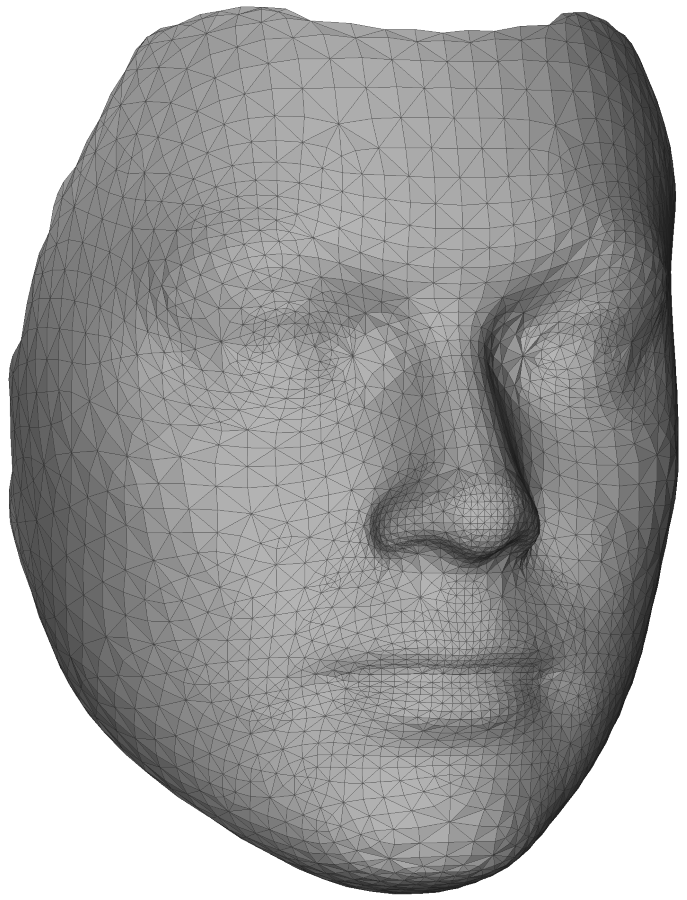
The full model is available at http://www.cvssp.org/facemodel.
4D Face Model (4DFM)
eos can be used to load, use and do basic fitting with the 4D Face Model (4DFM) from 4dface Ltd. The model features 39 expressions/action units, and diverse identity variation.
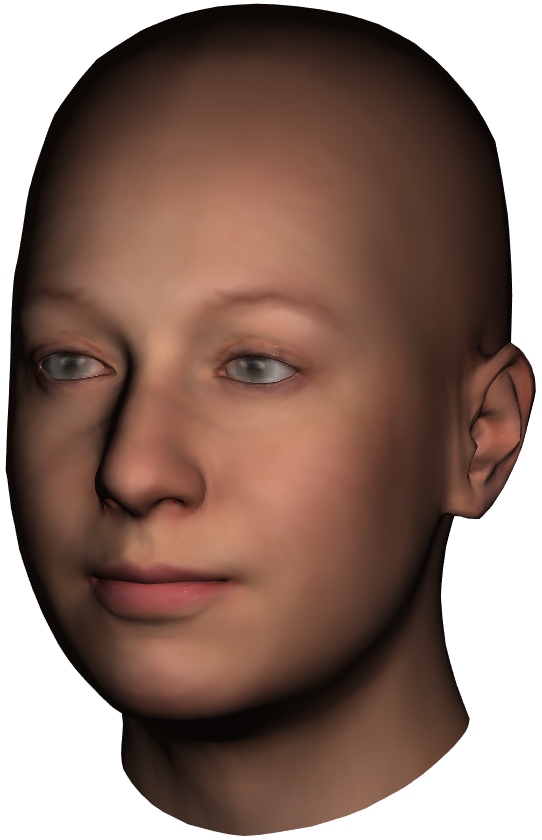
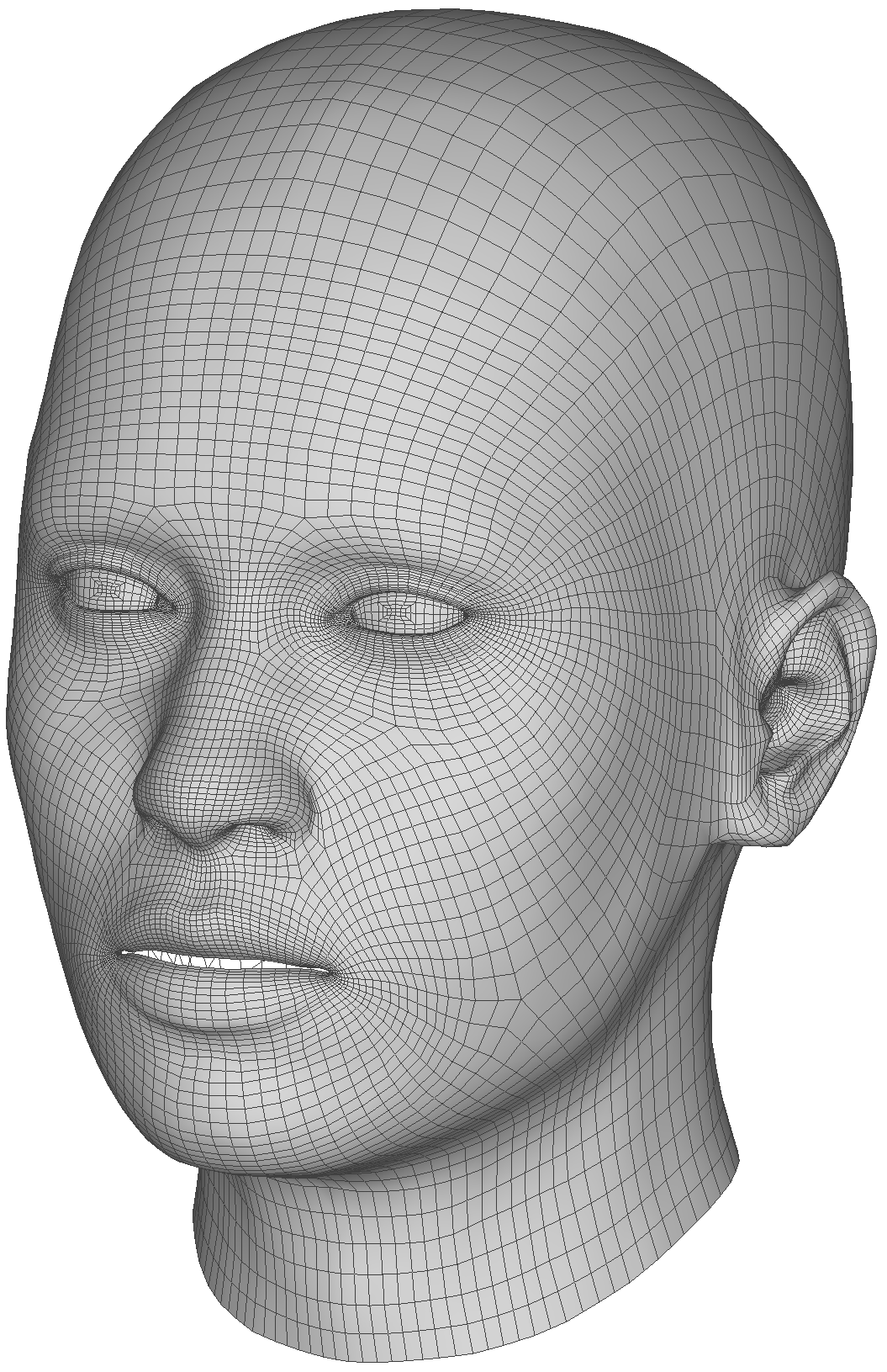
More information about the model can be found on www.4dface.io/4dfm.
Python bindings
eos includes python bindings for some of its functionality (and more can be added!). It can be installed from PyPI with pip install eos-py. You will still need the data files from this repository.
Make sure that you've got >=gcc-7 or >=clang-5 as the default compiler on Linux (for example from the ubuntu-toolchain-r/test repository) or do CC=`which gcc-7` CXX=`which g++-7` pip install eos-py. Also make sure you've got >=cmake-3.8.2 (or >=cmake-3.10.0 for MSVC) in your path.
In case of issues, the bindings can also be built manually: Clone the repository and set -DEOS_GENERATE_PYTHON_BINDINGS=on when running cmake (and optionally set PYTHON_EXECUTABLE to point to your python interpreter if it's not found automatically).
After having obtained the bindings, they can be used like any python module:
import eos
import numpy as np

model = eos.morphablemodel.load_model("eos/share/sfm_shape_3448.bin")
sample = model.get_shape_model().draw_sample([1.0, -0.5, 0.7])

help(eos) # check the documentation
See demo.py for an example on how to run the fitting.
Matlab bindings
Experimental (not maintained currently): eos includes Matlab bindings for the fit_shape_and_pose(...) function, which means the fitting can be run from Matlab. Set -DEOS_GENERATE_MATLAB_BINDINGS=on when running cmake to build the required mex-file and run the INSTALL target to install everything. (Set Matlab_ROOT_DIR to point to your Matlab directory if it's not found automatically). More bindings (e.g. the MorphableModel itself) might be added in the future.
Go to the install/eos/matlab directory and run demo.m to see how to run the fitting. The result is a mesh and rendering parameters (pose).
Documentation
Doxygen: http://patrikhuber.github.io/eos/doc/
The fit-model example and the Namespace List in doxygen are a good place to start.
License & contributions
This code is licensed under the Apache License, Version 2.0. The 3D morphable face model under share/sfm_shape_3448.bin is free for use for non-commercial purposes. For commercial purposes and to obtain other model resolutions, see http://www.cvssp.org/facemodel.
Contributions are very welcome! (best in the form of pull requests.) Please use GitHub issues for any bug reports, ideas, and discussions.
If you use this code in your own work, please cite the following paper: A Multiresolution 3D Morphable Face Model and Fitting Framework, P. Huber, G. Hu, R. Tena, P. Mortazavian, W. Koppen, W. Christmas, M. Rätsch, J. Kittler, International Conference on Computer Vision Theory and Applications (VISAPP) 2016, Rome, Italy [PDF].