English | 简体中文


ChatMLX
ChatMLX is a modern, open-source, high-performance chat application for MacOS based on large language models, based on the powerful performance of [MLX](https://github.com/ml-explore/mlx-swift) and Apple silicon. It supports multiple models, providing users with a rich variety of conversation options. It runs LLM locally to ensure user privacy and security.


[Report Bug](https://github.com/maiqingqiang/ChatMLX/issues)
·
[Request Feature](https://github.com/maiqingqiang/ChatMLX/issues)
·
[Download](https://github.com/maiqingqiang/ChatMLX/releases)
Features 🚀
- Multilingual: Supports all 39 major App Store languages, including English, Simplified Chinese, Traditional Chinese, Japanese, and Korean.
- Multiple Models: Provides multiple models, including Llama, OpenELM, Phi, Qwen, Starcoder, Cohere, Gemma.
- High Performance: Based on the powerful performance of MLX and Apple silicon.
- Privacy and Security: Run LLM locally to ensure user privacy and security.
- Open Source: Open source, welcome to contribute.
[!NOTE]
Compatible with macOS 14.0 and later.
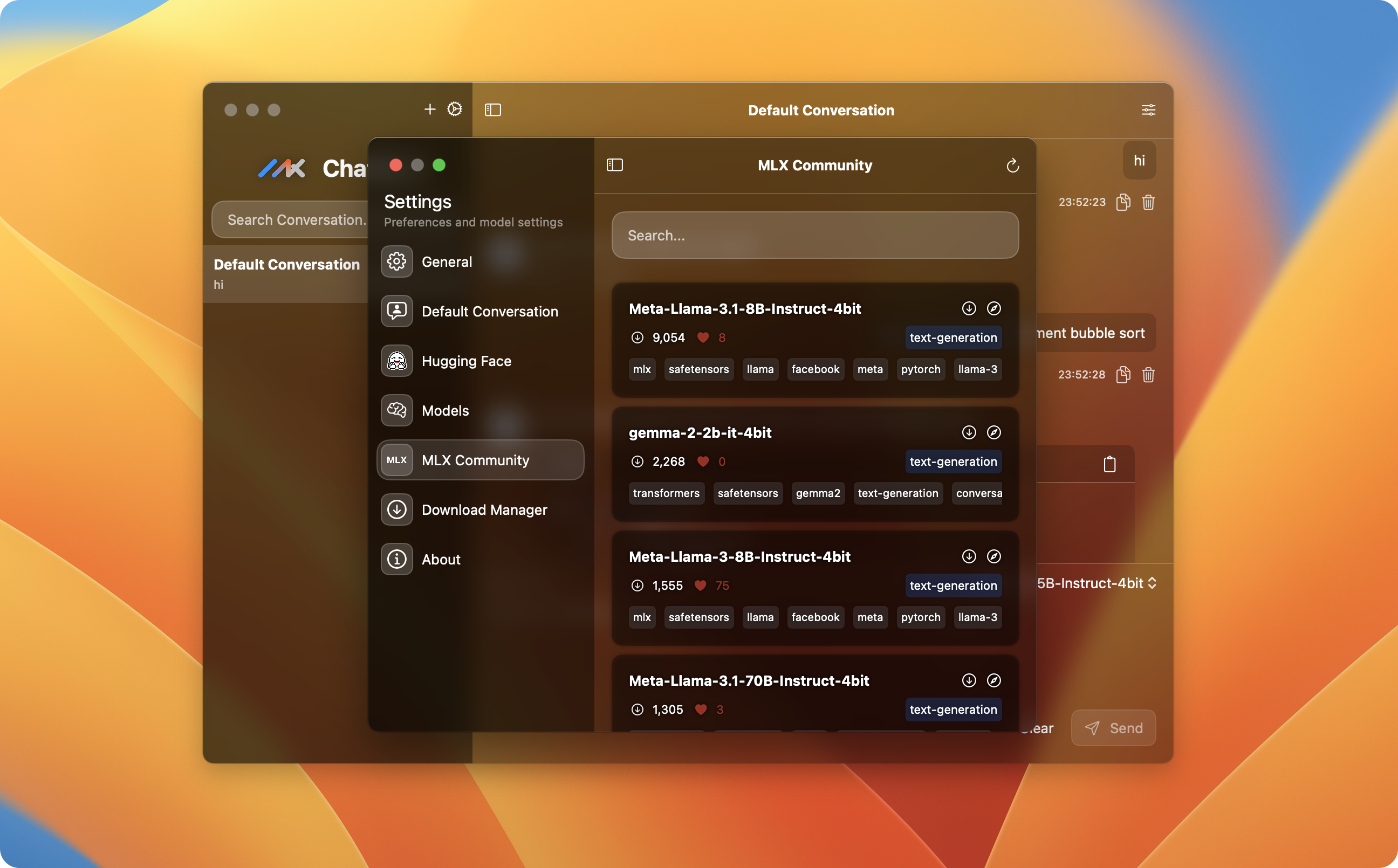
https://github.com/user-attachments/assets/75984252-058f-4782-ad5d-33b3ce772639
FAQ
1. After installing on macOS, it shows "The file is damaged" or there’s no response when opening it.
ChatMLX is not signed, which causes macOS security checks to block it.
If you encounter the "The file is damaged" error after installation, follow these steps:
xattr -cr /Applications/ChatMLX.app
You should then be able to open it normally.
If you see this message:
option -r not recognized

usage: xattr [-slz] file [file ...]
       xattr -p [-slz] attr_name file [file ...]
       xattr -w [-sz] attr_name attr_value file [file ...]
       xattr -d [-s] attr_name file [file ...]
       xattr -c [-s] file [file ...]

The first form lists the names of all xattrs on the given file(s).
The second form (-p) prints the value of the xattr attr_name.
The third form (-w) sets the value of the xattr attr_name to attr_value.
The fourth form (-d) deletes the xattr attr_name.
The fifth form (-c) deletes (clears) all xattrs.

options:
  -h: print this help
  -s: act on symbolic links themselves rather than their targets
  -l: print long format (attr_name: attr_value)
  -z: compress or decompress (if compressed) attribute value in zip format
Execute this command instead:
xattr -c /Applications/ChatMLX.app/*
If that doesn’t work, try running this command:
sudo xattr -d com.apple.quarantine /Applications/ChatMLX.app/