StoryTeller


A multimodal AI storyteller, built with Stable Diffusion, GPT, and neural text-to-speech (TTS).
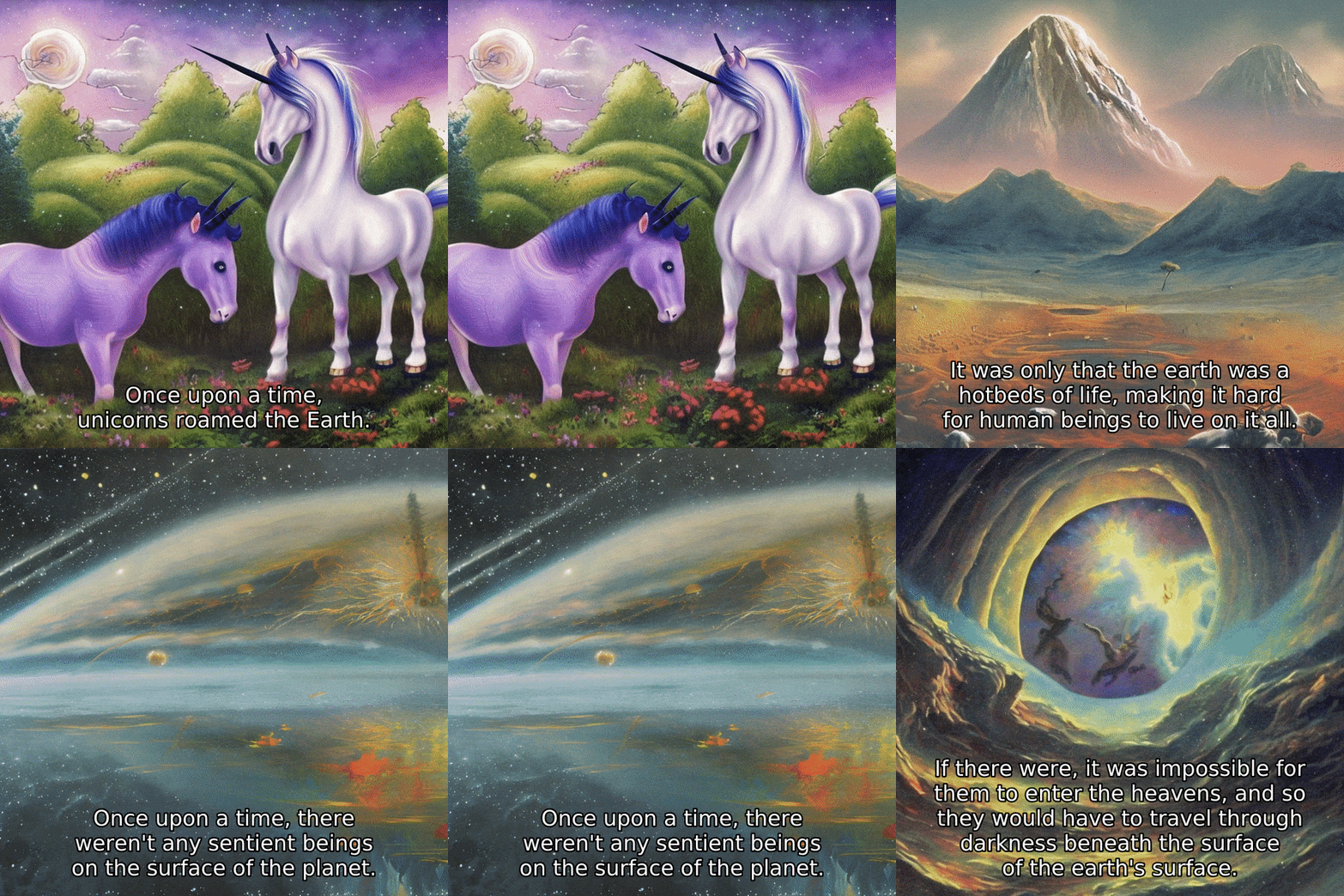
Given a prompt as an opening line of a story, GPT writes the rest of the plot; Stable Diffusion draws an image for each sentence; a TTS model narrates each line, resulting in a fully animated video of a short story, replete with audio and visuals.
Installation
PyPI
Story Teller is available on PyPI.
$ pip install storyteller-core
Source
- Clone the repository.
$ git clone https://github.com/jaketae/storyteller.git
$ cd storyteller
- Install dependencies.
$ pip install .
[!NOTE] For Apple Silicon users,
mecab-python3is not available. You need to installmecabbefore runningpip install. You can do this with Hombrew viabrew install mecab. For more information, refer to https://github.com/SamuraiT/mecab-python3/issues/84.
- (Optional) To develop locally, install
devdependencies and install pre-commit hooks. This will automatically trigger linting and code quality checks before each commit.
$ pip install -e .[dev]
$ pre-commit install
Quickstart
The quickest way to run a demo is by using the command line interface (CLI). To get started, simply type:
$ storyteller
This command will initialize the story with the default prompt of Once upon a time, unicorns roamed the Earth. An
example of the output that will be generated can be seen in the animation above.
You can customize the beginning of your story by using the --writer_prompt argument. For example, if you would like to
start your story with the text The ravenous cat, driven by an insatiable craving for tuna, devised a daring plan to break into the local fish market's coveted tuna reserve.,
your CLI command would look as follows:
storyteller --writer_prompt "The ravenous cat, driven by an insatiable craving for tuna, devised a daring plan to break into the local fish market's coveted tuna reserve."
The final video will be saved in the /out/out.mp4 directory, along with other intermediate files such as images,
audio files, and subtitles.
To adjust the default settings with custom parameters, you can use the different CLI flags as needed. To see a list of all available options, type:
$ storyteller --help
This will provide you with a list of the options, their descriptions and their defaults.
options:
  -h, --help            show this help message and exit
  --writer_prompt WRITER_PROMPT
                        The prompt to be used for the writer model. This is the text with which your story will begin. Default:
                        'Once upon a time, unicorns roamed the Earth.'
  --painter_prompt_prefix PAINTER_PROMPT_PREFIX
                        The prefix to be used for the painter model's prompt. Default: 'Beautiful painting'
  --num_images NUM_IMAGES
                        The number of images to be generated. Those images will be composed in sequence into a video. Default:
                        10
  --output_dir OUTPUT_DIR
                        The directory to save the generated files to. Default: 'out'
  --seed SEED           The seed value to be used for randomization. Default: 42
  --max_new_tokens MAX_NEW_TOKENS
                        Maximum number of new tokens to generate in the writer model. Default: 50
  --writer WRITER       Text generation model to use. Default: 'gpt2'
  --painter PAINTER     Image generation model to use. Default: 'stabilityai/stable-diffusion-2'
  --speaker SPEAKER     Text-to-speech (TTS) generation model. Default: 'tts_models/en/ljspeech/glow-tts'
  --writer_device WRITER_DEVICE
                        Text generation device to use. Default: 'cpu'
  --painter_device PAINTER_DEVICE
                        Image generation device to use. Default: 'cpu'
  --writer_dtype WRITER_DTYPE
                        Text generation dtype to use. Default: 'float32'
  --painter_dtype PAINTER_DTYPE
                        Image generation dtype to use. Default: 'float32'
  --enable_attention_slicing ENABLE_ATTENTION_SLICING
                        Whether to enable attention slicing for diffusion. Default: 'False'
Usage
Command Line Interface
CUDA
If you have a CUDA-enabled machine, run
$ storyteller --writer_device cuda --painter_device cuda
to utilize GPU.
You can also place each model on separate devices if loading all models on a single device exceeds available VRAM.
$ storyteller --writer_device cuda:0 --painter_device cuda:1
$ For faster generation, consider using half-precision.
$ storyteller --writer_device cuda --painter_device cuda --writer_dtype float16 --painter_dtype float16
Apple Silicon
[!NOTE] PyTorch support for Apple Silicon (MPS) is work in progress. At the time of writing,
torch.cumsumdoes not work withtorch.int64(issue) on PyTorch stable 2.0.1; it works on nightly only.
If you are on an Apple Silicon machine, run
$ storyteller --writer_device mps --painter_device mps
if you want to use MPS acceleration for both models.
For faster generation, consider enabling attention-slicing to save on memory.
$ storyteller --enable_attention_slicing true
Python
For more advanced use cases, you can also directly interface with Story Teller in Python code.
- Load the model with defaults.
from storyteller import StoryTeller

story_teller = StoryTeller.from_default()
story_teller.generate(...)
- Alternatively, configure the model with custom settings.
from storyteller import StoryTeller, StoryTellerConfig

config = StoryTellerConfig(
    writer="gpt2-large",
    painter="CompVis/stable-diffusion-v1-4",
    max_new_tokens=100,
)

story_teller = StoryTeller(config)
story_teller.generate(...)
License
Released under the MIT License.