Generating Faces with Deconvolution Networks
This repo contains code to train and interface with a deconvolution network adapted from this paper to generate faces using data from the Radboud Faces Database. Requires Keras, NumPy, SciPy, and tqdm with Python 3 to use.
Training New Models
To train a new model, simply run:
python3 faces.py train path/to/data
You can specify the number of deconvolution layers with -d to generate larger images, assuming your GPU has the memory for it. You can play with the batch size and the number of kernels per layer (using -b and -k respectively) until it fits in memory, although this may result in worse results or longer training.
Using 6 deconvolution layers with a batch size of 8 and the default number of kernels per layer, a model was trained on an Nvidia Titan X card (12 GB) to generate 512x640 images in a little over a day.
Generating Images
To generate images using a trained model, you can specify parameters in a yaml file and run:
python3 faces.py generate -m path/to/model -o output/directory -f path/to/params.yaml
There are four different modes you can use to generate images:
single, produce a single image.random, produce a set of random images.drunk, similar to random, but produces a more contiguous sequence of images.interpolate, animate between a set of specified keyframes.
You can find examples of these files in the params directory, which should give you a good idea of how to format these and what's available.
Examples
Interpolating between identities and emotions:

Interpolating between orientations: (which the model is unable to learn)

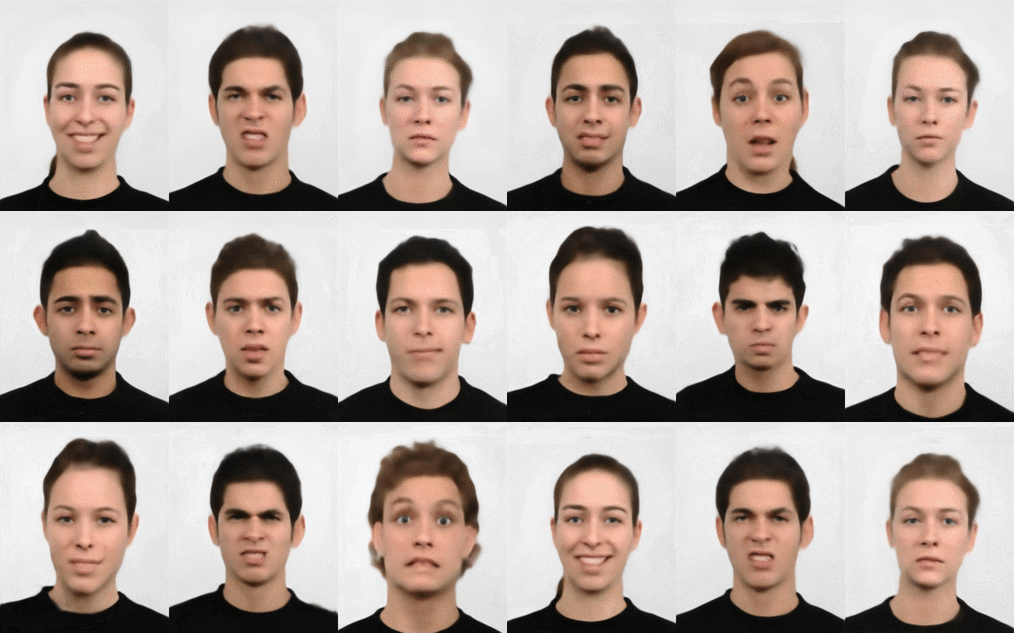
Random generations (using "drunk" mode):