Summarize


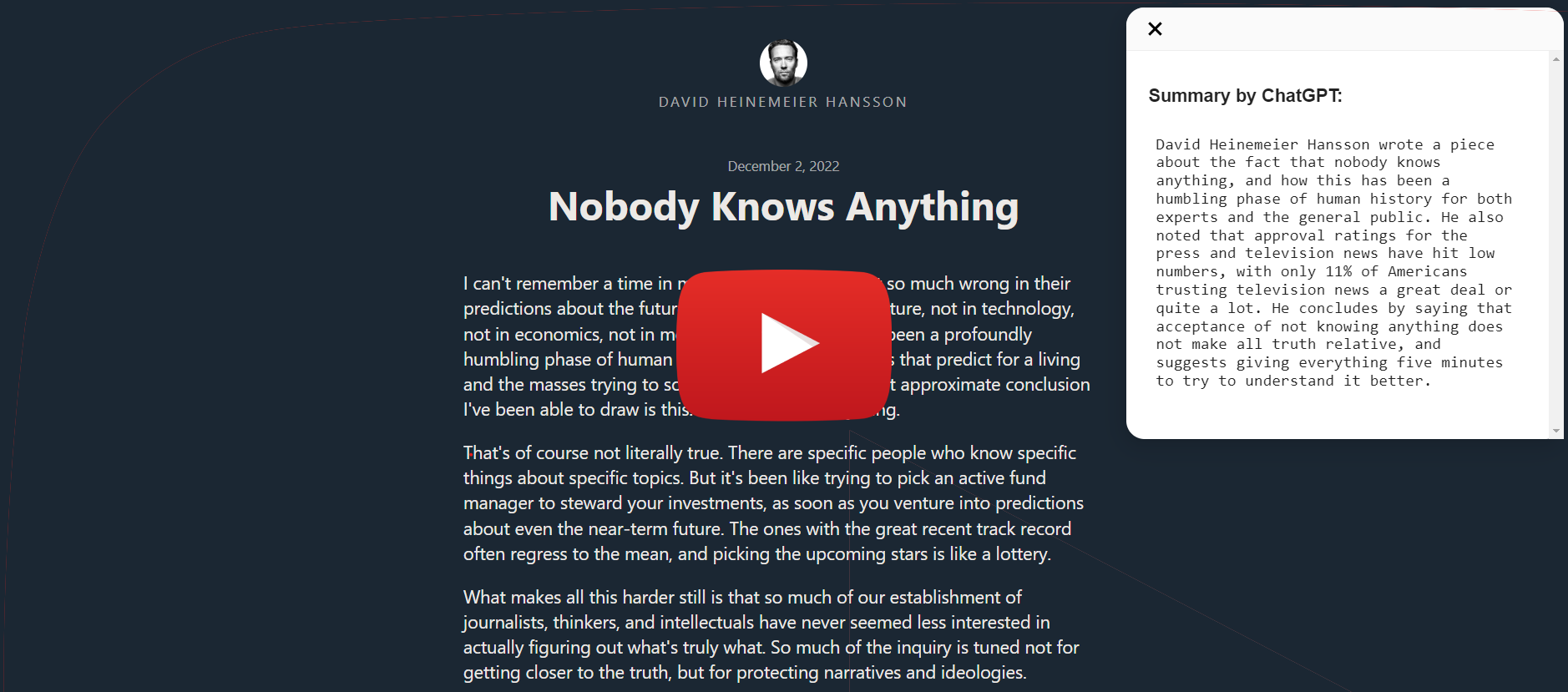
Browser Extension to summarize web page content using ChatGPT, support Chrome (more on the way!)
Installation
Install to Chrome/Edge
Local Install
- Download
chrome.zipfrom Releases - Unzip the file
- In Chrome/Edge go to the extensions page (
chrome://extensionsoredge://extensions). - Enable Developer Mode.
- Drag the unzipped folder anywhere on the page to import it (do not delete the folder afterwards).
Build from source
Chrome
- Clone the repo
- Install dependencies with
yarn - Run
yarn run dev-chrome - Load the
builddirectory to your browser
FAQ
- How do I translate this to my language of choice?
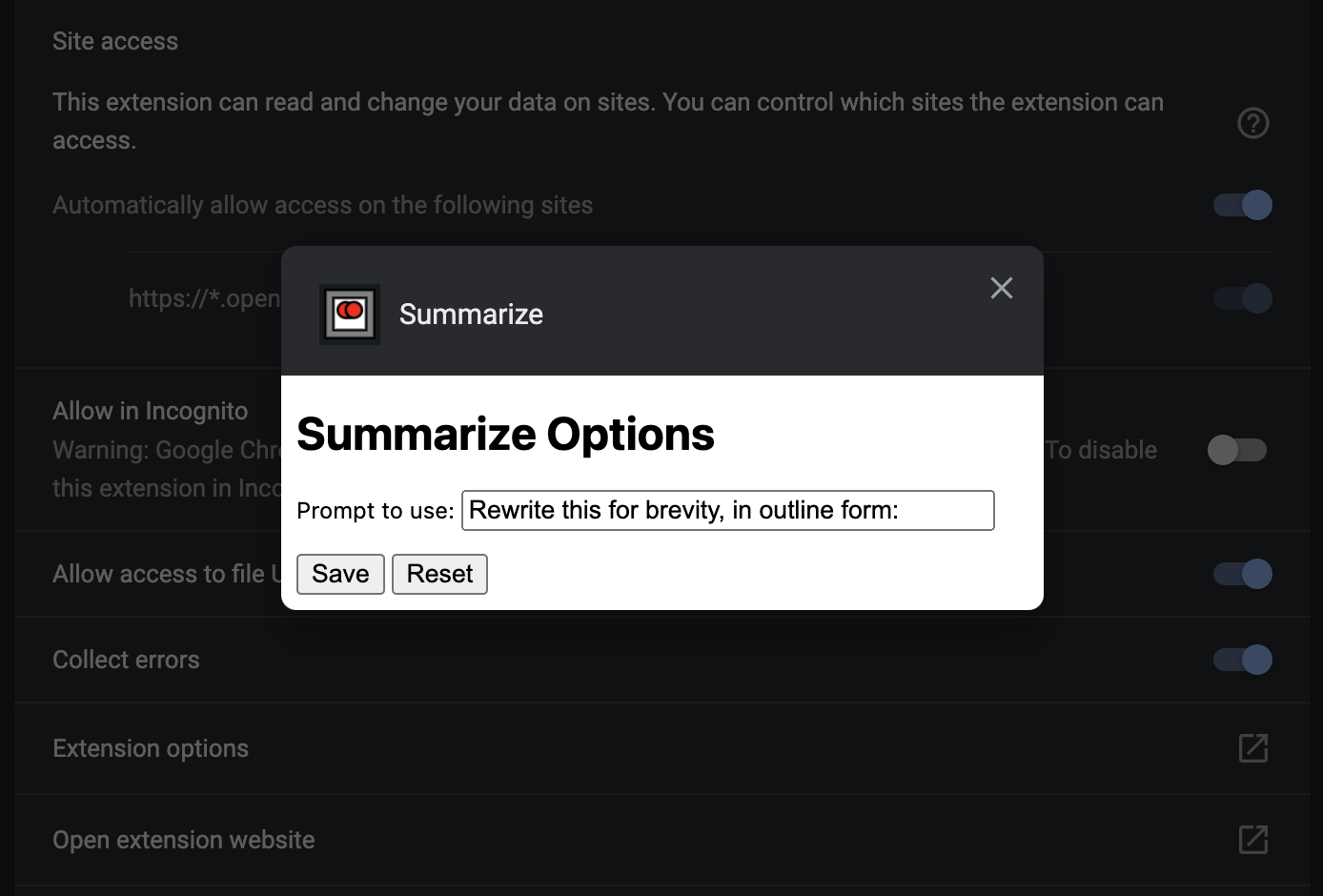
- You can change the
promptin the options page- right click the extension in the toolbar
- choose
Optionsfrom the drop down menu
- The following two configurations have been tested for Chinese:
- Rewrite this for brevity, translate into Chinese, in outline form:
- This directly summarizes the article in Chinese, outline form.
- Rewrite this for brevity, in outline form, Chinese translation:
- This summarizes the article in outline form in English, and adds a Chinese translation below.
- This summarizes the article in outline form in English, and adds a Chinese translation below.
- Rewrite this for brevity, translate into Chinese, in outline form:
- You can change the