docGPT 📄
ChatGPT directly integrated into Google Docs 📑
Features
- Faster than chat.openai.com
- Free
- Live Chat Within Google Docs
- Text Completion
Usage
-
Google Docs
-
MS Word
Google Docs
-
Get the template: https://docs.google.com/document/d/1N7qvw5mZdVe2u2IQ5pnVDmUjHsLEfq9_Z0Tf8PHloZA/edit?usp=sharing
-
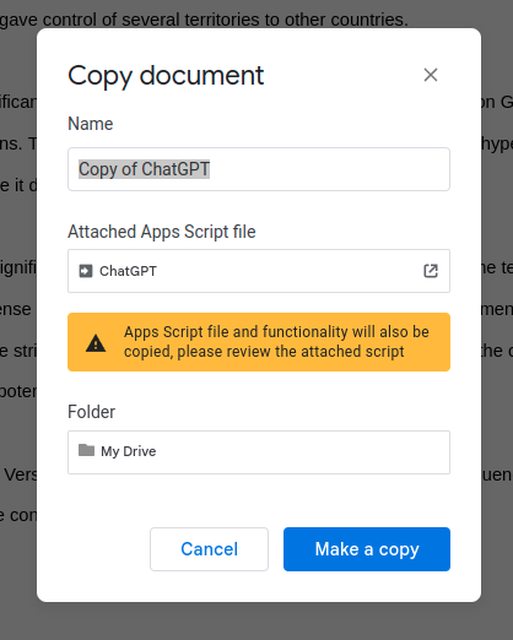
Make a copy of the document
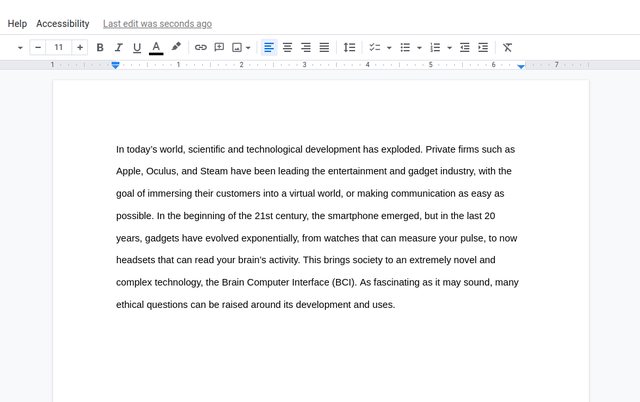
- Type something in your Google Doc
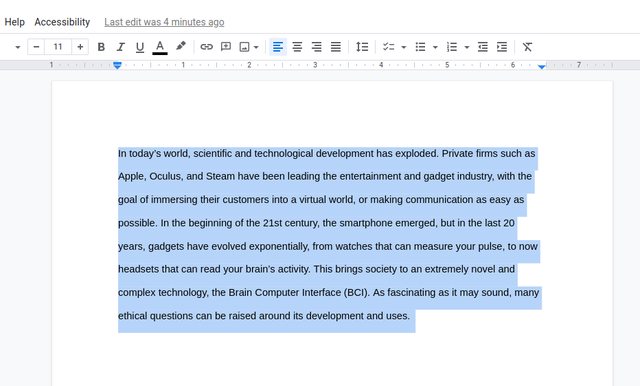
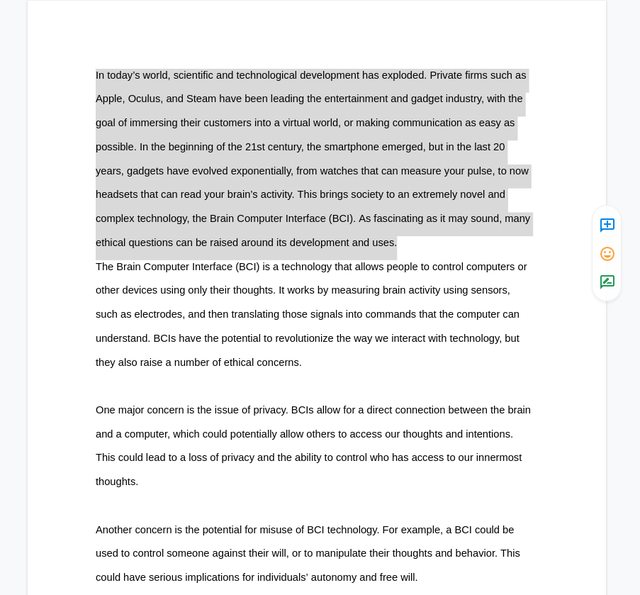
- Select your question, or whatever text you want to send to ChatGPT
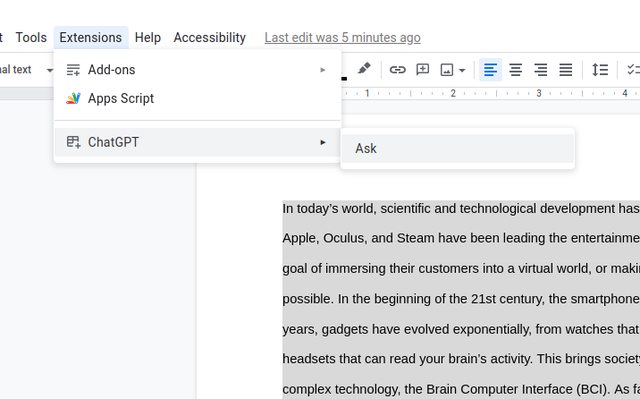
- Use the extension! (click Start instead of Ask to access the chat pop-up)
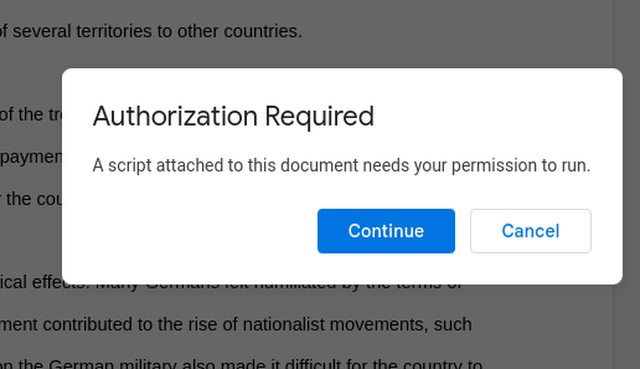
- Accept the Authorization request & sign into google
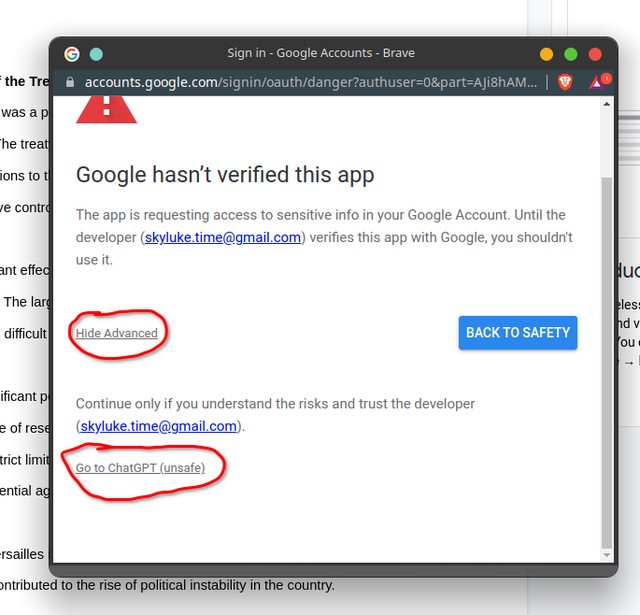
- Click Advanced, go to ChatGPT & allow the scopes required
- Get your result!
MS Word
-
Open a new word document
-
Enable the Developer Tab on Word
-
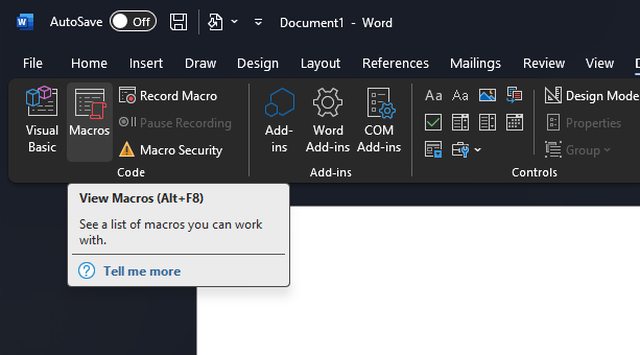
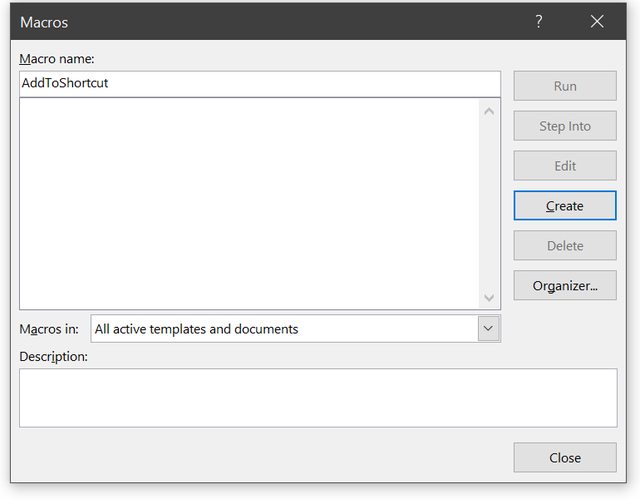
Click Macros
-
Create a new macro with the name AddToShortcut
-
Copy the code in
wordGPT/ask.basof this repo, and paste it into the Word VBA Editor -
Click
Tools > Referencesin the navbar
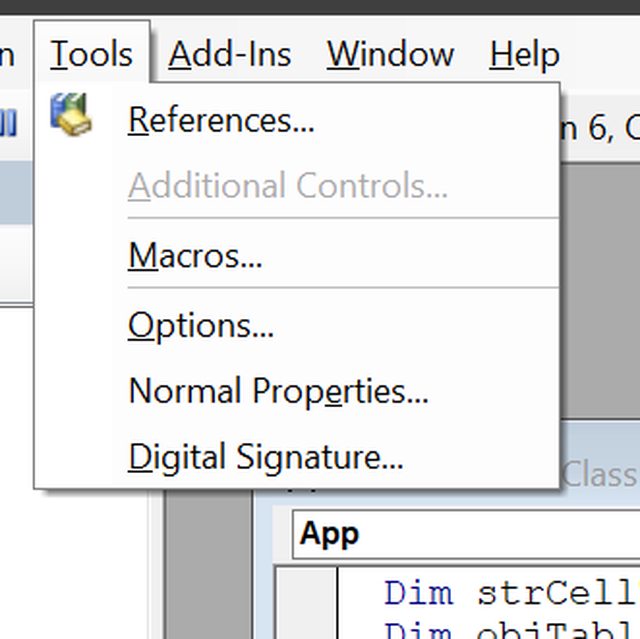
- Search for Microsoft Scripting Runtime and enable it

-
Click OK and Save the file containing the code you pasted.
-
Right click selected text in Word and click
Ask ChatGPT

- Wait for your result! (Currently it is not recommended to ask ChatGPT again before current question is answered, otherwise all the answers can be mixed up. Keyboard input is disabled while waiting for the result, see issue #9.)