
Oksskolten (pronounced "ooks-SKOL-ten") — every article, full text, by default.
Most RSS readers show what the feed gives you — a title and maybe a summary. Some (like Miniflux and FreshRSS) can fetch full article text, but it's opt-in per feed and requires configuration. Oksskolten does it for every article automatically: it fetches the original article, extracts the full text using Mozilla's Readability + 500 noise-removal patterns, converts it to clean Markdown, and stores it locally. No per-feed toggles, no manual CSS selectors — it just works.
Because Oksskolten always has the complete text, AI summarization and translation produce meaningful results, full-text search actually covers everything, and you never need to leave the app to read an article.
🕺 Live Demo → demo.oksskolten.com
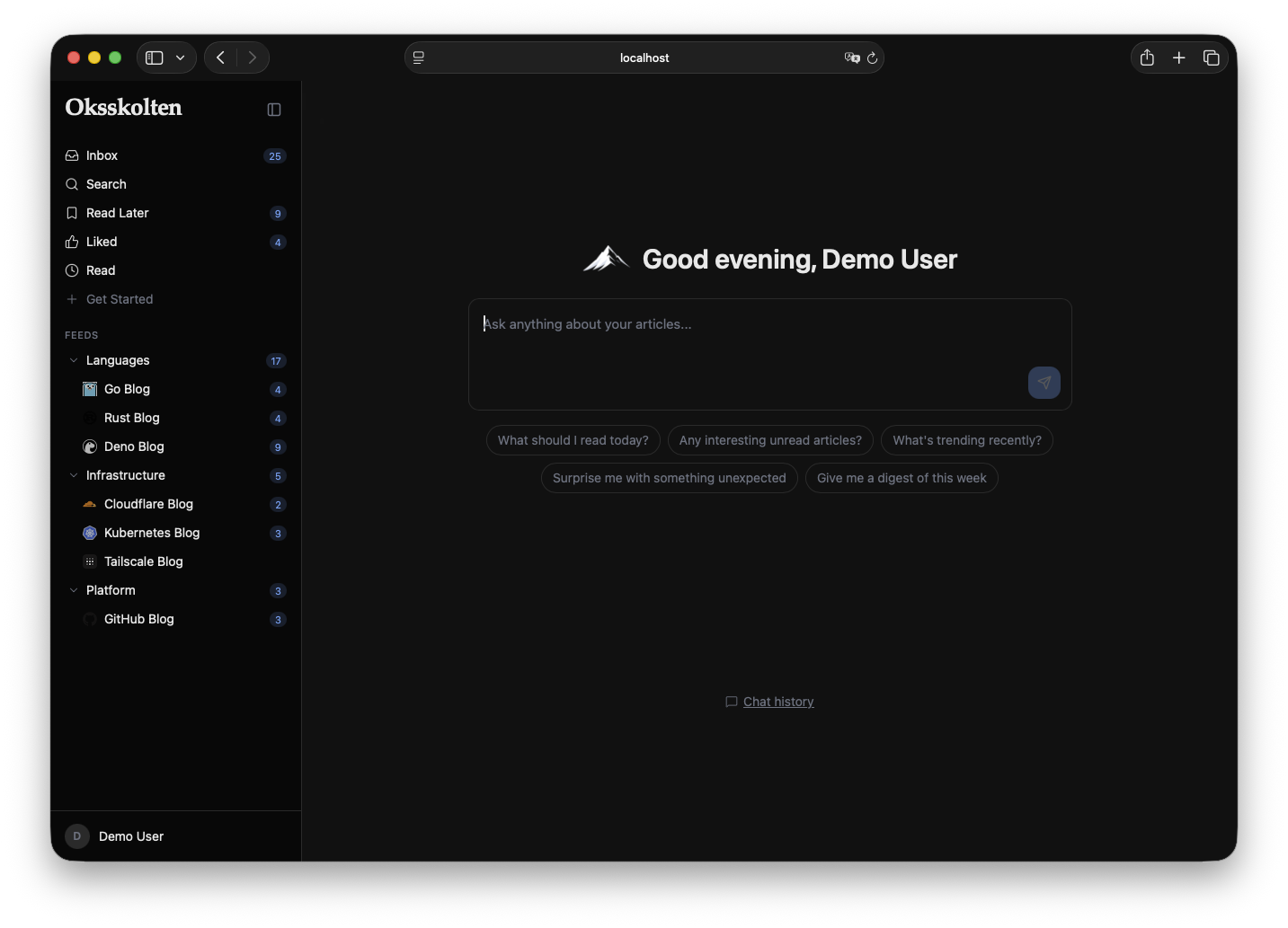
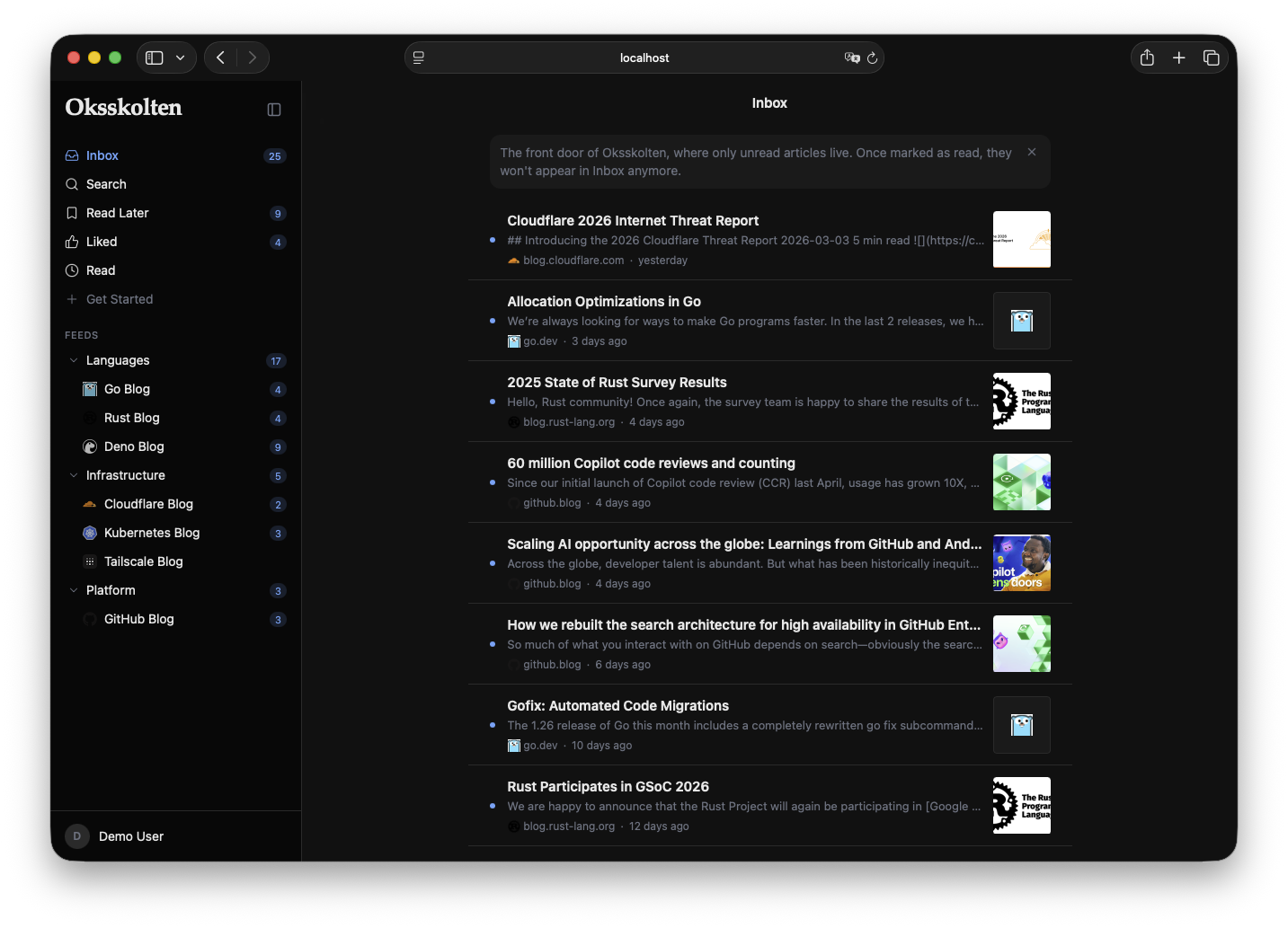
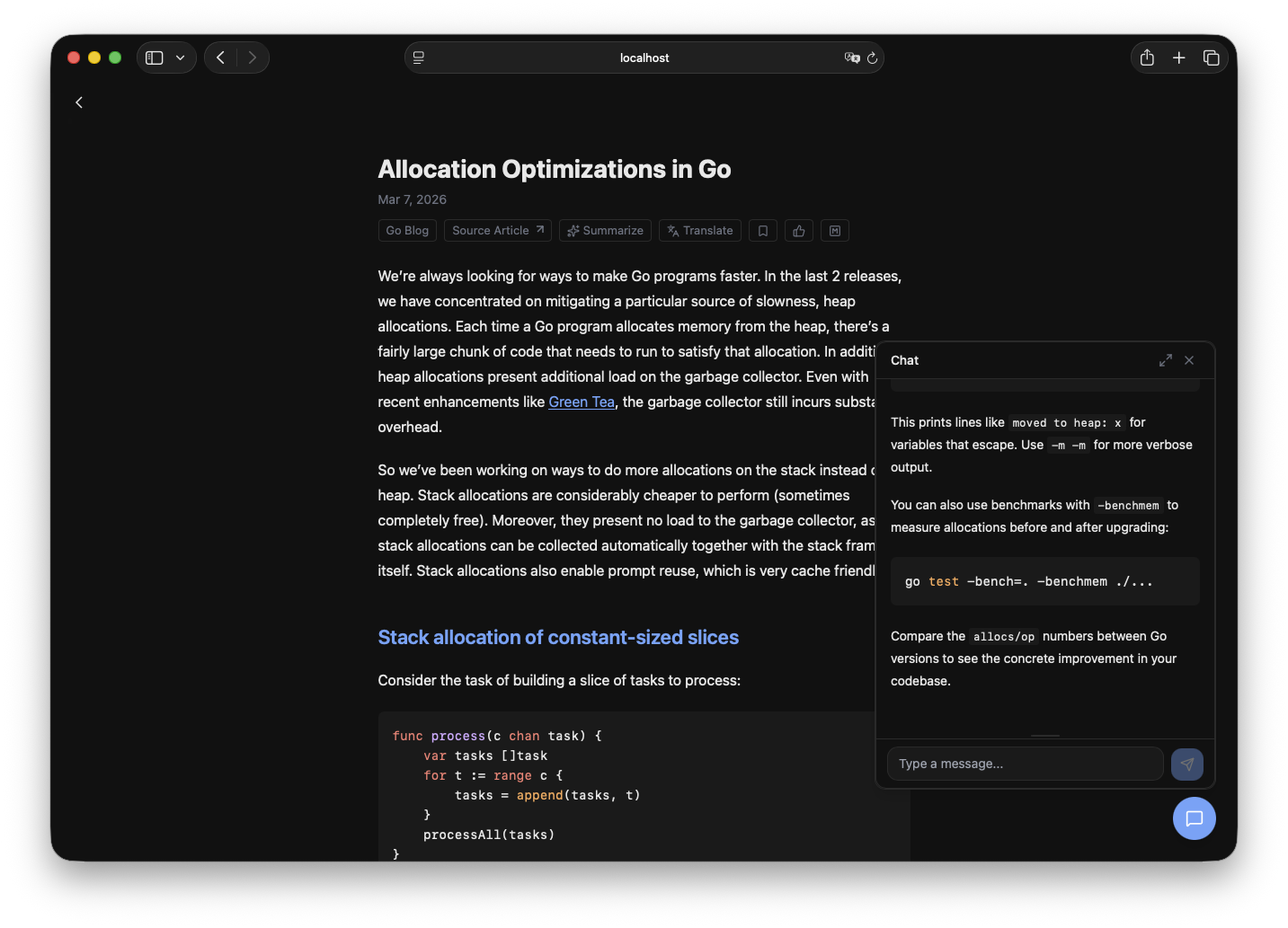
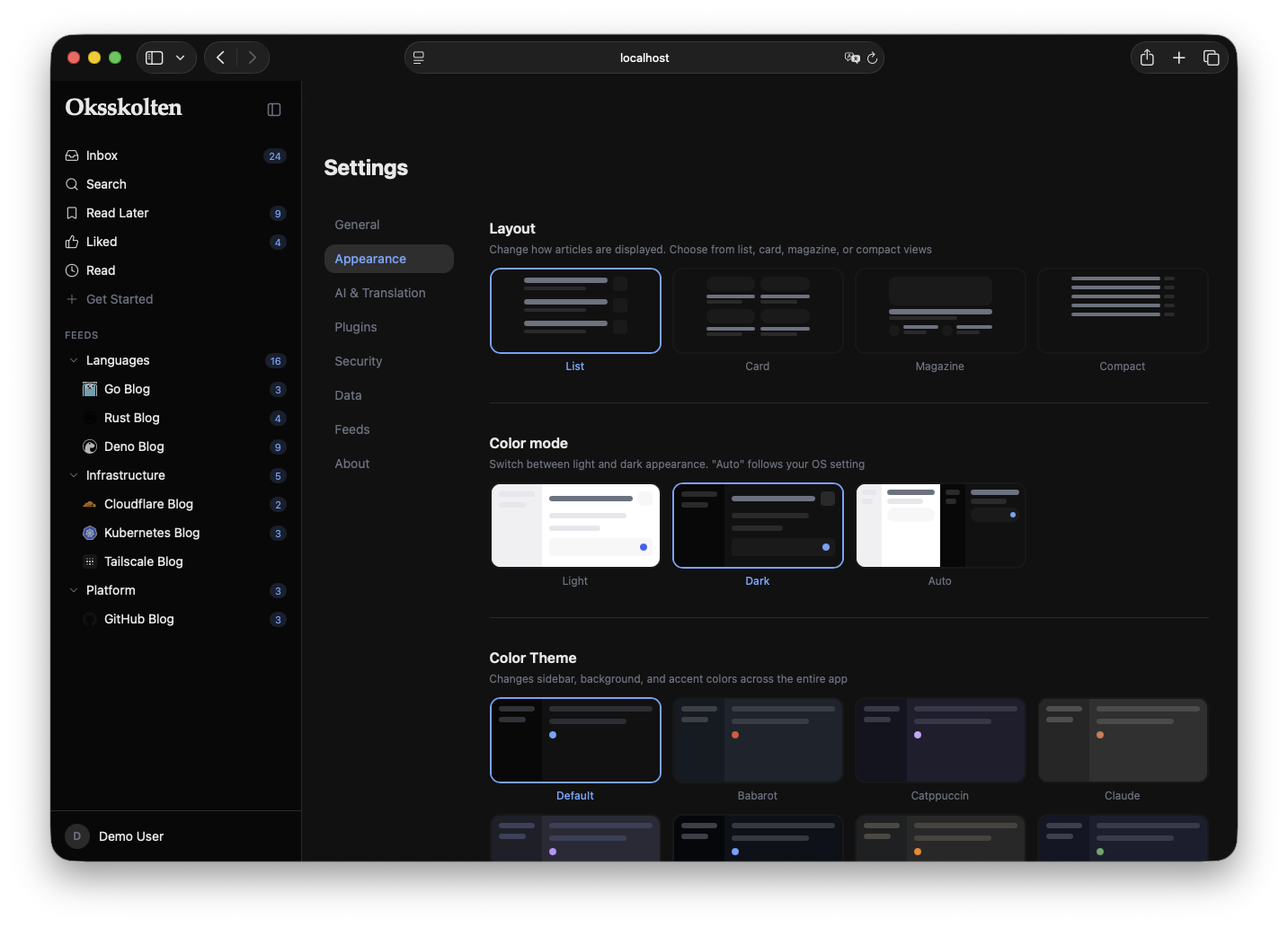
- Full-Text Extraction — Every article is fetched from its source and processed through Readability + 500 noise-removal patterns. You read complete articles inside Oksskolten, never needing to click through to the original site
- AI Summarization & Translation — On-demand article processing via Anthropic, Gemini, or OpenAI with SSE streaming. Works on full article text, not RSS excerpts
- Interactive Chat — Multi-turn AI conversations with MCP tooling; search articles, get stats, and ask questions about your feeds
- Full-Text Search — Meilisearch-powered search across your entire article archive
- Smart Fetching — Adaptive per-feed scheduling, conditional HTTP requests (ETag/Last-Modified), content-hash deduplication, exponential backoff, and tracking parameter removal
- PWA — Offline reading, background sync, and add-to-home-screen support
- Multi-Auth — Password, Passkey (WebAuthn), and GitHub OAuth — each independently configurable
- Smart Feed Management — Auto-discovery, CSS selector-based feeds (via RSS Bridge), bot bypass (FlareSolverr), and automatic disabling of dead feeds
- Article Clipping — Save any URL as an article, with full content extraction
- Theming — 14 built-in color themes + custom theme import via JSON, 9 article fonts, 8 code highlighting styles
- Single Container — API, SPA, and cron scheduler all run in one Docker container
| Layer | Technology |
|---|---|
| Backend | Node.js 22 + Fastify |
| Frontend | React 19 + Vite + Tailwind CSS + shadcn/ui |
| Database | SQLite via libsql (WAL mode) |
| AI | Anthropic / Gemini / OpenAI |
| Search | Meilisearch |
| Auth | JWT + Passkey / WebAuthn + GitHub OAuth |
| Deployment | Docker Compose + Cloudflare Tunnel |
graph TD
    subgraph host["Docker Host"]
        subgraph app["oksskolten (Node.js 22, port 3000)"]
            fastify["Fastify API<br/>/api/*"]
            spa["SPA static serving<br/>(Vite build)"]
            sqlite["SQLite<br/>(WAL mode)"]
            cron["node-cron<br/>Feed fetch every 5 min"]
            fetcher["Fetcher Pipeline<br/>RSS parse → Readability<br/>→ HTML cleaner → Markdown"]
            ai["AI Provider<br/>Anthropic / Gemini / OpenAI"]
            chat["Chat Service<br/>MCP Server + 4 Adapters"]

            fastify --> sqlite
            fastify --- spa
            fastify --> fetcher
            fastify --> ai
            fastify --> chat
            cron --> fetcher
            fetcher --> sqlite
            chat --> sqlite
            chat --> ai
        end

        bridge["RSS Bridge<br/>(Docker, port 80)"]
        flare["FlareSolverr<br/>(Docker, port 8191)"]
        tunnel["cloudflared<br/>(Cloudflare Tunnel)"]
    end

    user(("User")) -- "HTTPS" --> tunnel
    tunnel --> fastify
    cron -- "HTTP fetch" --> rss(("RSS Feeds"))
    fetcher --> bridge
    fetcher --> flare
    ai -- "API" --> llm_api(("Anthropic / Gemini<br/>/ OpenAI API"))
Everything runs in a single long-lived process — SQLite needs local disk, and node-cron needs a process that stays alive. This rules out serverless/edge runtimes but keeps the stack simple: one container, no external queues or coordination. For cloud deployment, a small VM or Fly.io + Turso works well.
Oksskolten also exposes an MCP server, so Claude Code or any MCP client can search, summarize, and query your article archive without opening the app.
What's in a name? Oksskolten is the highest peak in northern Norway — a mountain of knowledge for your feeds.
Unlike traditional RSS readers that rely on feed-provided summaries, Oksskolten fetches every article directly from its source URL and extracts the full text. This means the reader is self-contained — no need to leave the app to read an article.
- Fetch RSS — Adaptive per-feed scheduling with conditional requests (ETag/Last-Modified/content hash)
- Parse — RSS/Atom/RDF parsed via feedsmith + fast-xml-parser, tracking parameters stripped
- Fetch Article — Original article URL fetched directly (with FlareSolverr fallback for bot-protected sites)
- Extract — Full article content extracted with Readability in isolated Worker Threads
- Clean — ~500 noise-removal patterns strip ads, nav, sidebars, and tracking elements
- Convert — HTML converted to Markdown with GFM support
- Enrich — Language detection, OGP image extraction, excerpt generation
- Index — Articles indexed in Meilisearch for full-text search
The feed fetcher minimizes bandwidth and adapts to each feed's behavior, inspired by best practices from FreshRSS, Miniflux, and CommaFeed:
- 3-layer change detection — HTTP 304 (ETag/Last-Modified) → content hash (SHA-256) → full parse. Unchanged feeds are caught early without parsing XML
- Adaptive scheduling — Each feed gets its own check interval (15min–4h) based on three signals: HTTP
Cache-Control, RSS<ttl>, and actual article frequency. Active blogs are checked often; dormant ones back off automatically - Resilient error handling — Exponential backoff on errors (1h–4h cap), but feeds are never disabled. Rate limits (429/503) respect
Retry-Afterheaders without counting as errors - URL deduplication — 60+ tracking parameters (utm_*, fbclid, gclid, etc.) are stripped before duplicate checking, preventing the same article from being inserted twice
| Oksskolten | Miniflux | FreshRSS | Feedly | |
|---|---|---|---|---|
| Full-text extraction | Every article, by default | Opt-in per feed | Opt-in per feed | Auto (best-effort) |
| Extraction engine | Readability.js + 500 patterns | Go Readability (~390 lines, ~60 rules) | Manual CSS selectors | Proprietary |
| JS-rendered sites | FlareSolverr | — | — | Enterprise only |
| Sites without RSS | Auto-discovery → RSS Bridge → LLM inference | — | — | Pro+ (25) / Enterprise (100) |
| AI summarization | Built-in (Anthropic/Gemini/OpenAI) | — | — | Pro+ only (Leo) |
| AI translation | Built-in (+ Google Translate, DeepL) | — | — | Enterprise only |
| AI chat | MCP-powered, searches archive | — | — | — |
| Search | Meilisearch (typo-tolerant) | PostgreSQL full-text | SQL LIKE | Pro+ (Power Search) |
| Database | SQLite (embedded, WAL) | PostgreSQL (external) | MySQL/PG/SQLite | SaaS |
| Deployment | Single container | Binary + PostgreSQL | PHP + web server + DB | SaaS |
| Offline reading | PWA with background sync | — | — | Mobile apps only |
| Auth | Password + Passkey/WebAuthn + GitHub OAuth | Password + API key | Password + API key | Google/Apple/social + SAML (Enterprise) |
| Themes | 14 + custom JSON import | Light/Dark | ~10 themes | — |
| Language | Node.js (TypeScript) | Go | PHP | — |
| Price | Free / OSS (AGPL-3.0) | Free / OSS (Apache-2.0) | Free / OSS (AGPL-3.0) | $12.99/mo (Pro+) |
Miniflux and FreshRSS are excellent, mature projects. Oksskolten's focus is different: full-text extraction and AI as first-class defaults, not optional add-ons.
docker compose up --build   # HMR enabled
# Frontend: http://localhost:5173
# Backend:  http://localhost:3000

npm test                    # Run all tests
npm run build               # Production build
On first startup with an empty database, sample feeds and articles are automatically loaded from the demo seed data (src/lib/demo/seed/*.json). This gives you a populated UI to work with immediately. The seed is idempotent — it only runs when no RSS feeds exist in the database. To start with an empty database instead, set NO_SEED=1.
See .env.example for available environment variables. AI provider keys are configured through the Settings UI.
Runs anywhere Docker runs — a home NAS, a Raspberry Pi, or a cloud VM.
Pre-built multi-architecture Docker images (amd64/arm64) are published to GHCR on every release:
docker pull ghcr.io/babarot/oksskolten:latestTo use the pre-built image instead of building locally, edit compose.prod.yaml and swap the build directive for the commented-out image line, then:
docker compose -f compose.yaml -f compose.prod.yaml up -d# Production with Cloudflare Tunnel
docker compose -f compose.yaml -f compose.prod.yaml up --build -dThe production compose file includes a cloudflared sidecar that exposes the app via Cloudflare Tunnel — no port forwarding or static IP required.