
Mobirise AI Website Builder
Mobirise is a website builder you can use for free. Describe your site in a prompt and Mobirise AI builds the first version, or start from a theme. Then change anything in the visual drag-and-drop editor or in chat with AI.
It works in your browser, and there is also a desktop app for Windows, Mac and Linux. Both are the same Mobirise with the same features. The desktop app keeps working without internet; only AI and publishing need to be online.
You can use it for free, for your own sites and for paid client work. It is not open source: this repository holds the release notes, not the source code of the app.
Website: mobirise.com · Mobirise AI: ai.mobirise.com
Download
Latest version: 6.1.12
| System | Installer |
|---|---|
| Windows | MobiriseSetup.exe |
| Mac with Apple Silicon (M1 and later) | MobiriseSetup-m.dmg |
| Mac with Intel | MobiriseSetup.dmg |
| Linux | MobiriseSetup.deb |
All versions: history.mobirisesite.com
How to make a website with Mobirise
- Open Mobirise. Use it in the browser at ai.mobirise.com, or install the desktop app from the table above.
- Start a site. Write a prompt: what the business or project is, which pages you need, the mood of the design. Mobirise AI makes the first version. If you prefer to build by hand, create a new site from a theme instead.
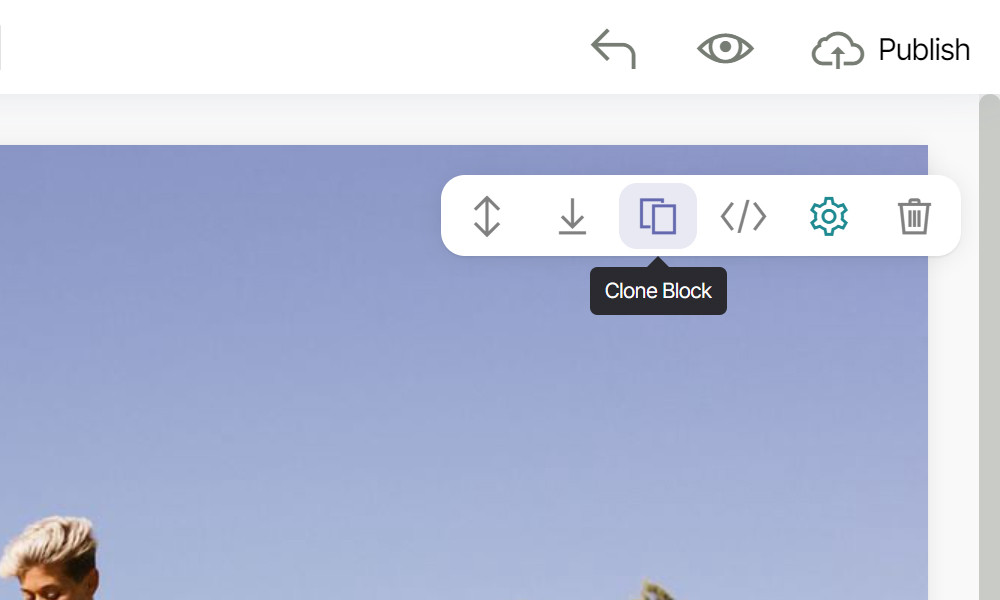
- Edit the pages. Click any text to change it. Drag new blocks onto the page from the blocks panel. Each block has a small toolbar to move it, clone it, open its settings or remove it. Fonts and colors for the whole site are in Site Styles.
- Prepare each page for search and sharing. In the page settings, set the page title and description, check how the page will look in Google results, and pick the image that social networks show when someone shares the link.
- Check and publish. Switch between the desktop, tablet and phone views, open a preview in the browser, then press Publish and choose where the site goes.
Features
- Mobirise AI. Get a full site from a short description and regenerate it to see other variants. On premium AI plans you can also generate a new block or rewrite an existing one with AI. Sites made in Mobirise AI can be opened in the desktop app by a link.
- Visual editor. Edit text in place, reorder blocks with drag and drop, and undo changes. No code needed.
- Themes and blocks. Themes come with ready-made blocks: menus, headers, features, galleries, sliders, video, forms, pricing tables, testimonials, maps and footers. Save any block you have changed as your own block and reuse it on other pages.
- One style for the whole site. Set fonts, colors and buttons once in Site Styles. Use Google Fonts or add your own fonts.
- Mobile-friendly sites. Every theme is responsive. Current themes are built on Bootstrap 5.
- Forms. Contact and subscribe forms send submissions to your email with no server code. The Form Builder extension adds custom fields and layouts, and forms support reCAPTCHA.
- Images. Pick photos from the free online image library, crop and rotate them in the app. The app resizes images for the web and can convert them to WebP when you publish.
- Fast pages. Remove unused CSS and load images lazily with the Lazy Load extension. Icons are SVG instead of icon fonts.
- Accessibility. Choose which heading tag (H1, H2 and so on) each title uses. Keyboard users see a clear outline on the focused element.
- Your own code. With the Code Editor extension you can edit the HTML and CSS of any block and add code to the head or body of one page or of the whole site.
- Project history. Mobirise keeps earlier versions of each project, so you can go back to any of them.
- Extensions. Popup Builder, PayPal Shopping Cart, Cookie Alert with GDPR consent, social feeds and more.
Publish your site
Press Publish in the top right corner and choose one of these options:
- Local folder. In the desktop app, save the site as static HTML, CSS and JS files for free and upload them to any hosting with your own tools. In the browser version, code export is part of the paid plans.
- FTP. Upload straight from the app to your server over FTP, SFTP, FTPS or FTPES. It can upload only the files that changed.
- GitHub Pages. Host the site on GitHub for free (see the steps below).
- Mobirise Sites. Publish to a free subdomain such as
yoursite.mobirisesite.comwith SSL and a CDN. Connecting your own domain needs a paid plan.
Publish to GitHub Pages
- You need a GitHub account.
- In Mobirise, open the main menu, go to Account → App Settings and turn on Publish to GitHub Pages.
- On GitHub, create a personal access token with the
repoandworkflowscopes. - Press Publish, choose GitHub Pages, paste the token and pick a folder name for the site.
- The site opens at
your-username.github.io/folder/. The sites you publish show up in your GitHub account, where you can remove the ones you no longer need.
What's new
Mobirise 6.1.12
- Mobirise AI: Import by Link. Add sites generated in Mobirise AI to the app by a link and view some already generated sites.
- WebP conversion now supports .php pages.
- Fixes for Video Popup in theme blocks, Cookie Alert and FTP publication.
Mobirise 6.1.9
- Premium AI plans: Generate Block with AI and Edit Block with AI.
- FTP publication supports FTPES.
- Add more fonts to your project in Style Editor.
- Fix for Online Image Gallery and many minor fixes.
All releases since version 1.6: CHANGELOG.md
FAQ
Is Mobirise free? Yes. The app, a free theme and 3 AI generations a month cost nothing. Premium themes, extensions and larger AI plans are paid.
Can I use it for commercial and client sites? Yes, the free license covers both personal and commercial projects.
Is Mobirise open source? No. It is free to use, but the source code is not public. This repository holds the release notes.
Does Mobirise work offline? The desktop app does: you can build and edit sites without an internet connection. AI generation, the online image library and publishing need a connection.
Which systems does it run on? Windows, macOS (separate builds for Apple Silicon and Intel Macs) and Linux (a .deb package). It also works in the browser.
Do I need to know HTML or CSS? No. Everything is done in the visual editor or with AI. If you do code, the Code Editor extension gives you the HTML and CSS.
Can I host the site anywhere? Yes. In the desktop app, publishing to a local folder is free and gives you regular static files that any web server can serve. In the browser version, code export is part of the paid plans. You can also publish over FTP, to GitHub Pages or to Mobirise Sites.
How do I move a project to another computer?
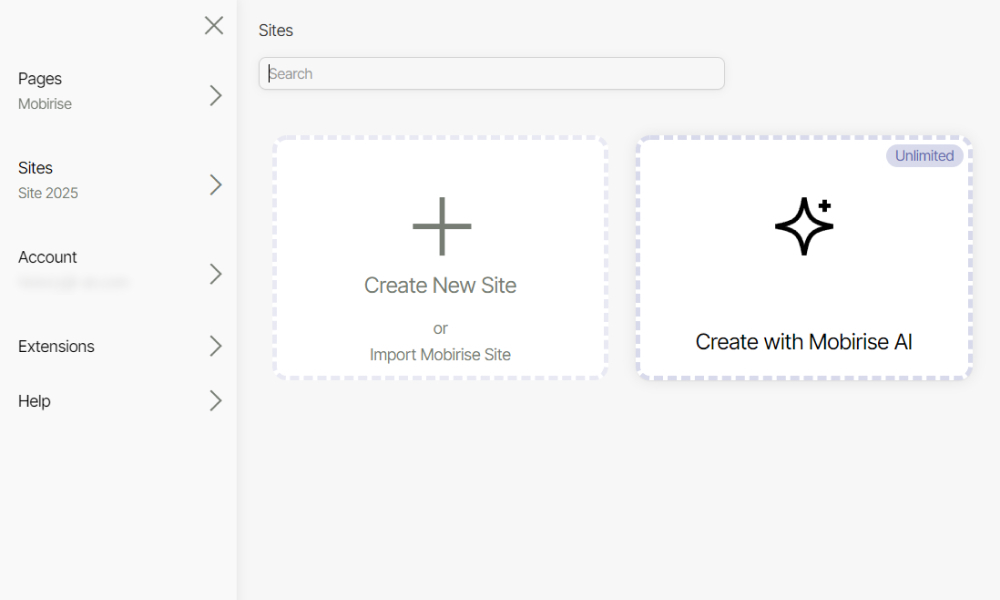
In the desktop app, saving a project to disk is free. Open the Sites list, click the gear button of the site and choose Export site. You get a project.mobirise file; on the other computer use Import Mobirise site. The app opens only its own project files, not published HTML.
Which Bootstrap version does Mobirise use? Current themes use Bootstrap 5. Older M4 themes are based on Bootstrap 4.
Where can I find older versions? At history.mobirisesite.com. What changed in each version is in CHANGELOG.md.
Help
- Help Center: mobirise.com/help
- Email: support@mobirise.com